Retract SAP (Broker)
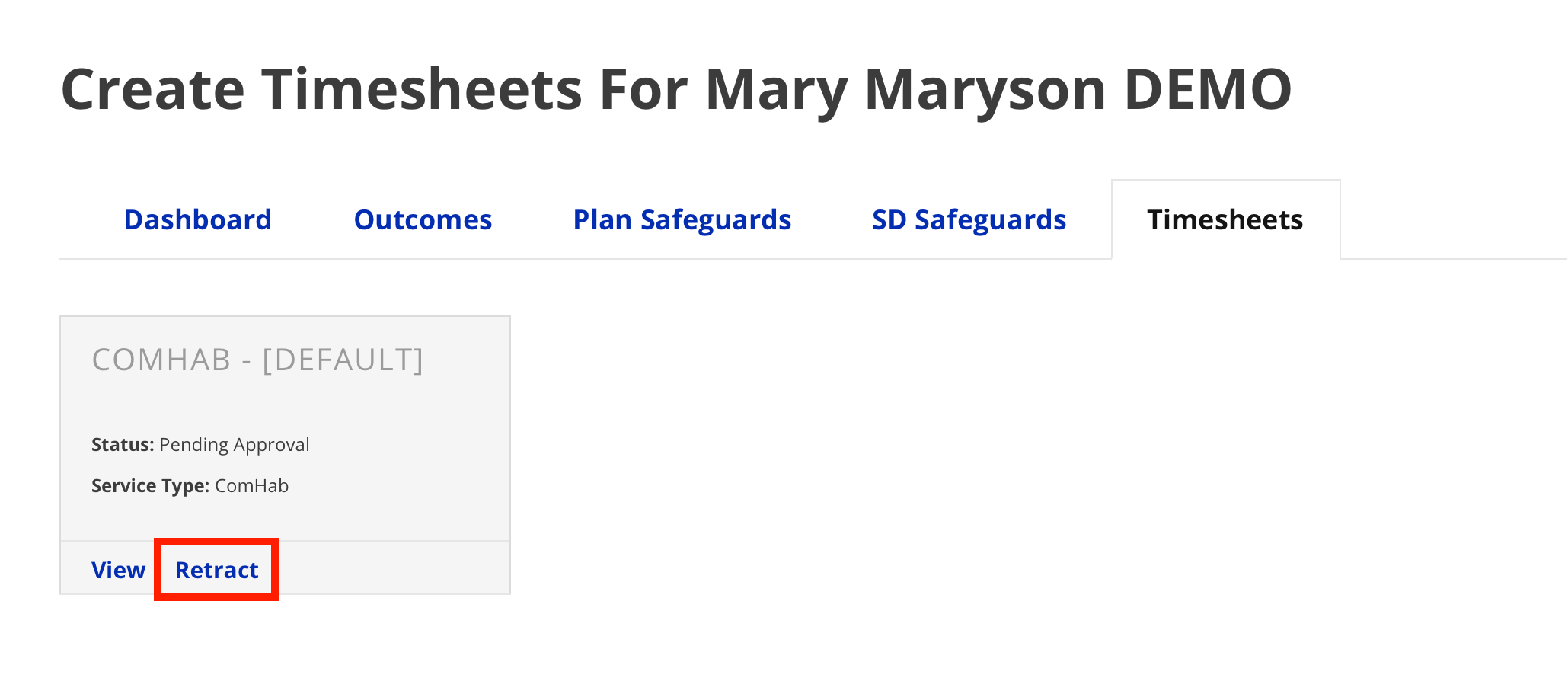
To retract a submitted timesheet, do the following.
- From the timesheet section, click Retract on the tile of the timesheet you wish to
retract.
- The SD Coordinator will receive an email notification that the timesheet has been
retracted. No action needs to be taken by the SD Coordinator.
You can now edit and/or resubmit the timesheet.