Reject SAP (SD Coordinator)
Rejecting a timesheet sets the status back to Draft. The broker can then edit the timesheet, make any necessary changes, and resubmit the timesheet.
To review a timesheet, refer to the VIEW and DOWNLOAD sections of this guide.
The following set of actions must be performed in Harmonix:
- To begin, navigate to the Participant Detail layout of the participant in question and select the Plans tab.
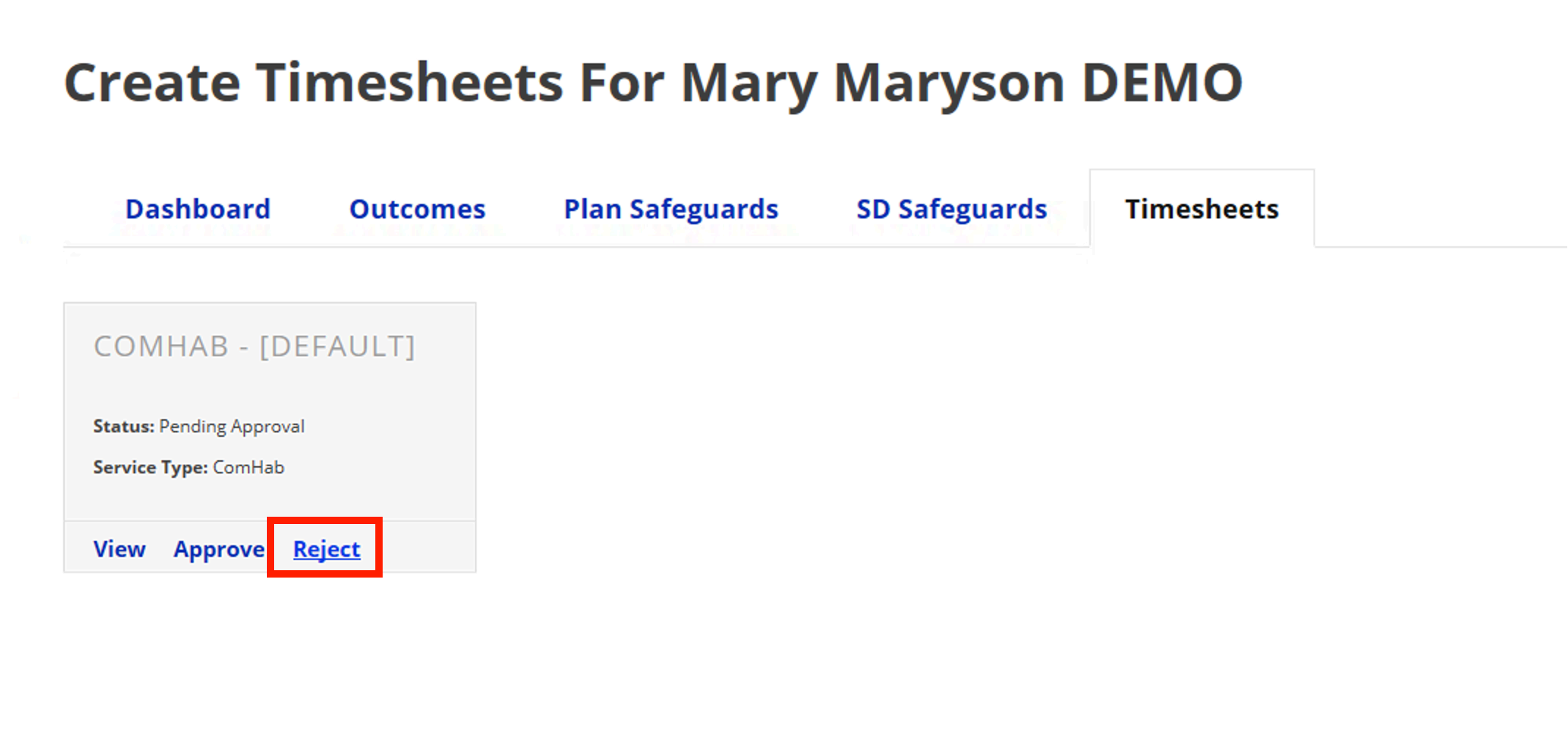
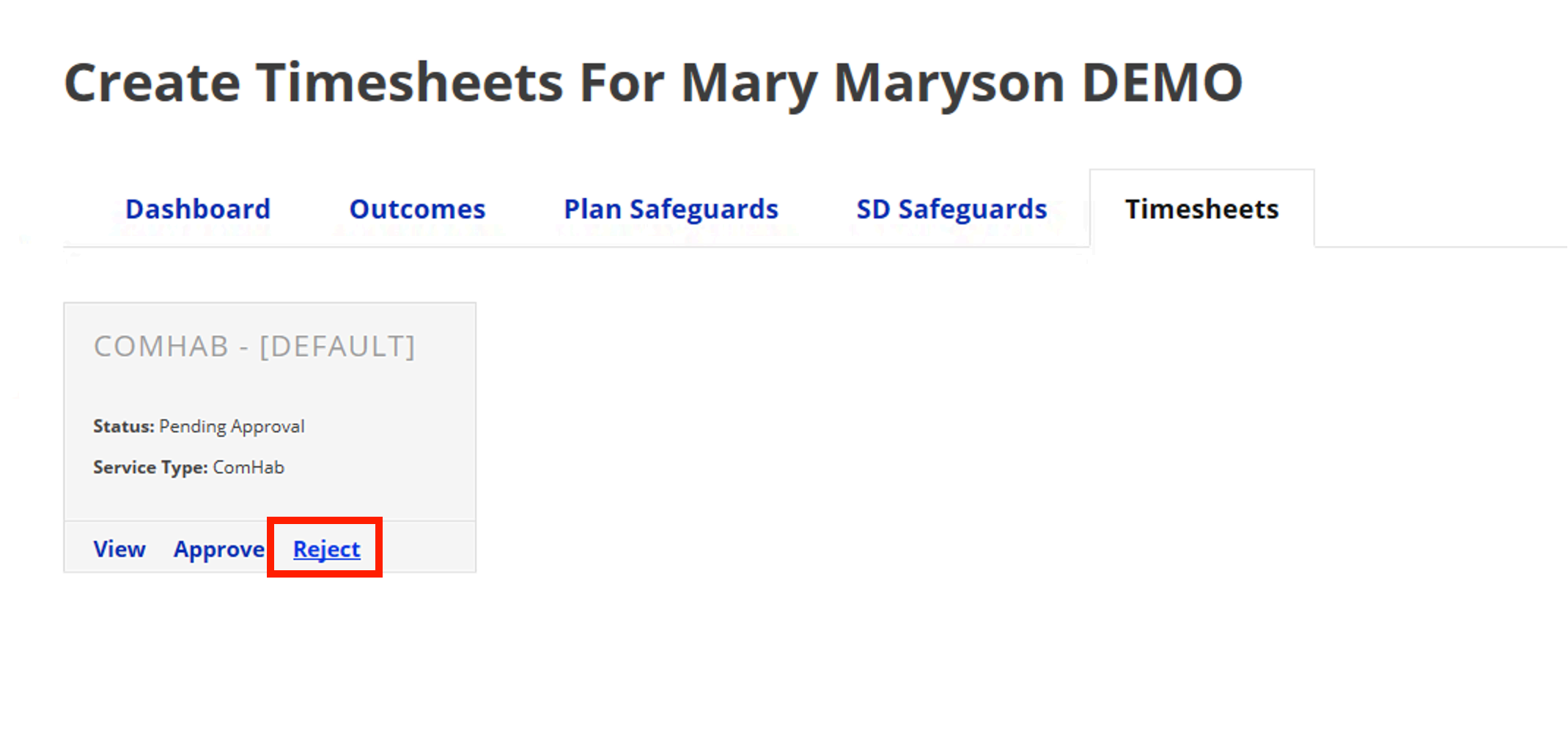
- From the timesheet section, click Reject on the tile of the timesheet you wish to decline.
- The broker will receive an email notification that the timesheet has been approved and is ready to use.