
DRAFT - eTime FAQ - How do I know that I have been paid? (Support Staff) -- DONE
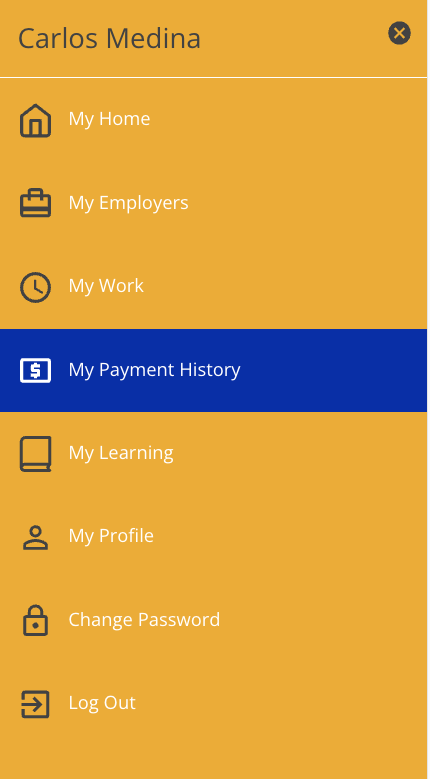
To see when and where a shift was paid, click the menu in the top right hand corner and select My Payment History.
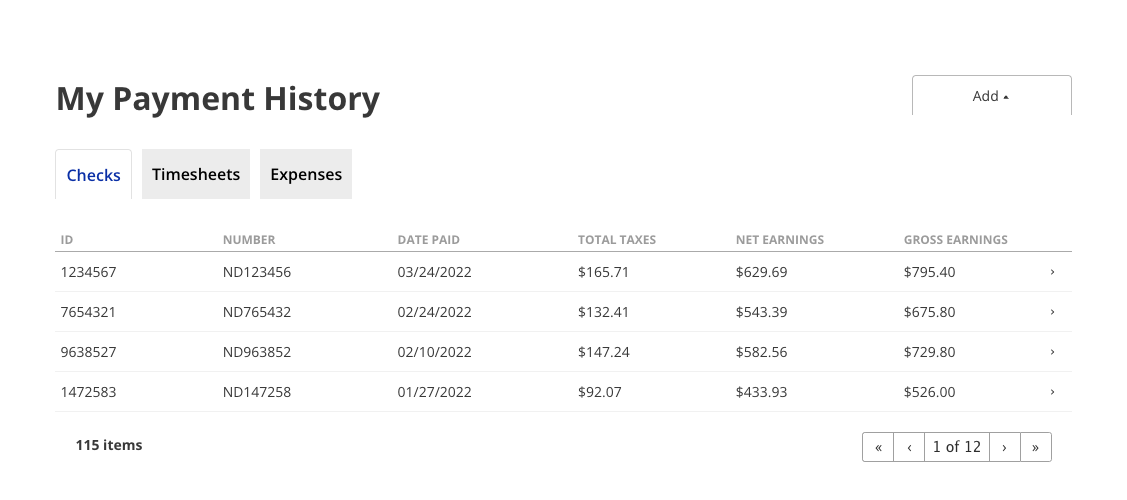
Once clicked, you will be taken to a page displaying all of the shifts that have been paid out.paid. To view more details about a check, click on the line containing the check and more details will be displayed.
Updated 03/16/23.
.