FAQ
How do I know if I have courses assigned to me?
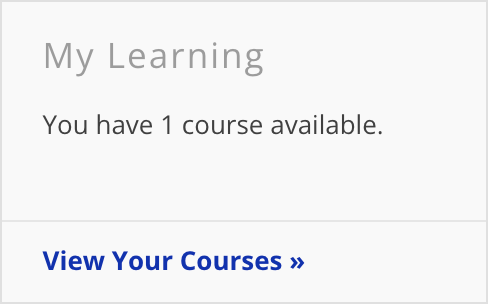
The "My Learning" widget will appear on the home page of the portal. This widget will inform you as to the number of courses currently assigned, but not yet completed.
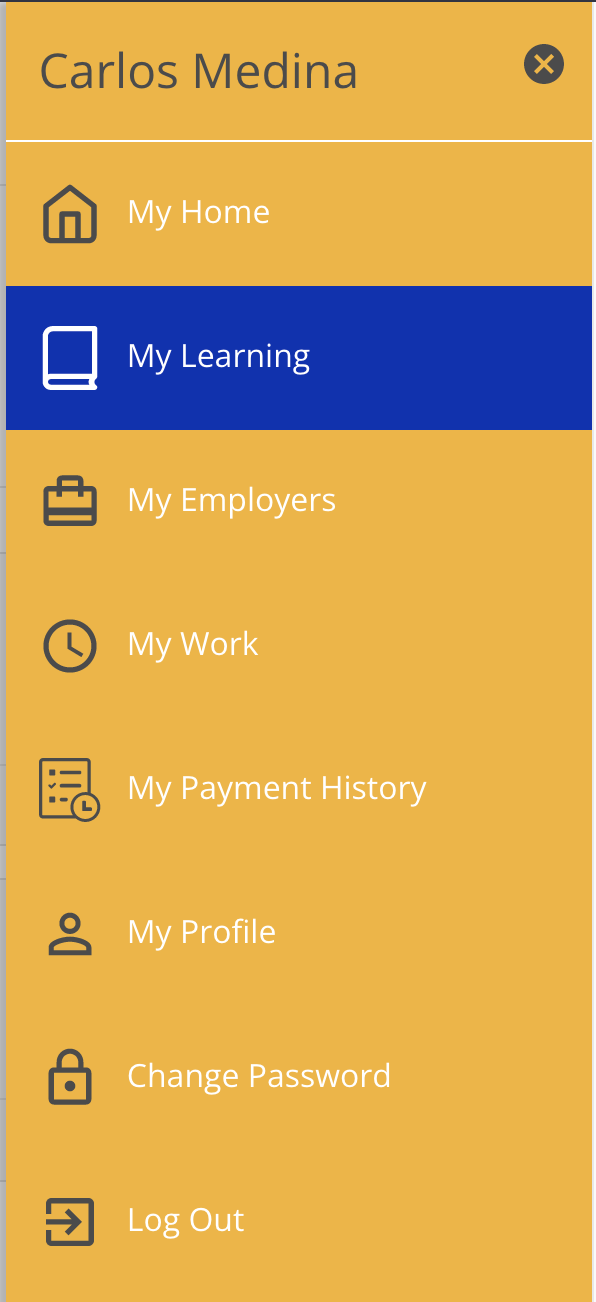
Alternatively, assigned courses can be found by clicking the "My Learning" section of the menu on the right.
How can I see courses that my support staff are assigned?
Please note that by default, courses assigned to support staff will not be displayed in the Learning Management System for circle of support members. This feature must be enabled by internal ISS staff. If you would like to see the courses assigned to support staff, please contact ISS to have this enabled for your account.
To see the courses that are assigned to your support staff, log into the portal and select "My Learning" from the menu in order to navigate to the Learning Management System.
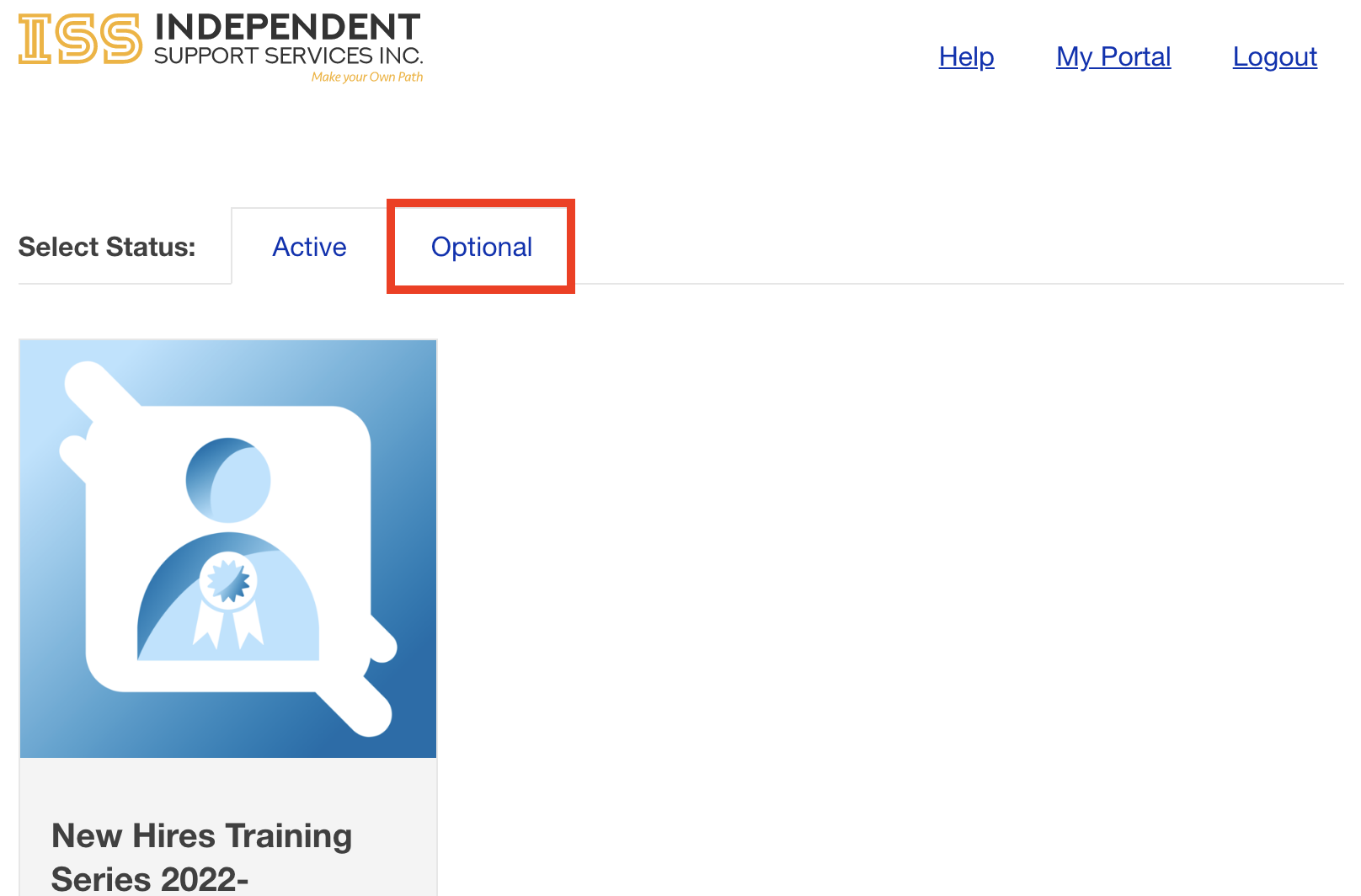
Once in the LMS, a tab titled "Optional" will appear. The courses in this section are the courses that are currently assigned to the support staff.