
FAQ
Updated 04/15/22.
How do I know if I have courses assigned to me?
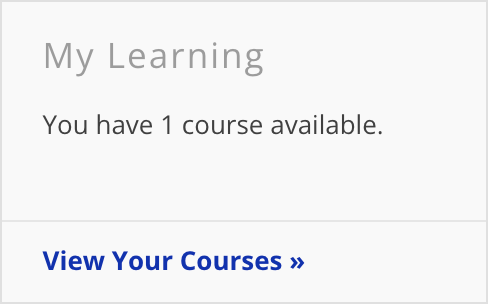
The "My Learning" widget will appear on the home page of the portal. This widget will inform you as to the number of courses currently assigned, but not yet completed.
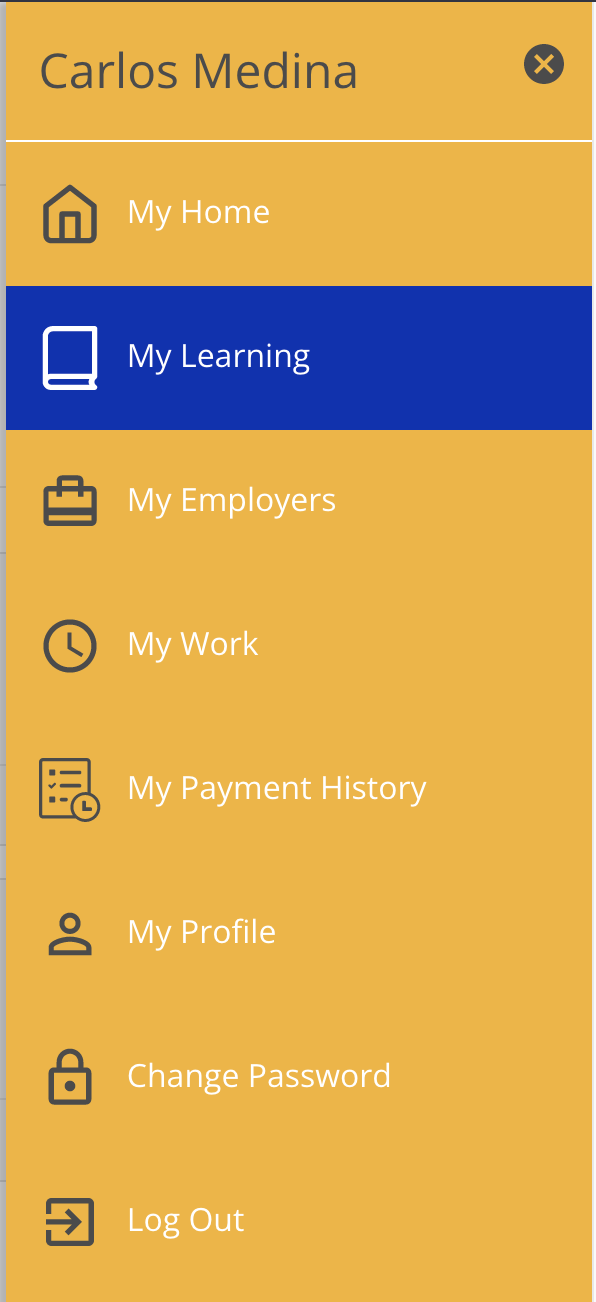
Alternatively, assigned courses can be found by clicking the "My Learning" section of the menu on the right.
What courses am I required to take?
Please refer to the following chart to see which courses you are required to take.
| New Hires | Support Staff | SEMP Staff | Brokers | Family | |
|
Courses |
hired less than one year | hired more than one year | hired more than one year; hired into SEMP job | active plan role of Support Broker or StartUp Broker | active plan role of Participant, Parent/Guardian, Family/Circle Contact, or Primary Contact |
| New Hires Training Series | X | ||||
| Annual Training Series | X | X | |||
| EVV - Support Staff | X | X | X | ||
| EVV - Circle | X | ||||
| SEMP Training Acknowledgement | if hired into SEMP job | X | |||
| Sexual Harassment | X | X |
When will I be invited into my courses?
When the LMS goes live, everyone who has required training will receive them immediately. Staff hired from 1/1/22 forward will receive the New Hires Training Series. Staff hired prior to 1/1/22 will receive the Annual Training Series. Brokers and Family will receive the EVV and/or Sexual Harassment training as required. Please refer to the chart above for clarification on which groups of users are assigned to which courses.
Remember, you will not receive an email invitation to take your courses or lessons. The My Learning widget on your Portal's home page will notify you if you have pending courses waiting.
How can I see courses that my support staff are assigned?
Please note that by default, courses assigned to support staff will not be available to view in the My Learning page for circle of support members. This feature must be enabled by internal ISS staff. If you would like to take the courses assigned to support staff, please contact ISS to have this enabled for your account.
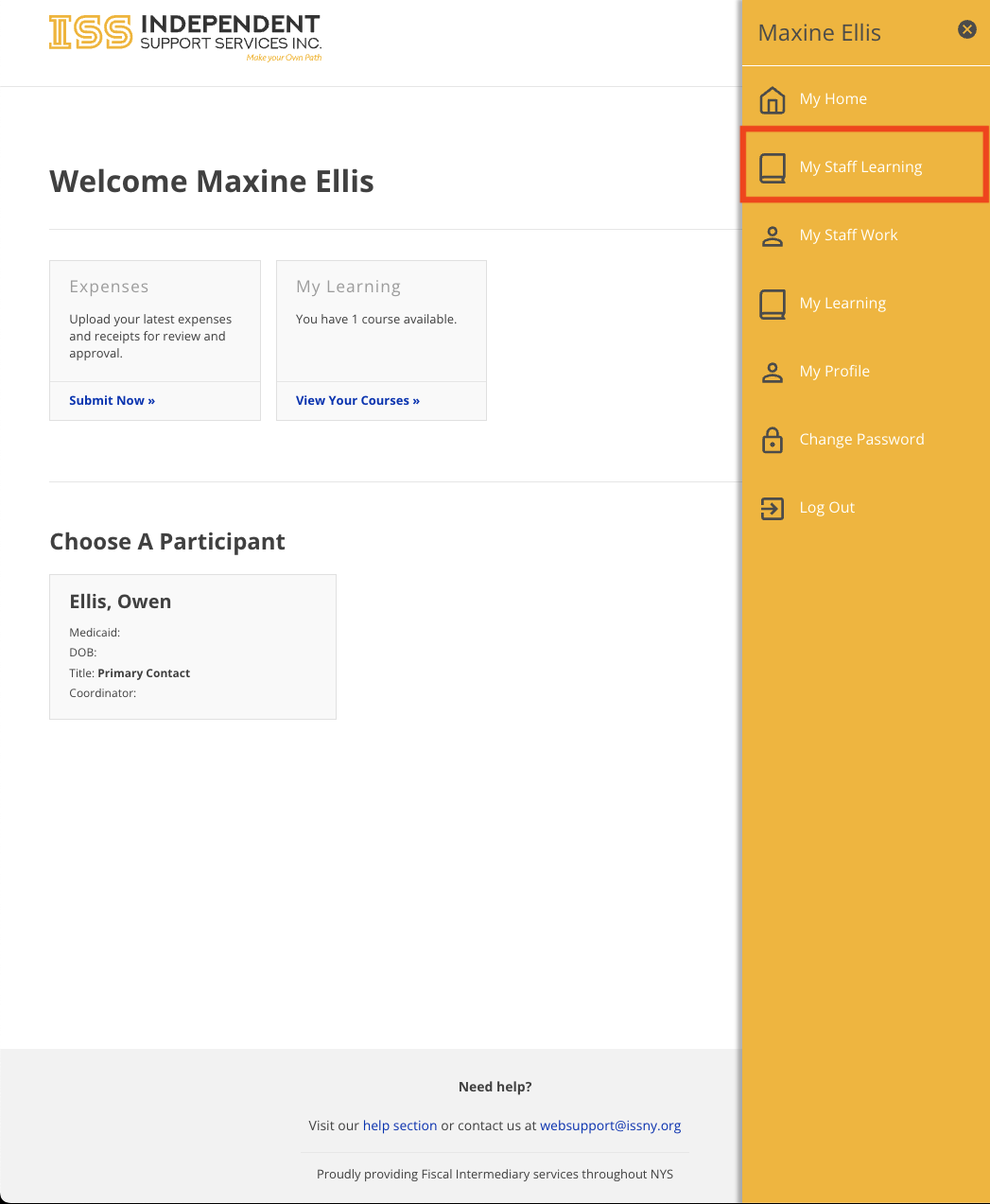
To see the courses that are assigned to your support staff, log into the portal and select "My Staff Learning" from the menu in order to navigate to the Staff Learning System.
Once at the My Staff Learning page, a filter can be seen at the top. Simply select the support staff in which you would like to view the courses assigned, select a desired status from the top and select Show to view the results. Please note that the default status is set to All.
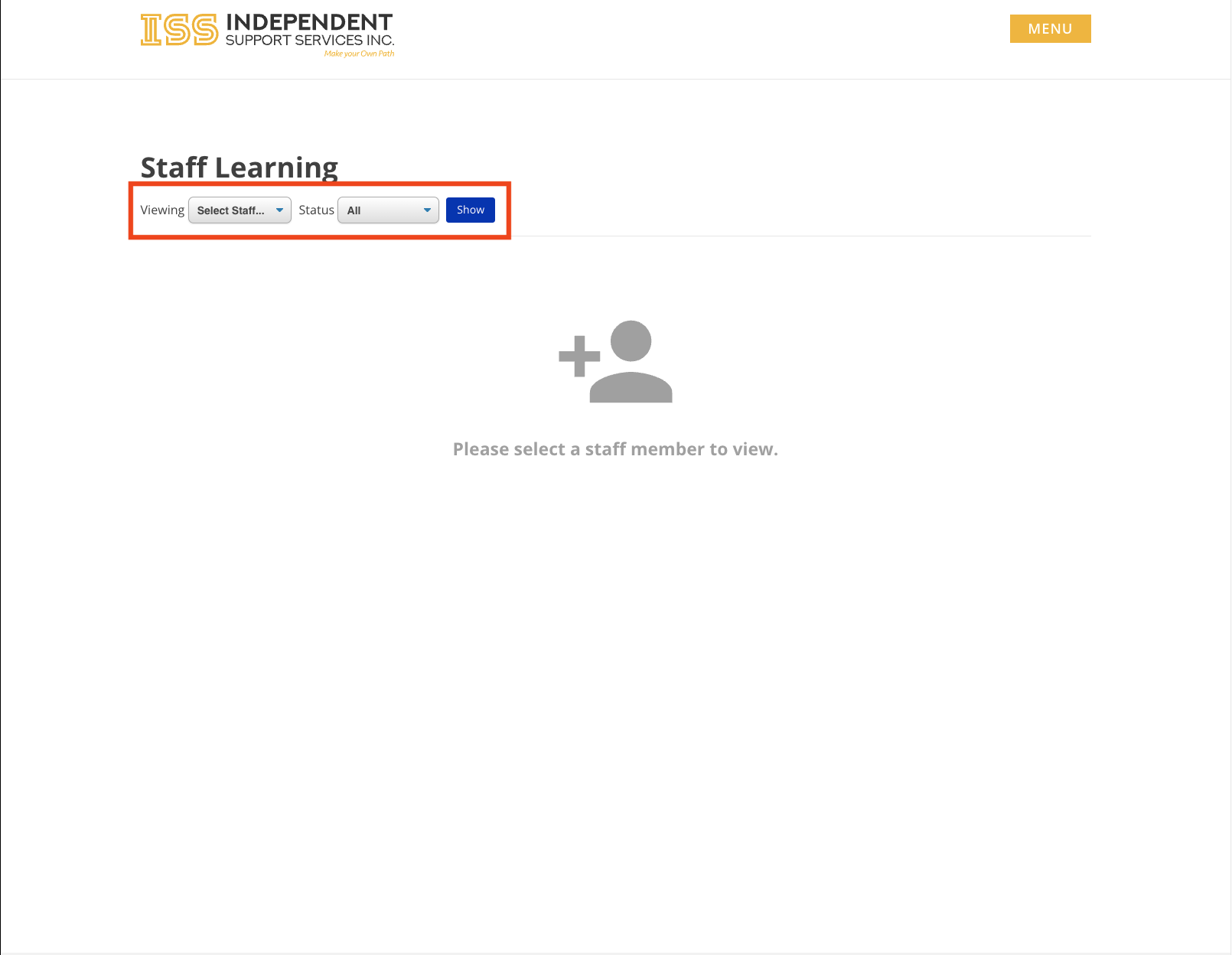
After the page has finished loading the results, the assigned courses will show in the body of the page.
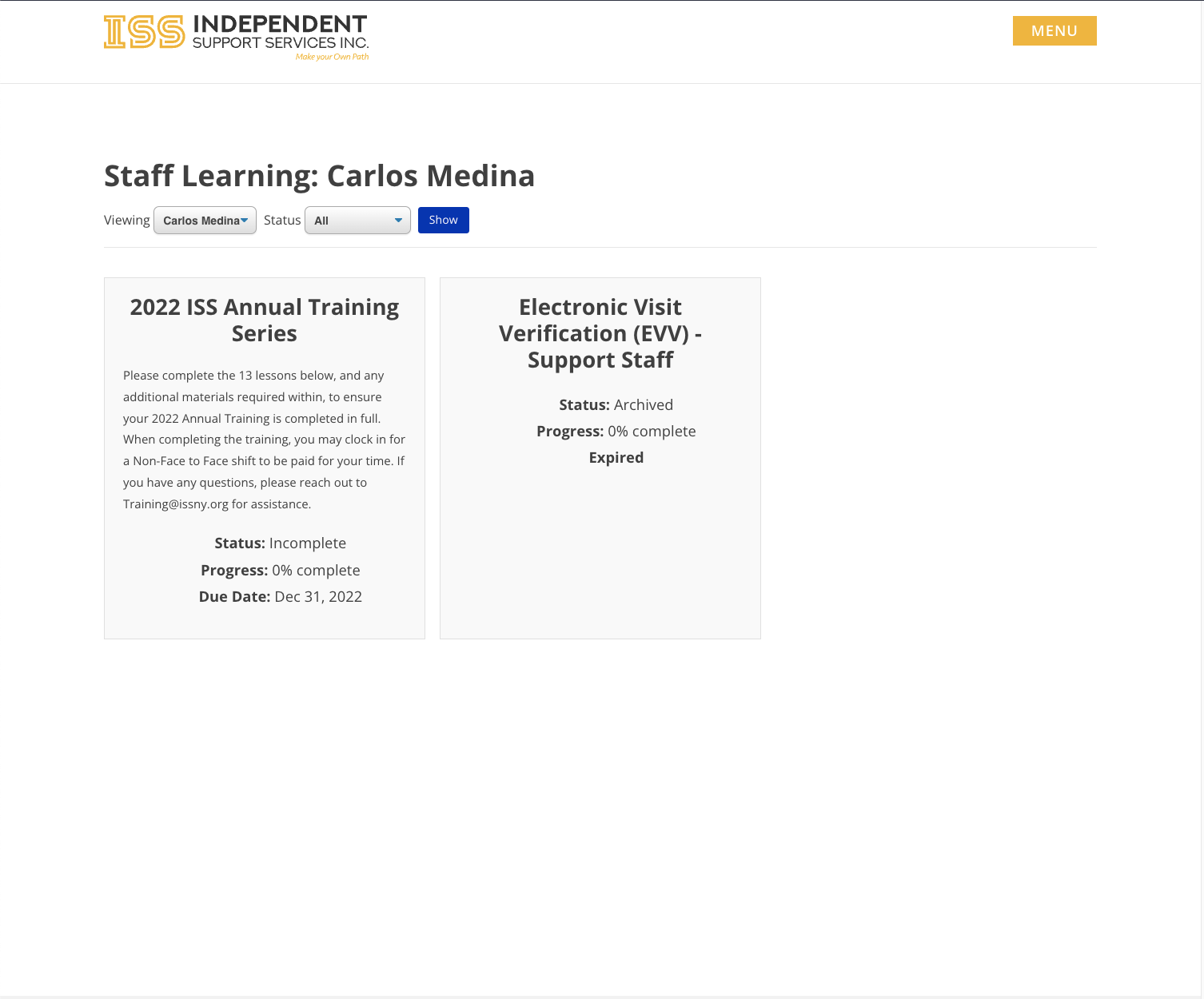
Please note that by default, courses assigned to support staff will not be available to view in the My Learning page for circle of support members. This feature must be enabled by internal ISS staff. If you would like to take the courses assigned to support staff, please contact ISS to have this enabled for your account.
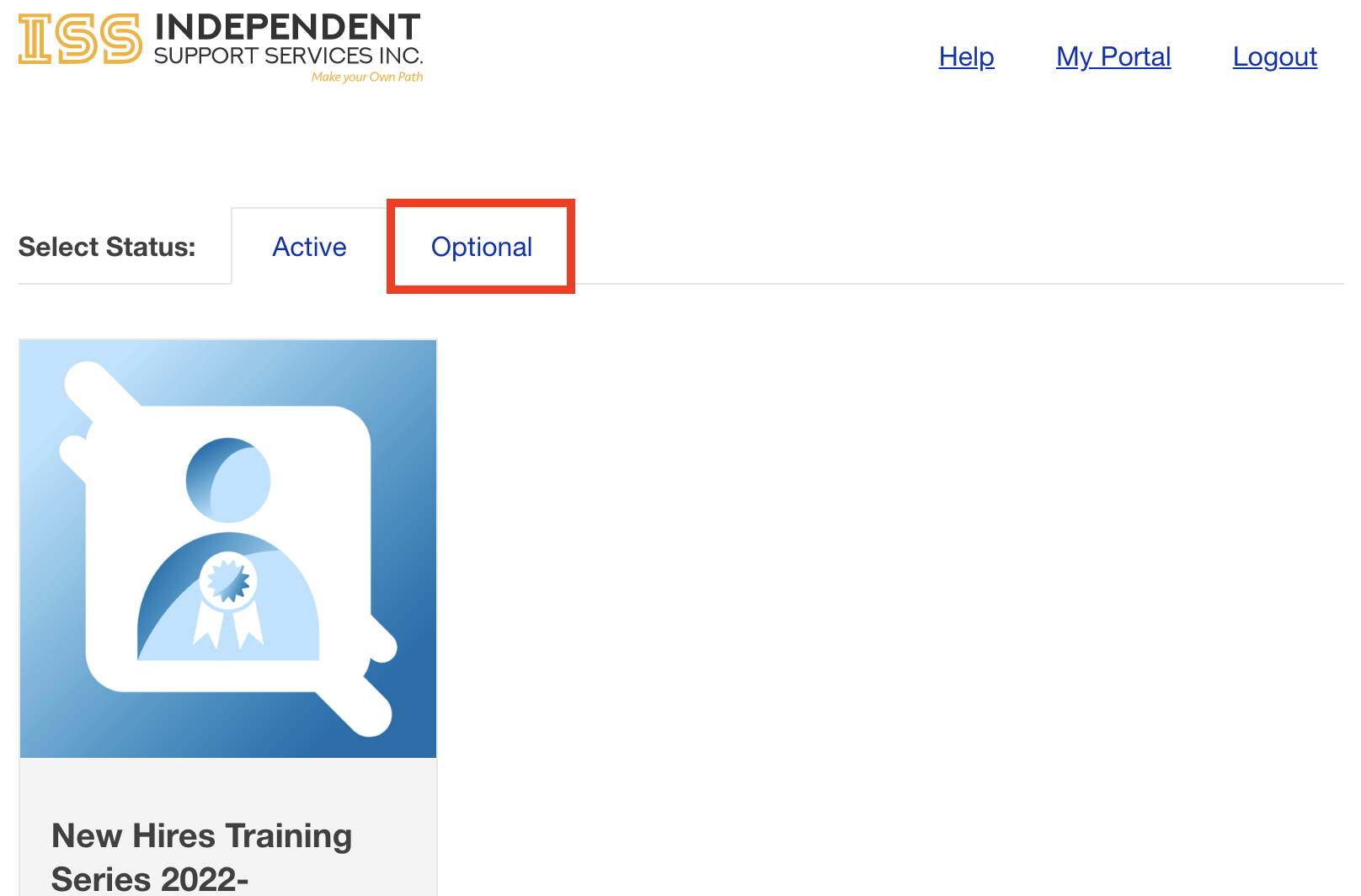
The included screenshots serve as examples only. You will see the actual courses assigned specifically to you.
I have multiple roles, what about duplicated courses or lessons?
For users that have multiple roles with ISS such as Support Staff, Brokers, and/or Family members, you will be assigned each course and/or lesson as required. If the lessons are exactly the same, the LMS will know when you have completed one and will not require you to take the same again for another role.