
How to Complete Courses
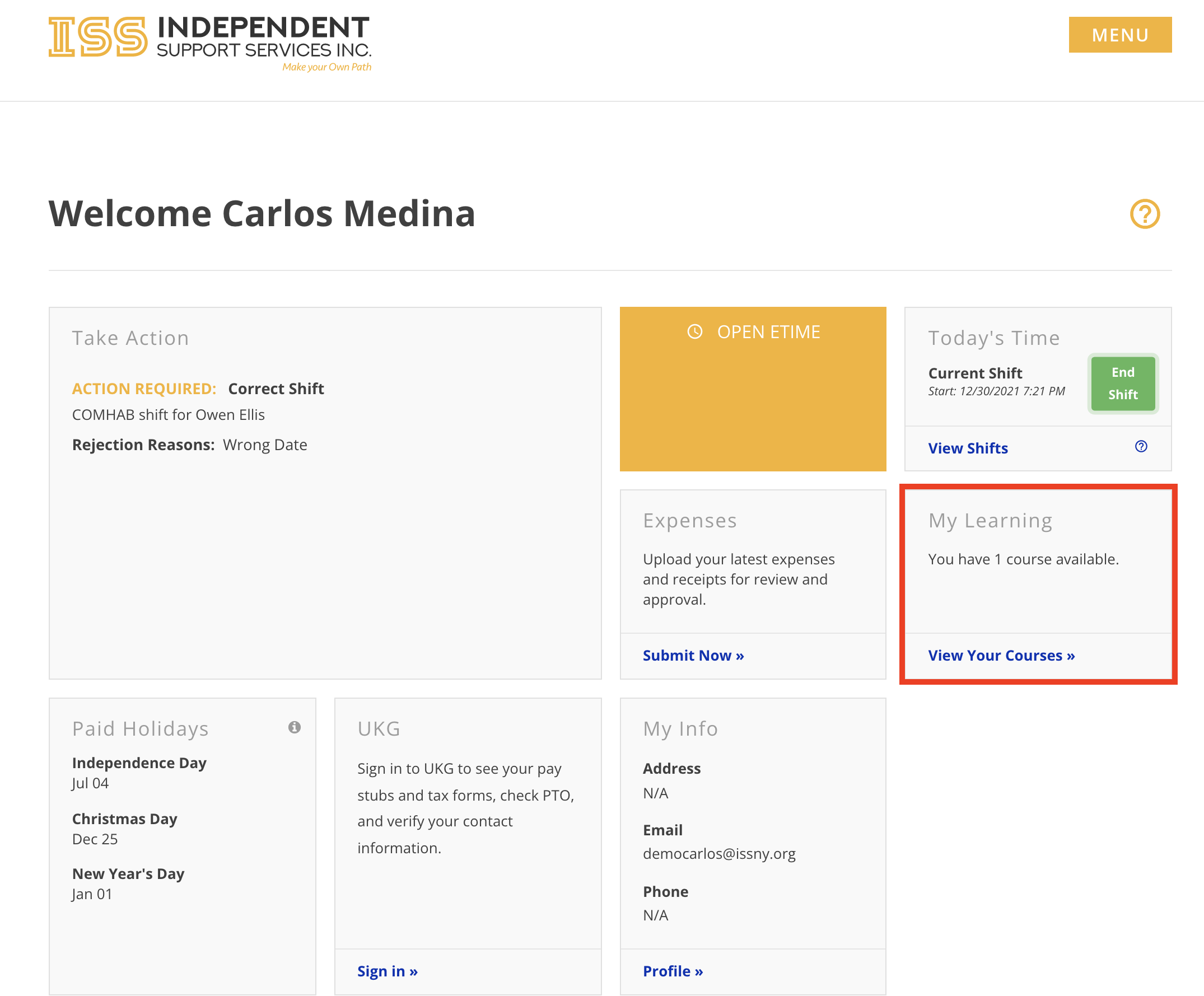
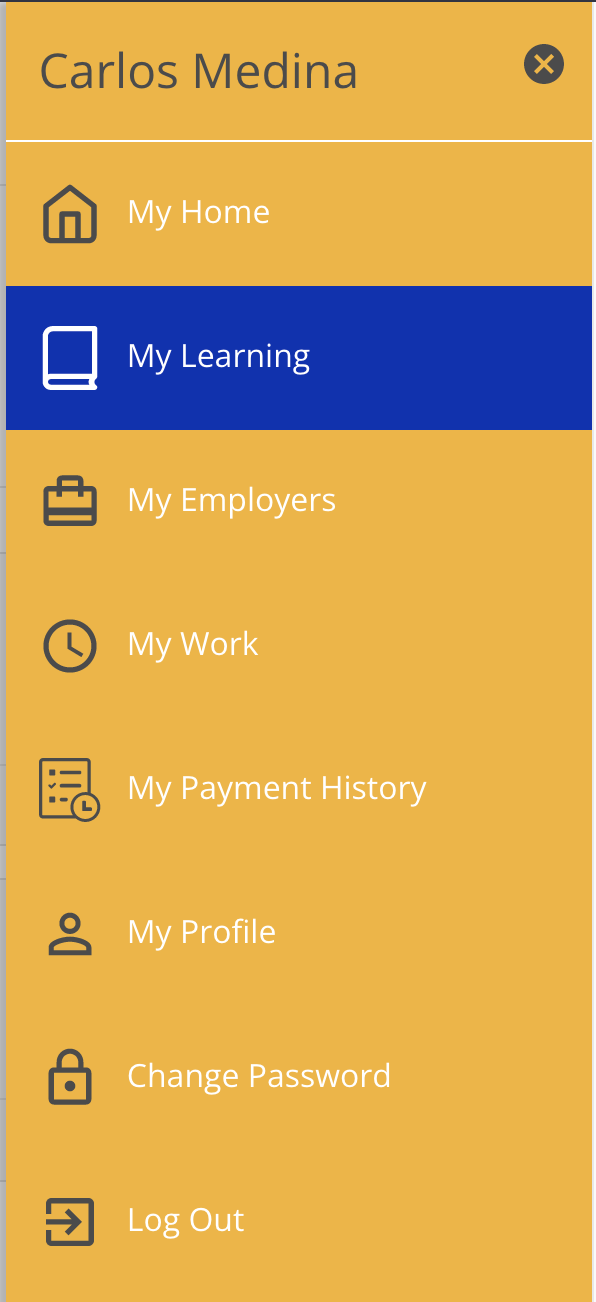
Assigned courses can be found by logging into the Portal and selecting View Your Courses in the My Learning widget or by selecting the My Learning tab from the menu.
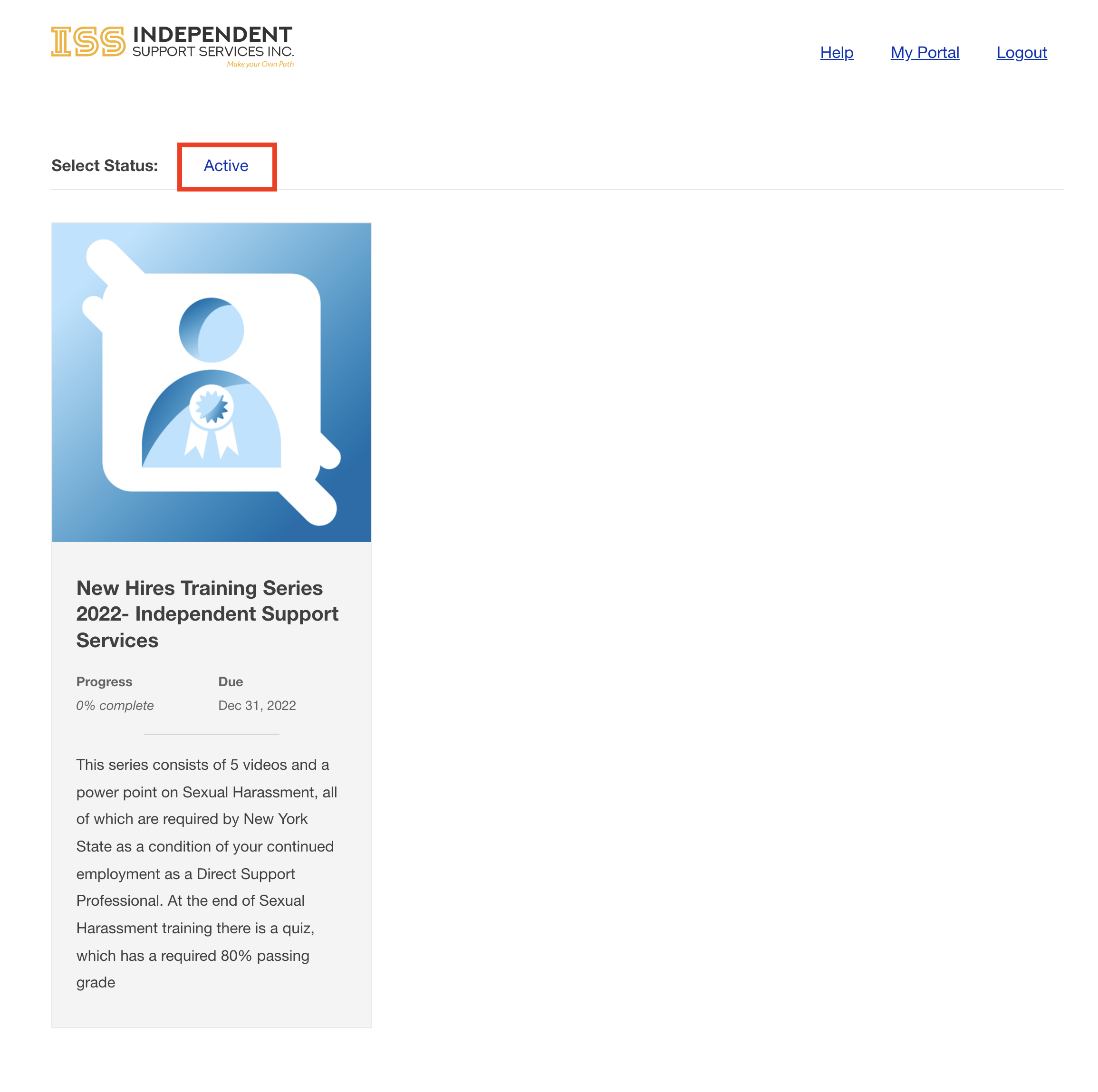
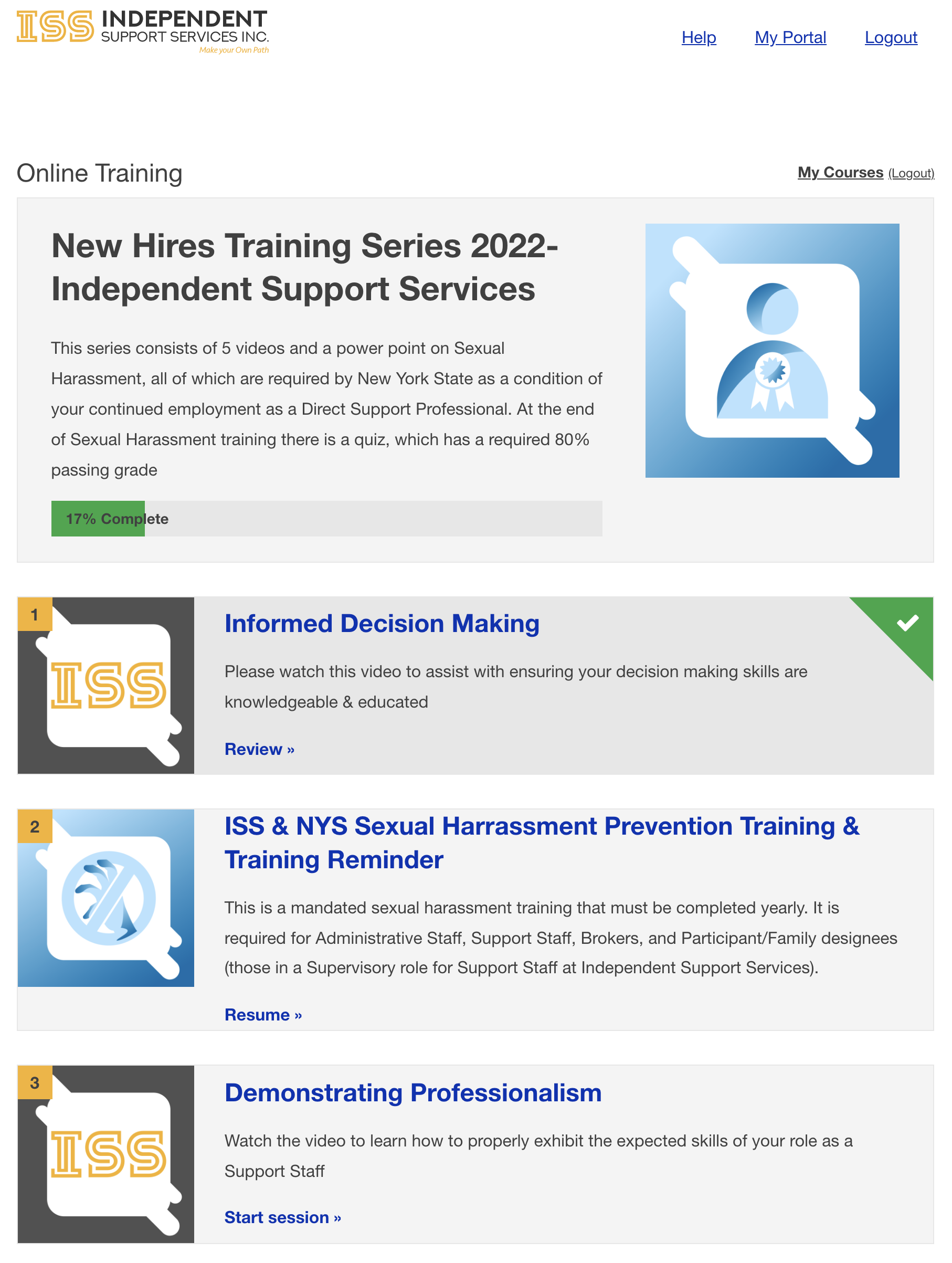
Find the courses that have been assigned to you by selecting the Active tab and then click a course to drill down into the lessons.
Controls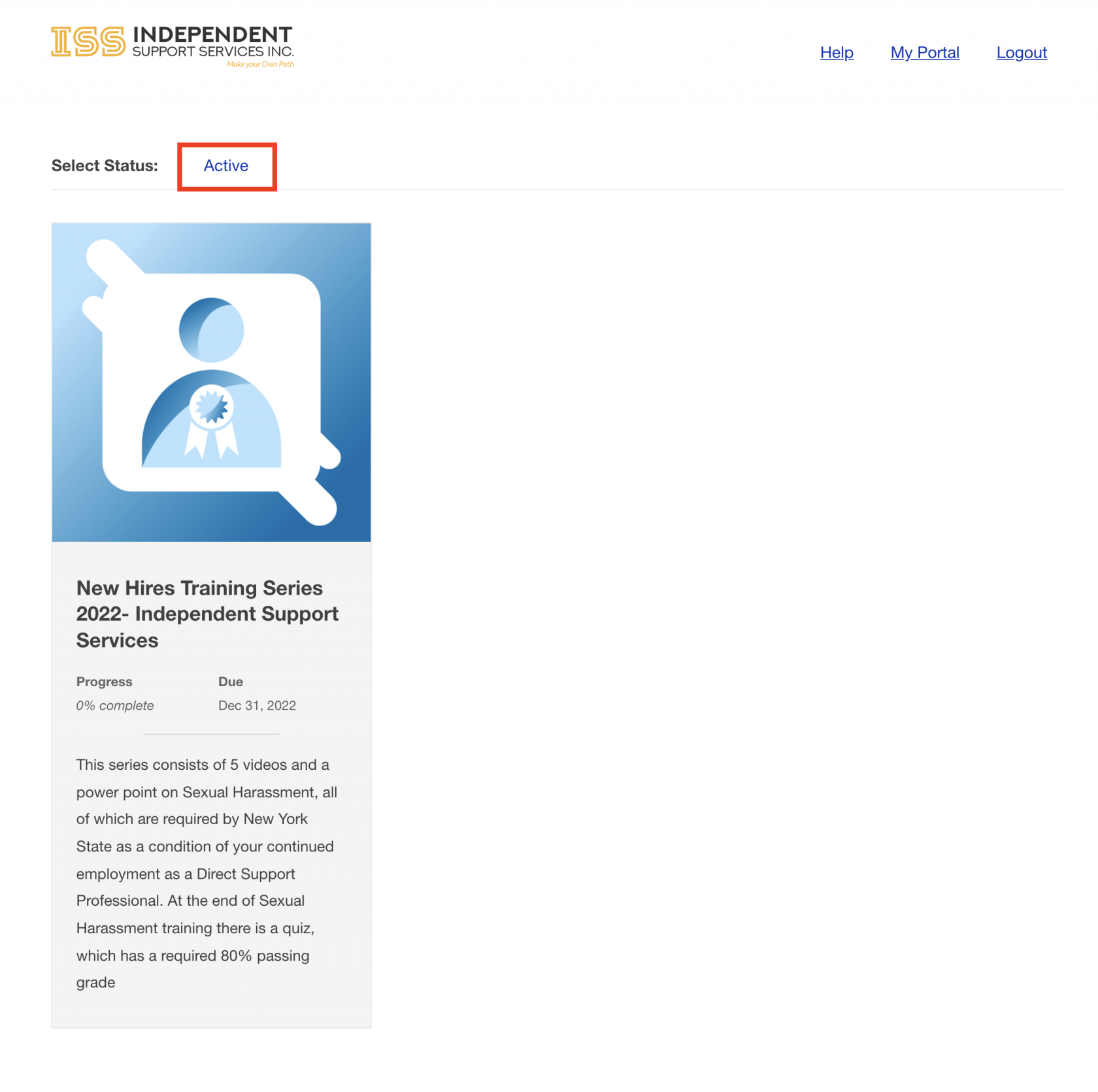
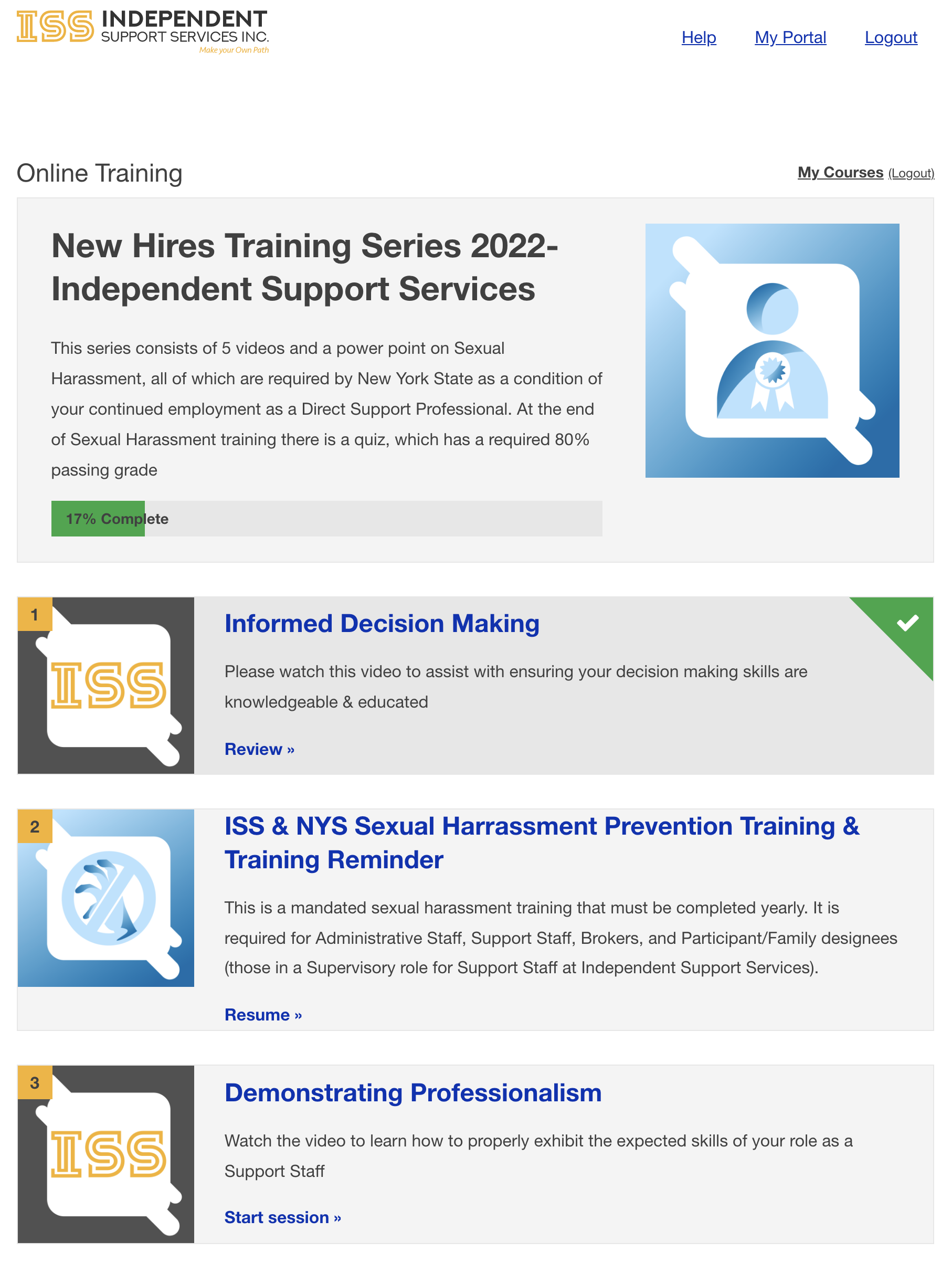
To begin a lesson, click the desired lesson widget and it will begin. The Learning Management System will remember progress that has been made on each lesson and will resume where left off.
Complete the
videosassignments SlidetoShowfinishtypethelessonslesson.(mention)Once "all assignments have been completed, a Go To NextLesson"Lesson(Buttonsbutton will appear at thebottom)bottom retaking/failingofathequizpage.
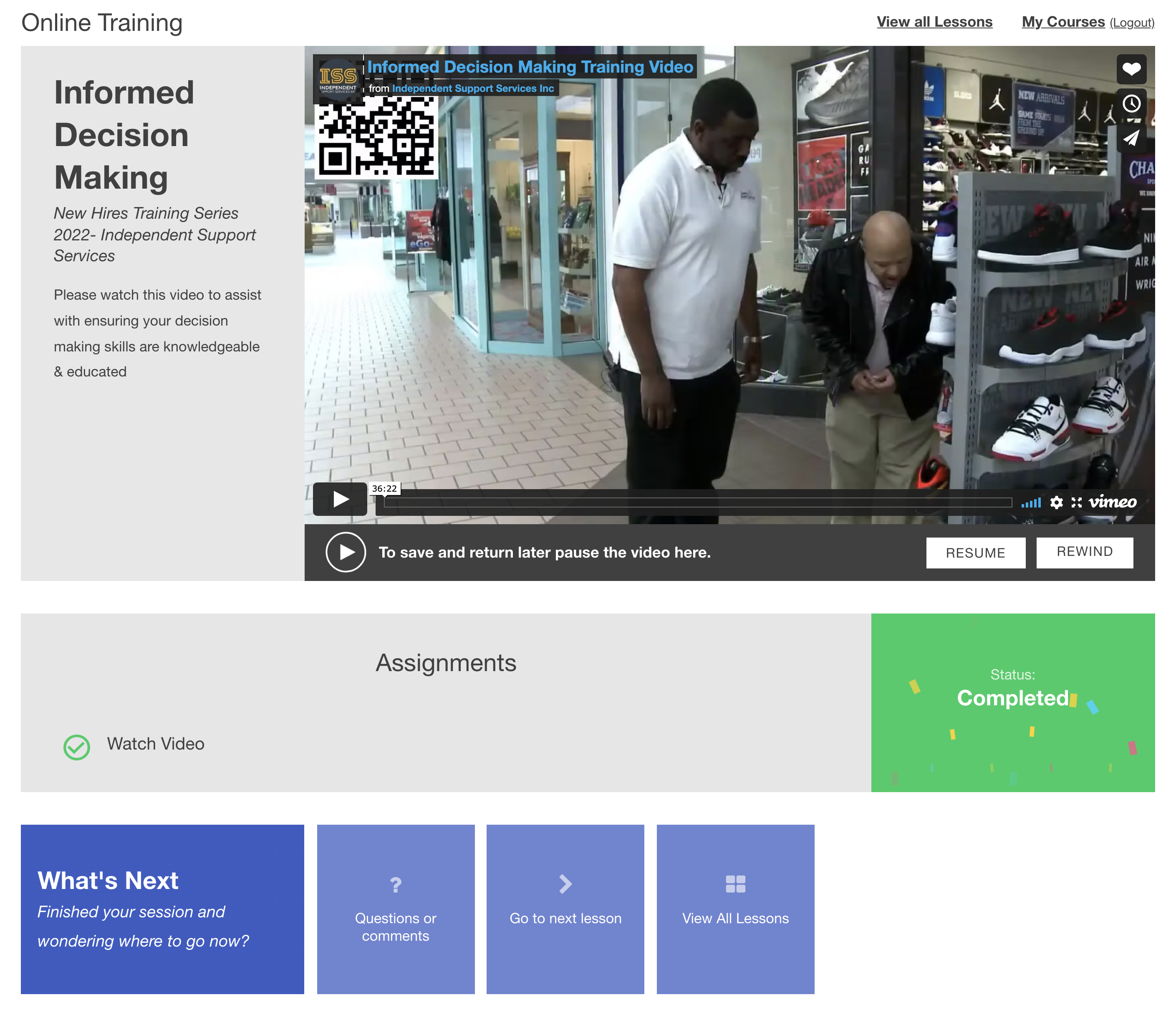
Finishing video playback will unlock the video control bar.