
How to Get to LMS
Currently, thereThere are 2 ways to navigate to the Learning Management System:
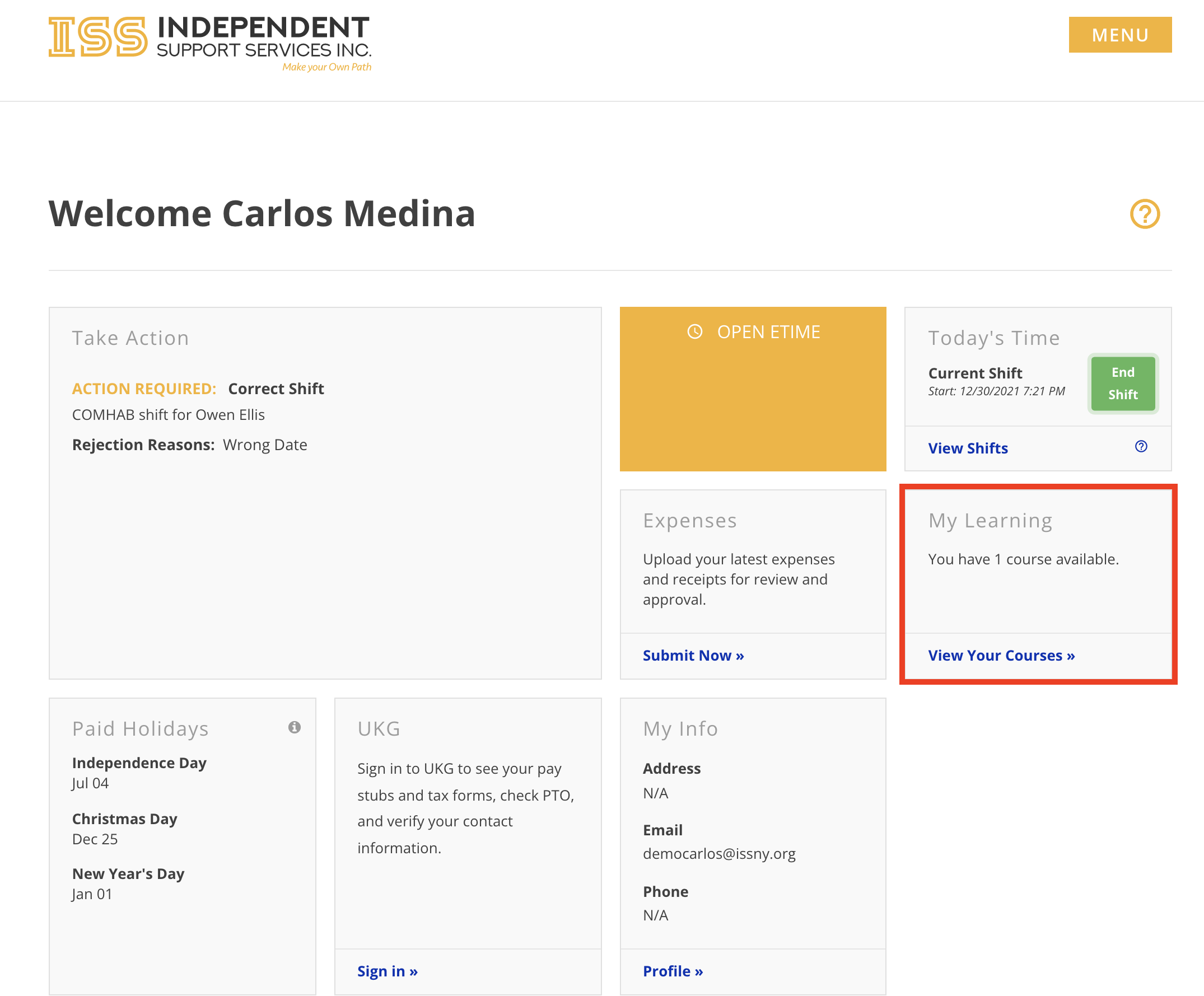
- Click View Your Courses in the My Learning widget on the home page of the portal
The included screenshots serve asexamples only. You will see the actual courses assigned specifically to you.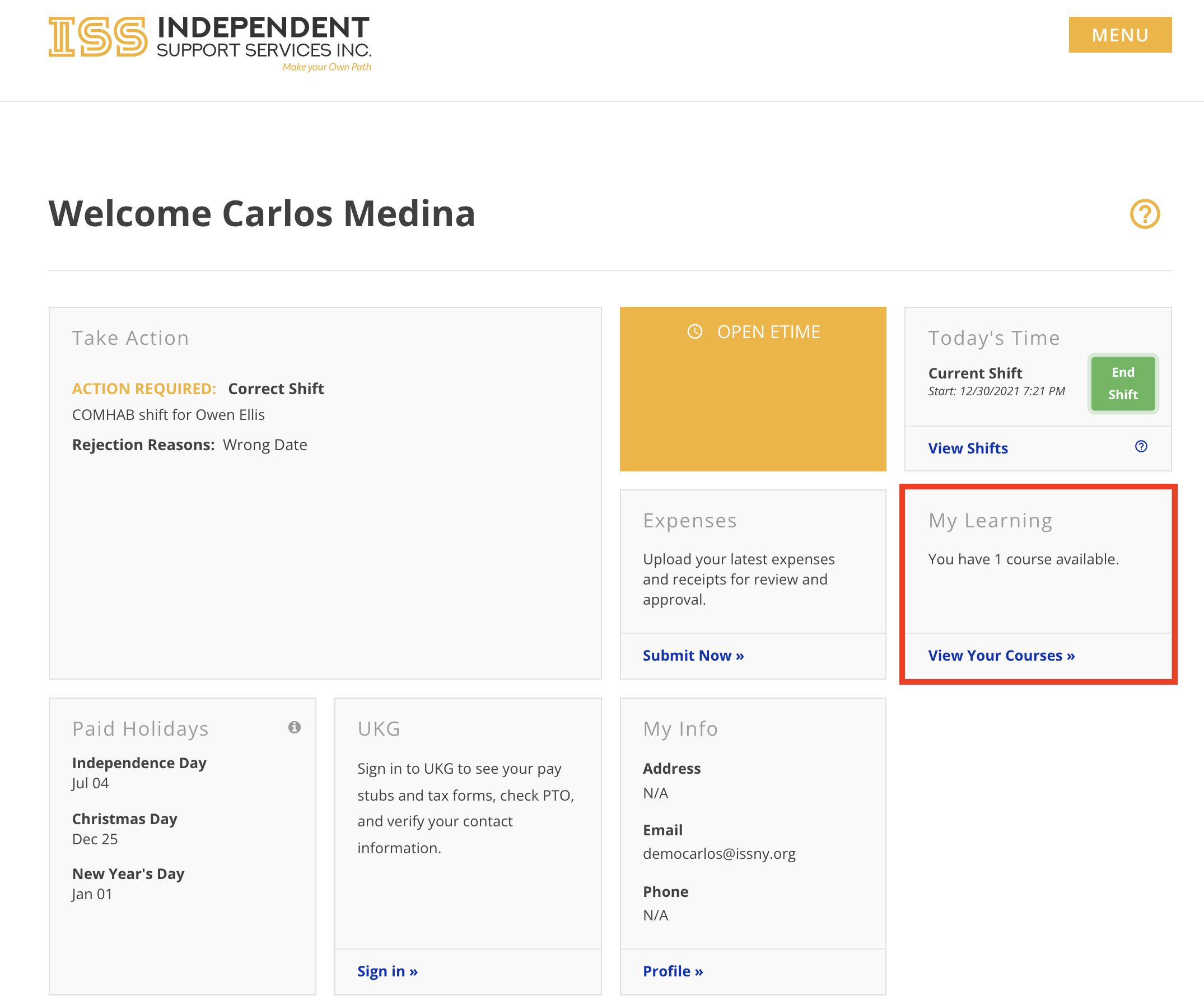
- Click My Learning in the sidebar menu
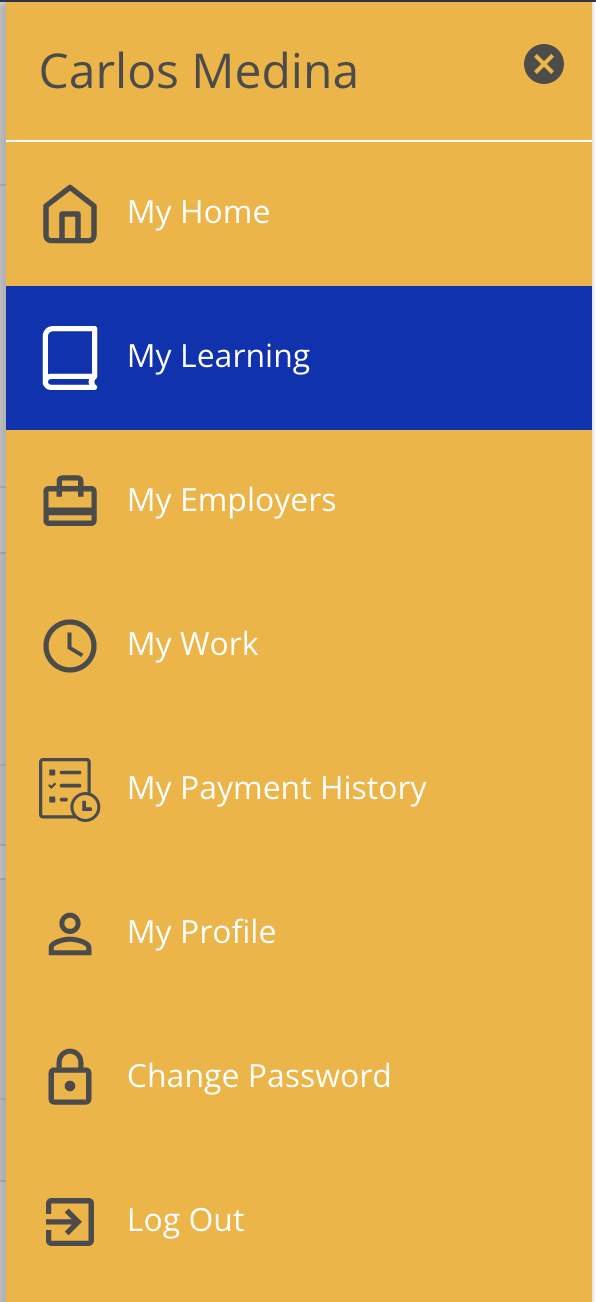
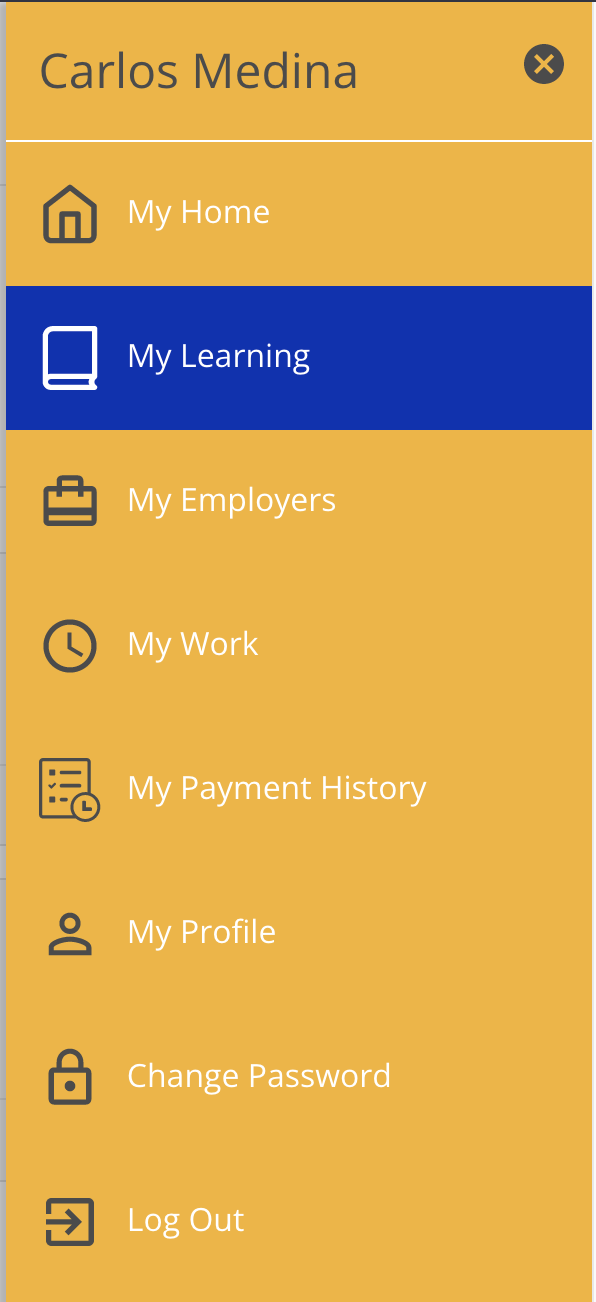
The included screenshots serve as examples only. You will see the actual courses assigned specifically to you.