
How to Get to LMS
The included screenshots serve as examples only. You will see the actual courses assigned specifically to you.
There are 2 ways to navigate to the Learning Management System:
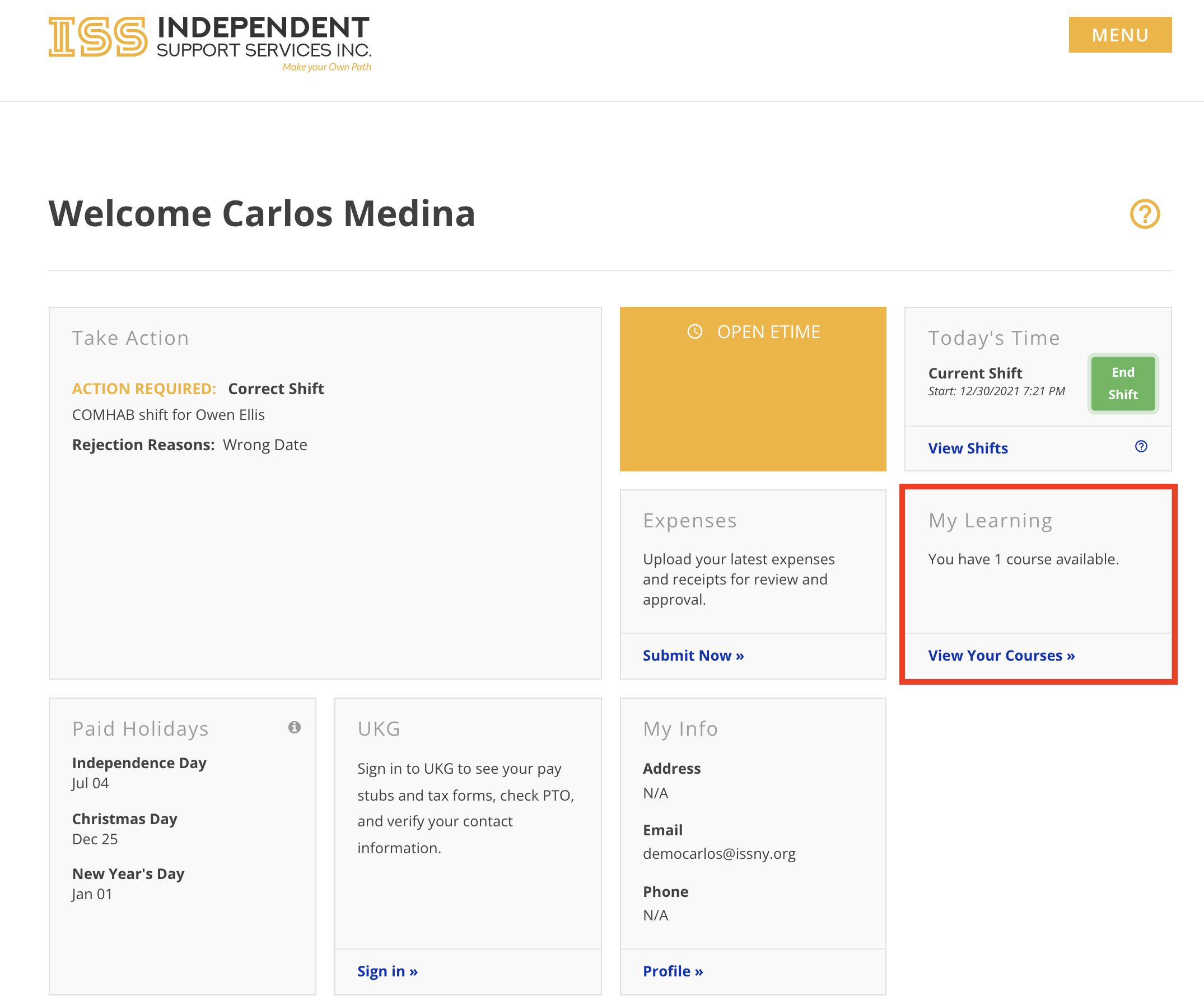
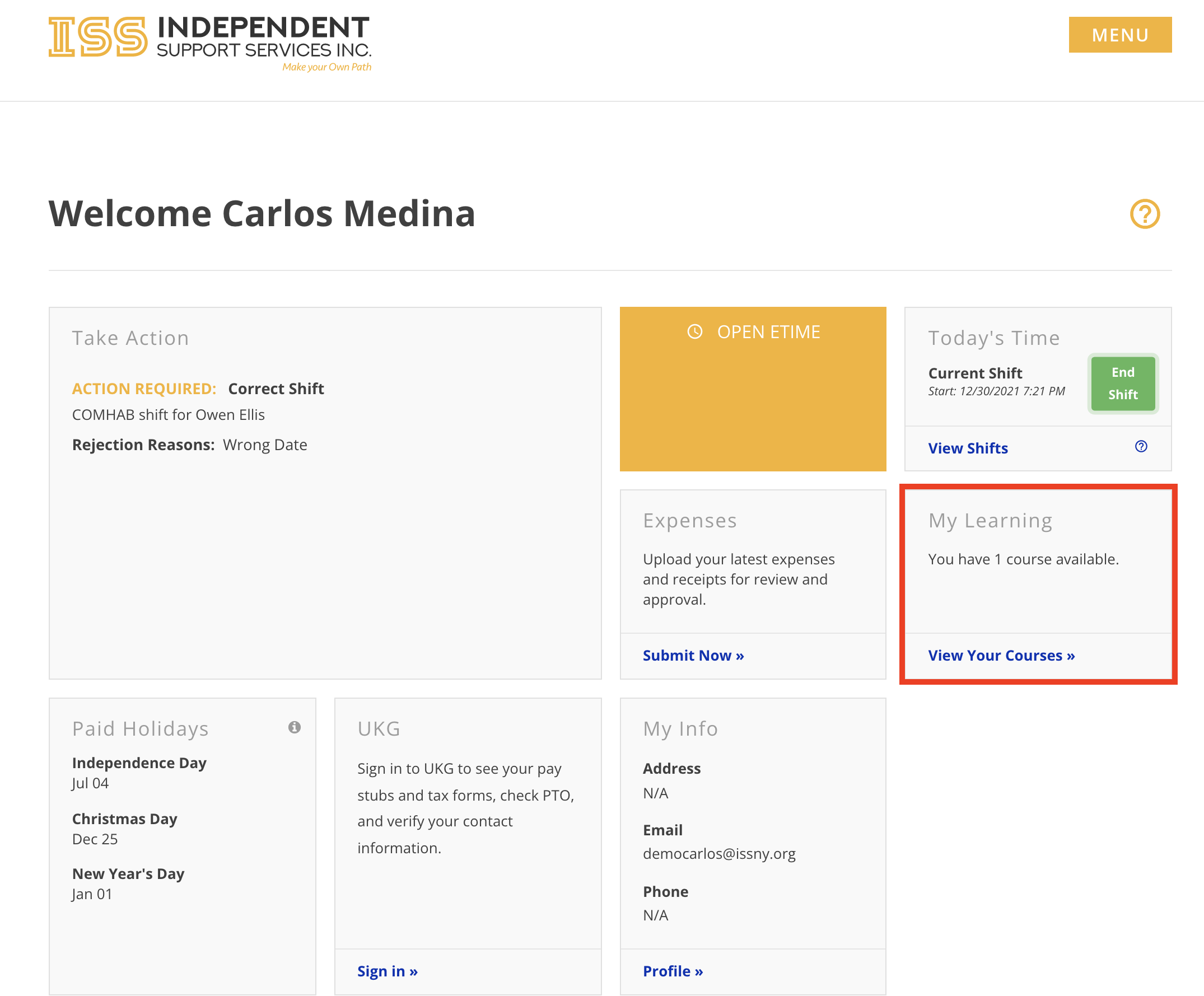
- Click View Your Courses in the My Learning widget on the home page of the portal
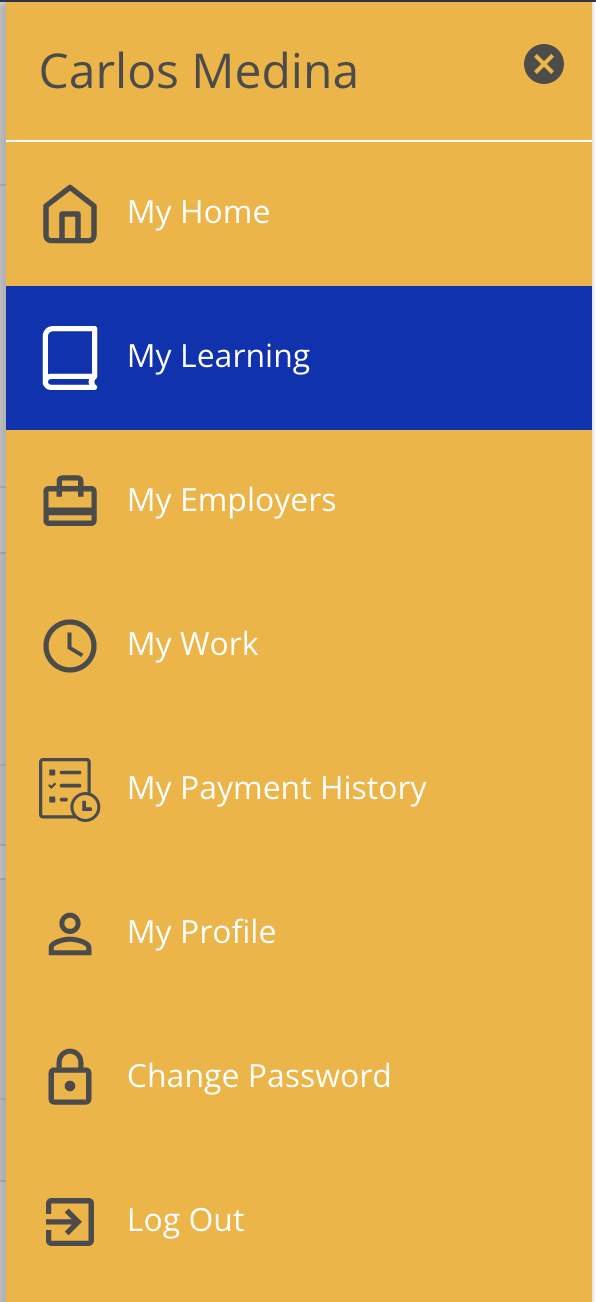
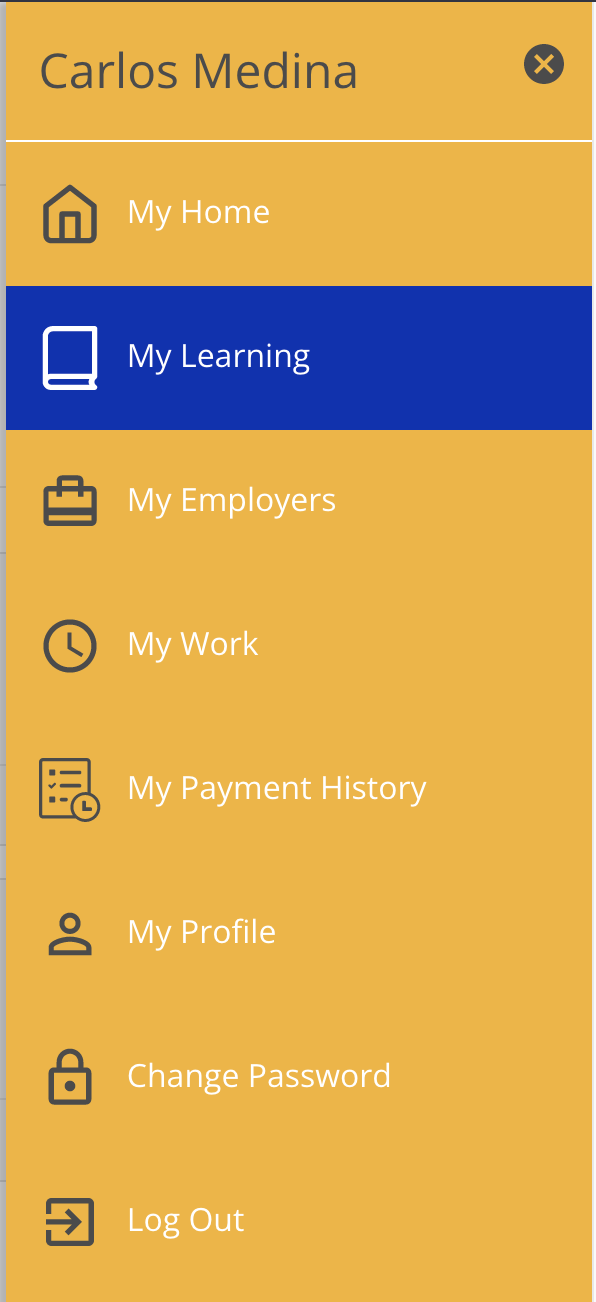
- Click My Learning in the sidebar menu
The included screenshots serve as examples only. You will see the actual courses assigned specifically to you.