Multi-Factor Authentication
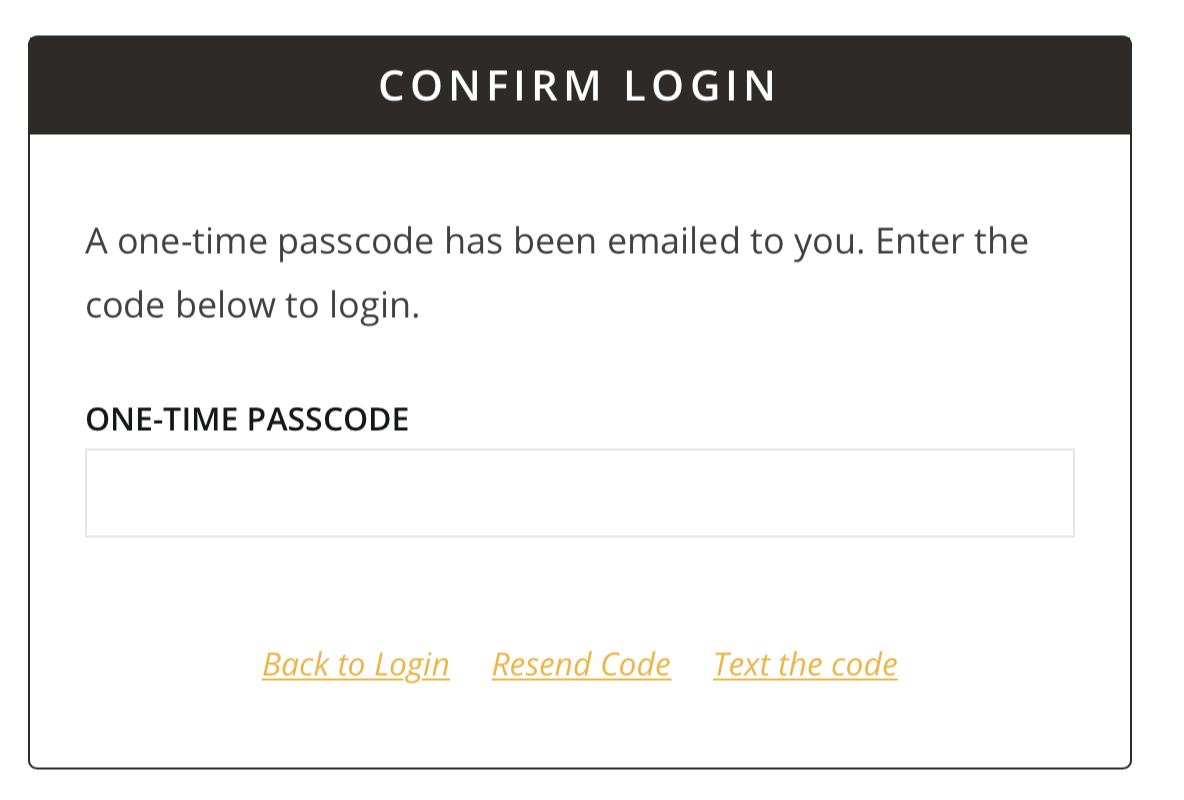
Multi-factor authentication is used on the portal to increase security and help protect your data. After entering your username and password, you will be sent a one-time passcode to enter in order to log in.{{@270}}
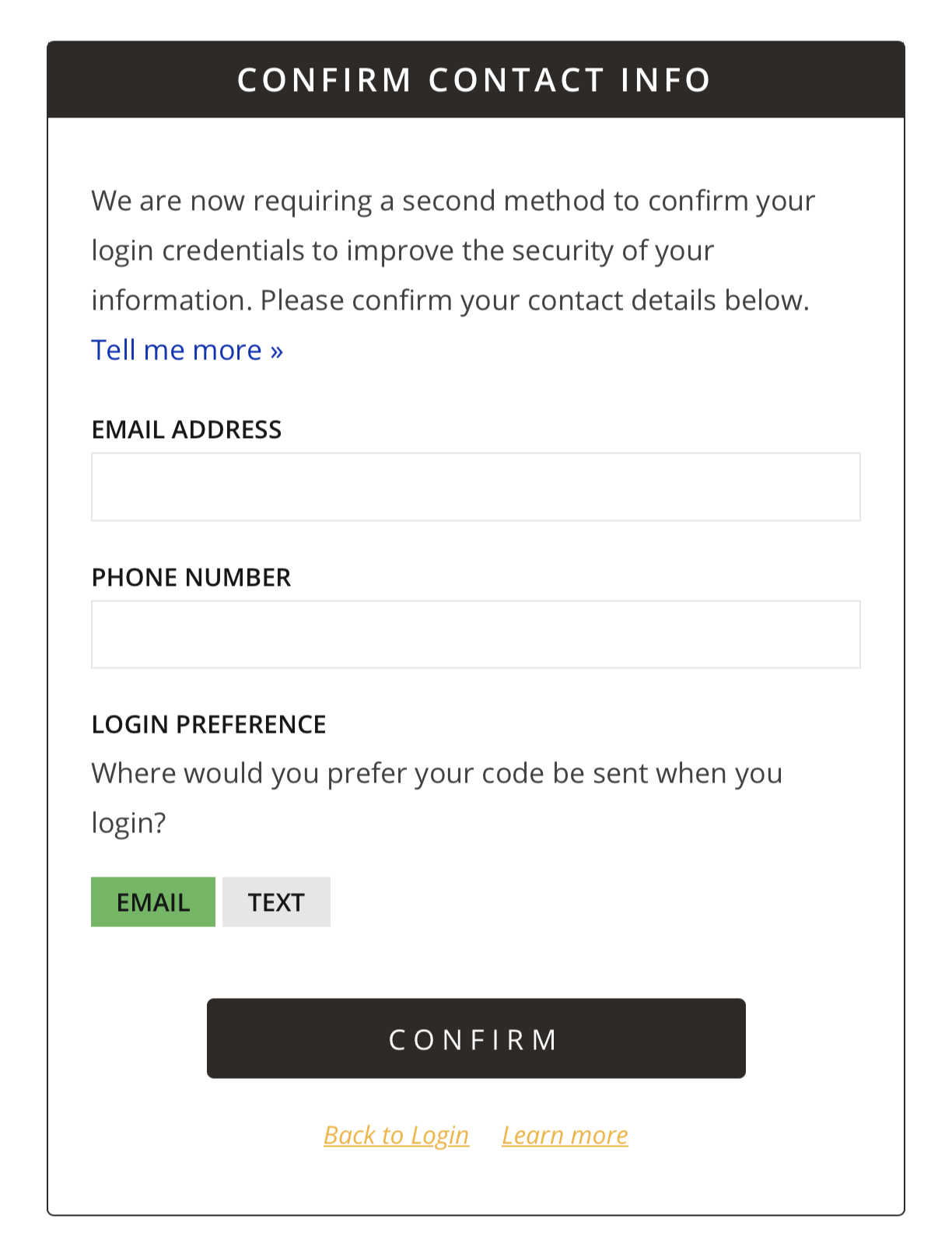
Setting Initial Multi-Factor Authentication Preferences
Existing Users
New Users
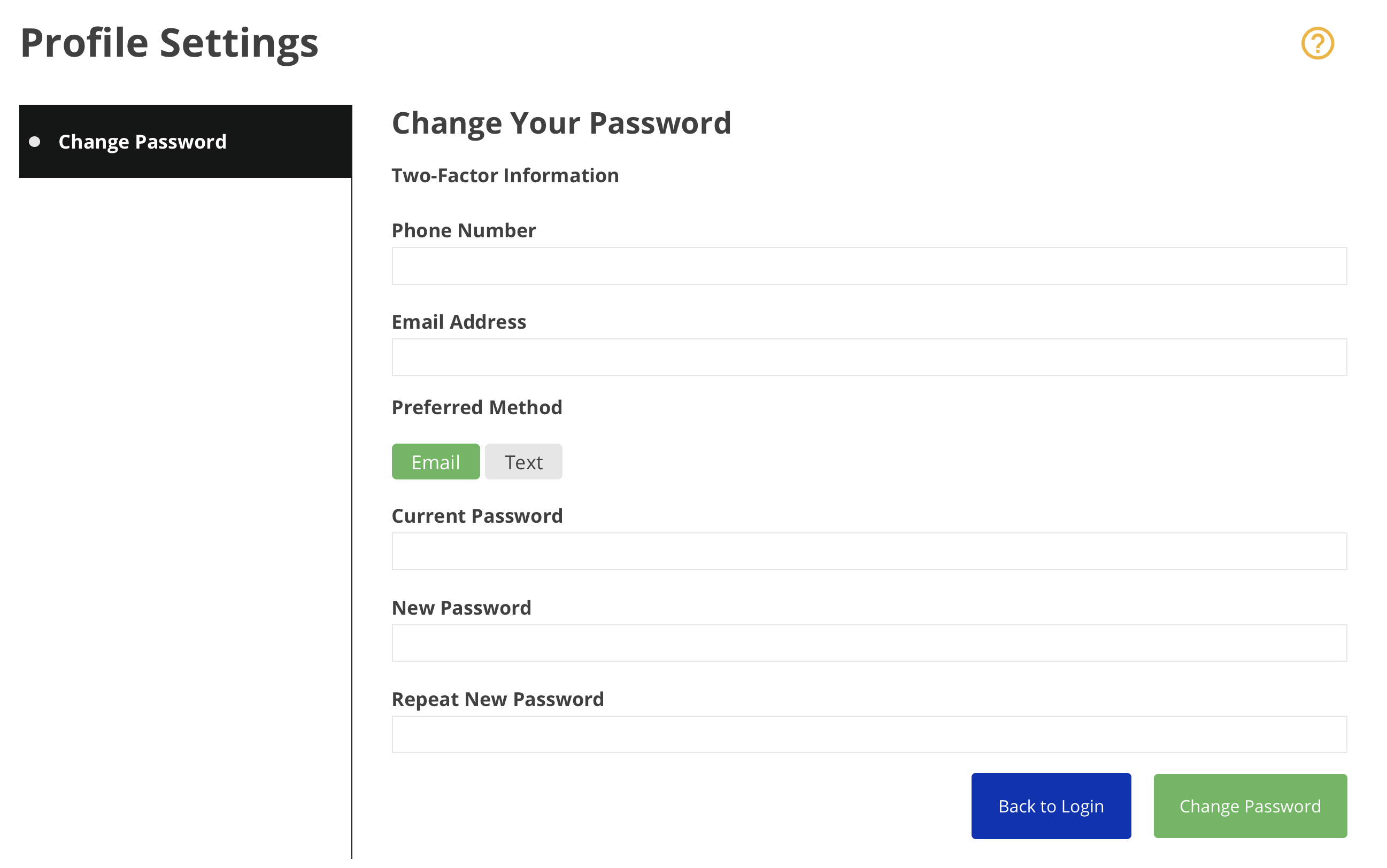
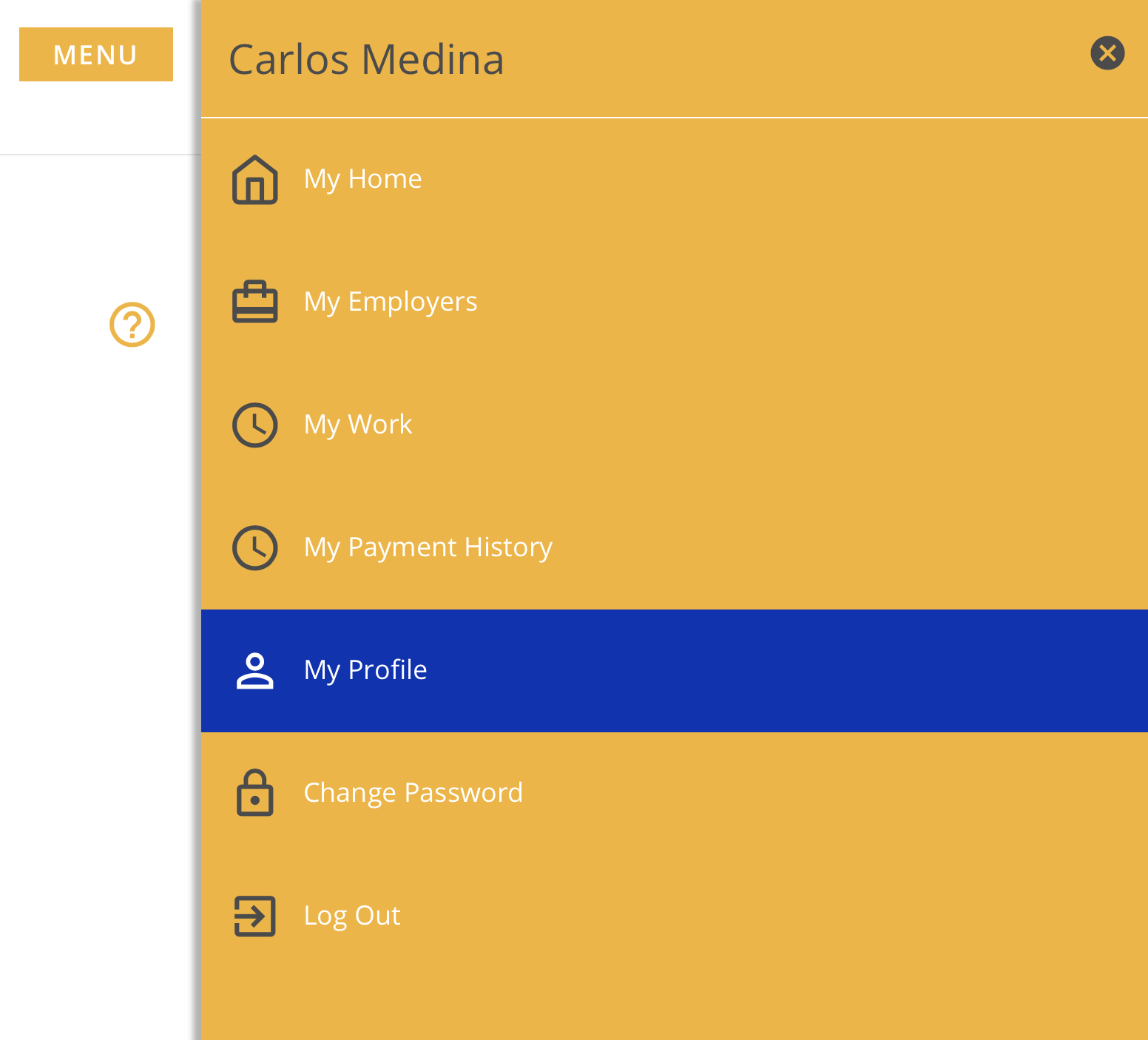
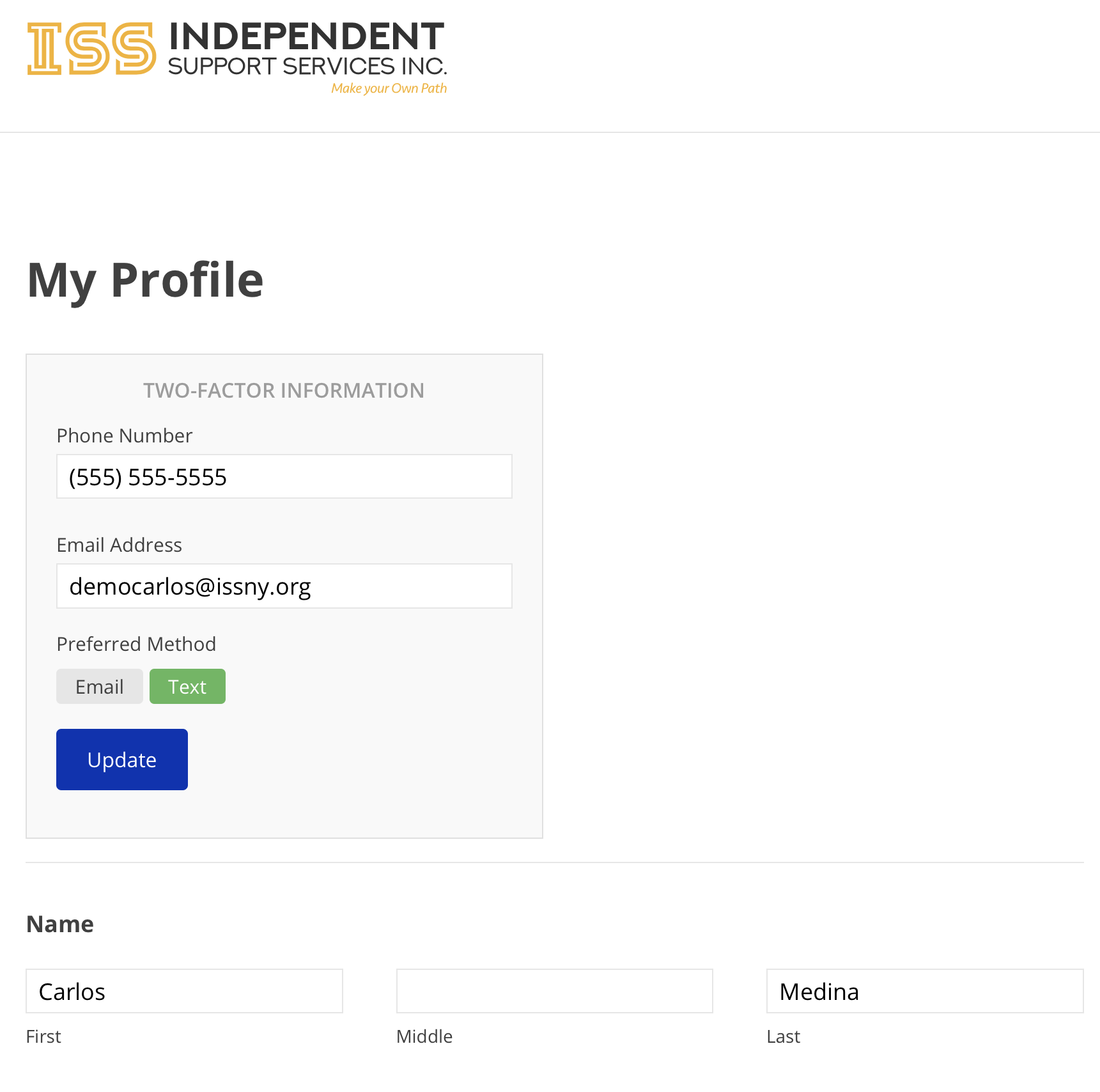
Editing Multi-Factor Authentication Preferences
FAQ
The one-time passcode isn't working.
I didn't receive the one-time passcode.
It may take up to a minute to receive the passcode. If you still haven't received it, you can clickResend Codeto resend a new code using the same method. To receive a code using an alternate method, clickEmail the CodeorText the Code.Users can resend the code up to 10 times in a 10 minute window. After reaching that limit, they must wait 10 minutes before they can request a new code. The 10 minute window is reset after each successful login.