Uploading An Expense
Updated 03/30/22.
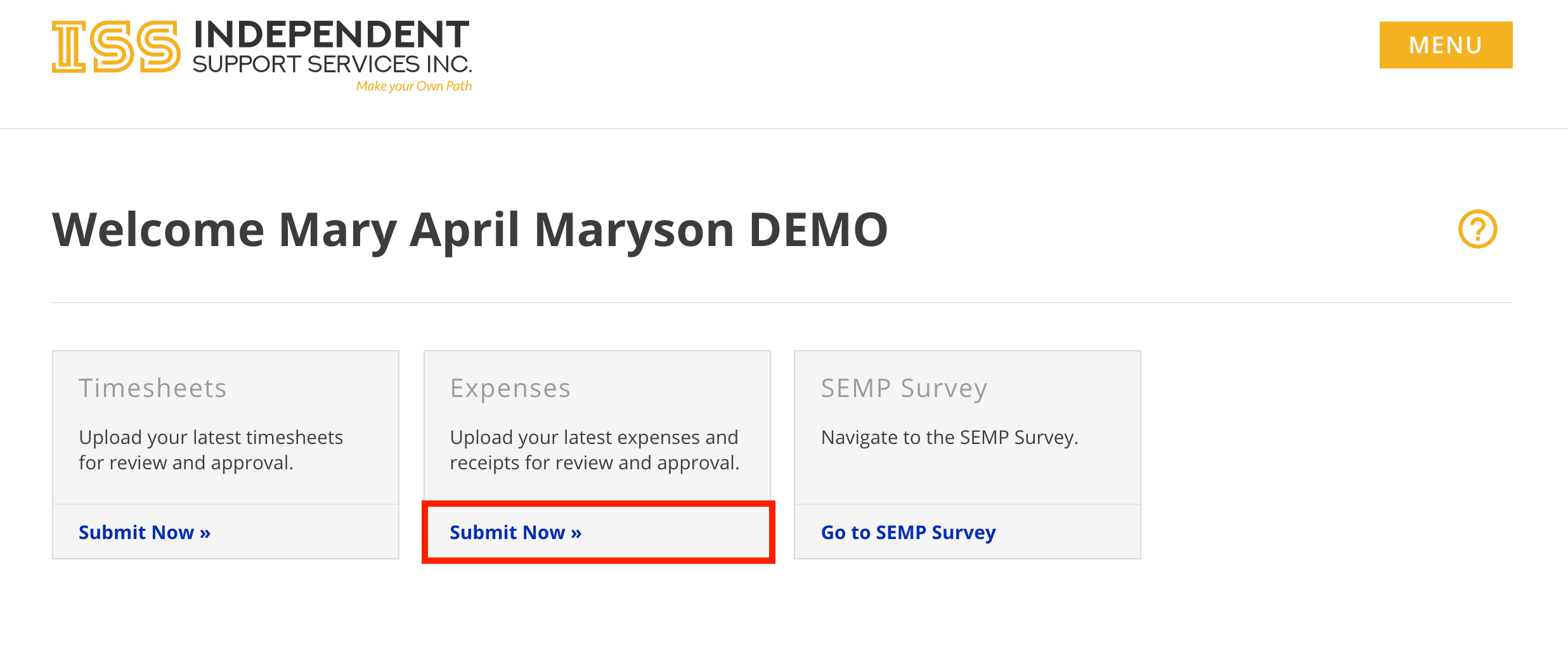
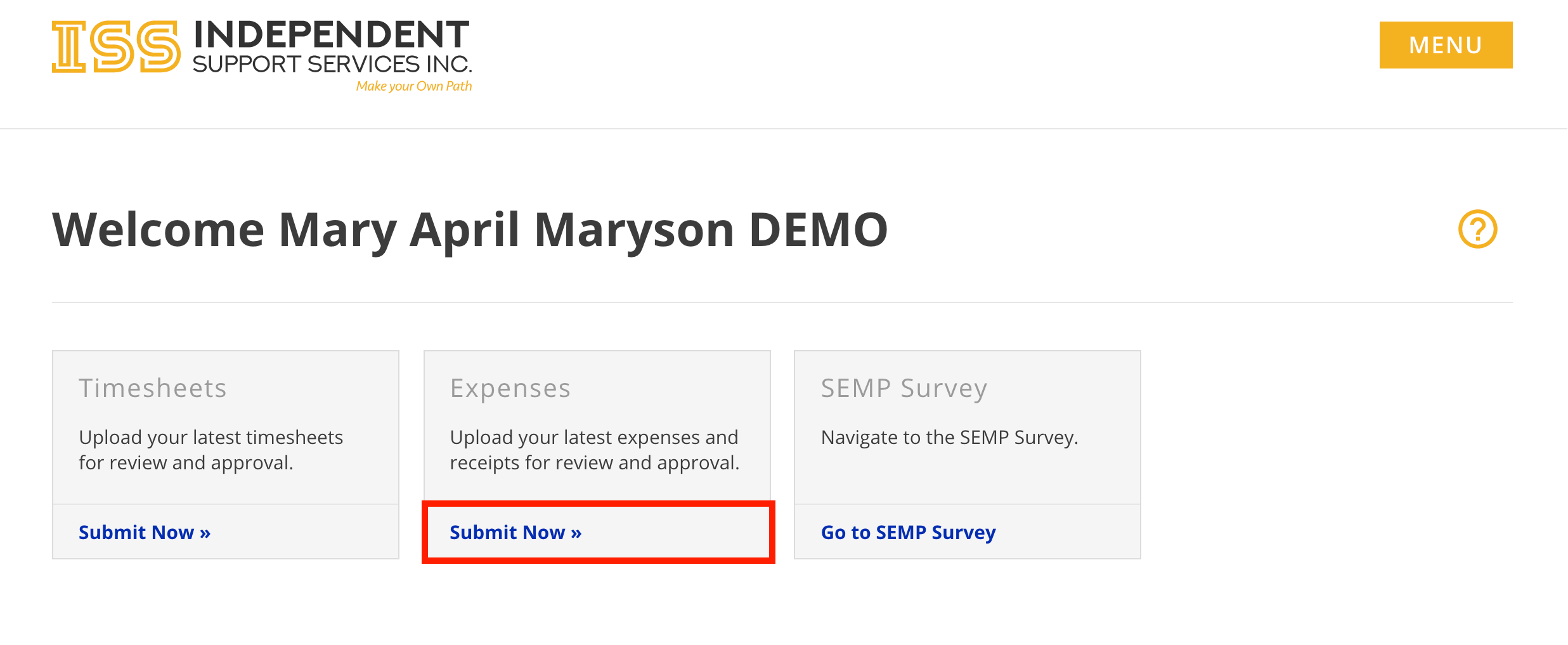
There are multiple ways to access the Submit Expense form.
From the Home page of the portal, click
Submit Now » in the Expenses tile.
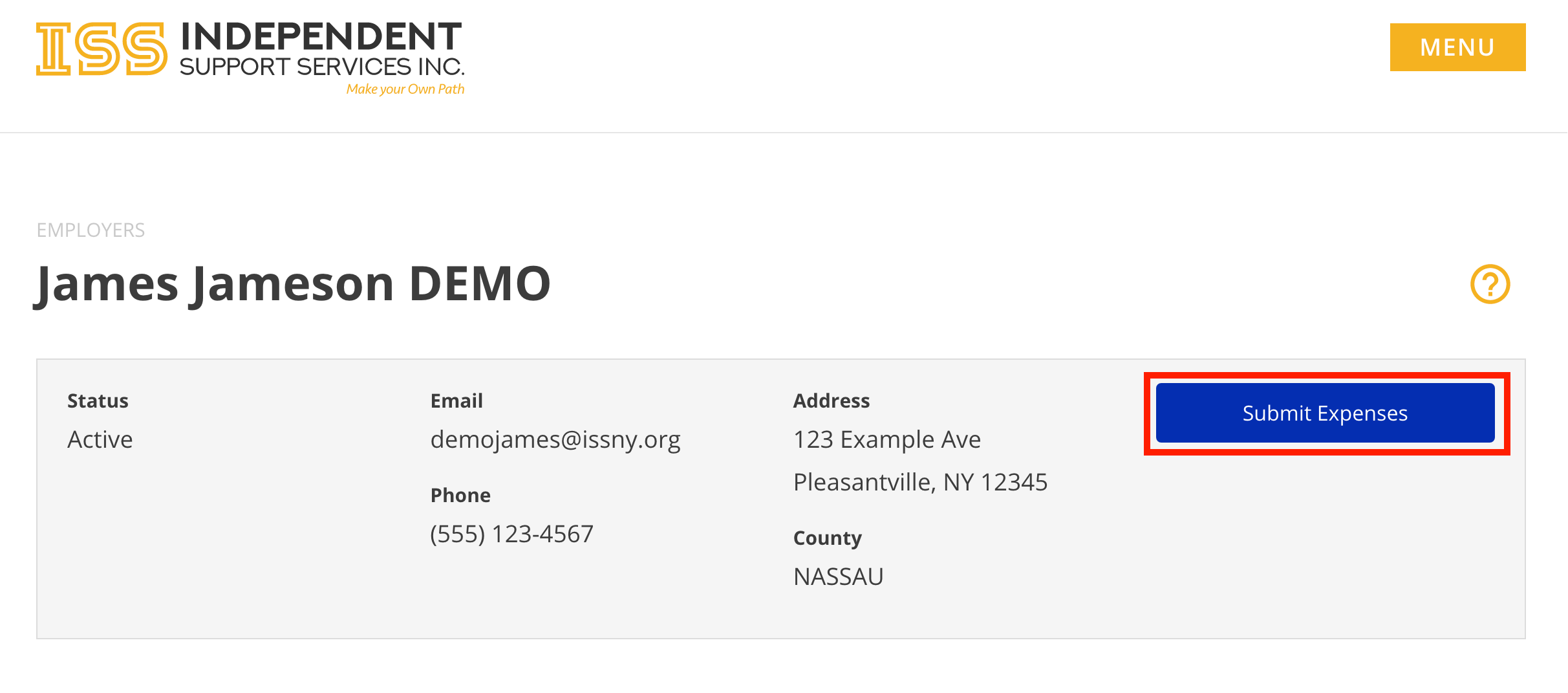
When viewing an individual in the Staff Dashboard, click
Submit Expense at the top
Complete the form.
If you have already mailed in your expense reimbursement request, do NOT also upload it.
First Name, Last Name, and Email are auto-populated when accessed through the portal.
Phone Number and Comments are optional. All other fields are required.
Allowed file types:
jpg, gif, png, pdf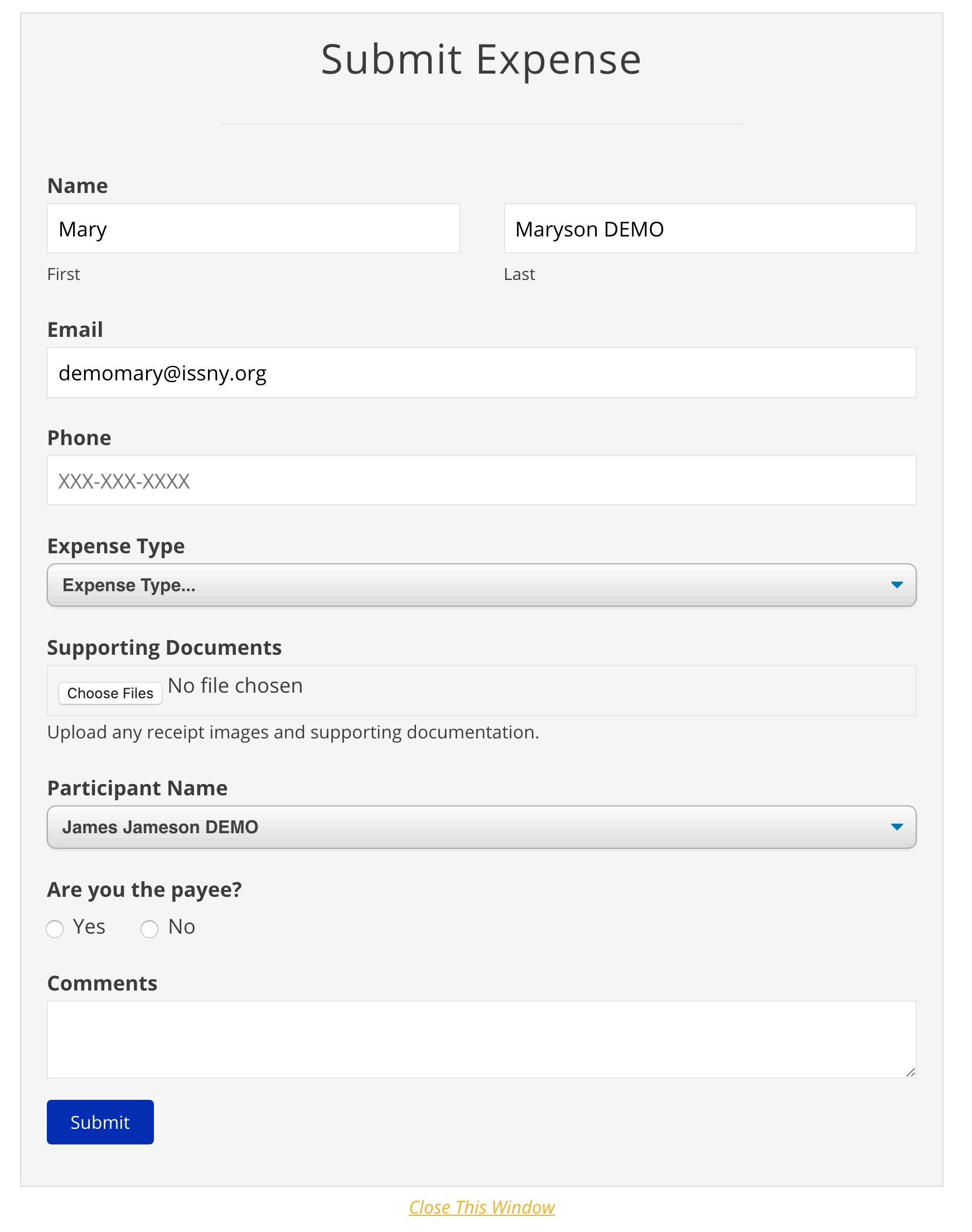
- Click Submit.
- You will receive a confirmation email at the email address provided in the form.
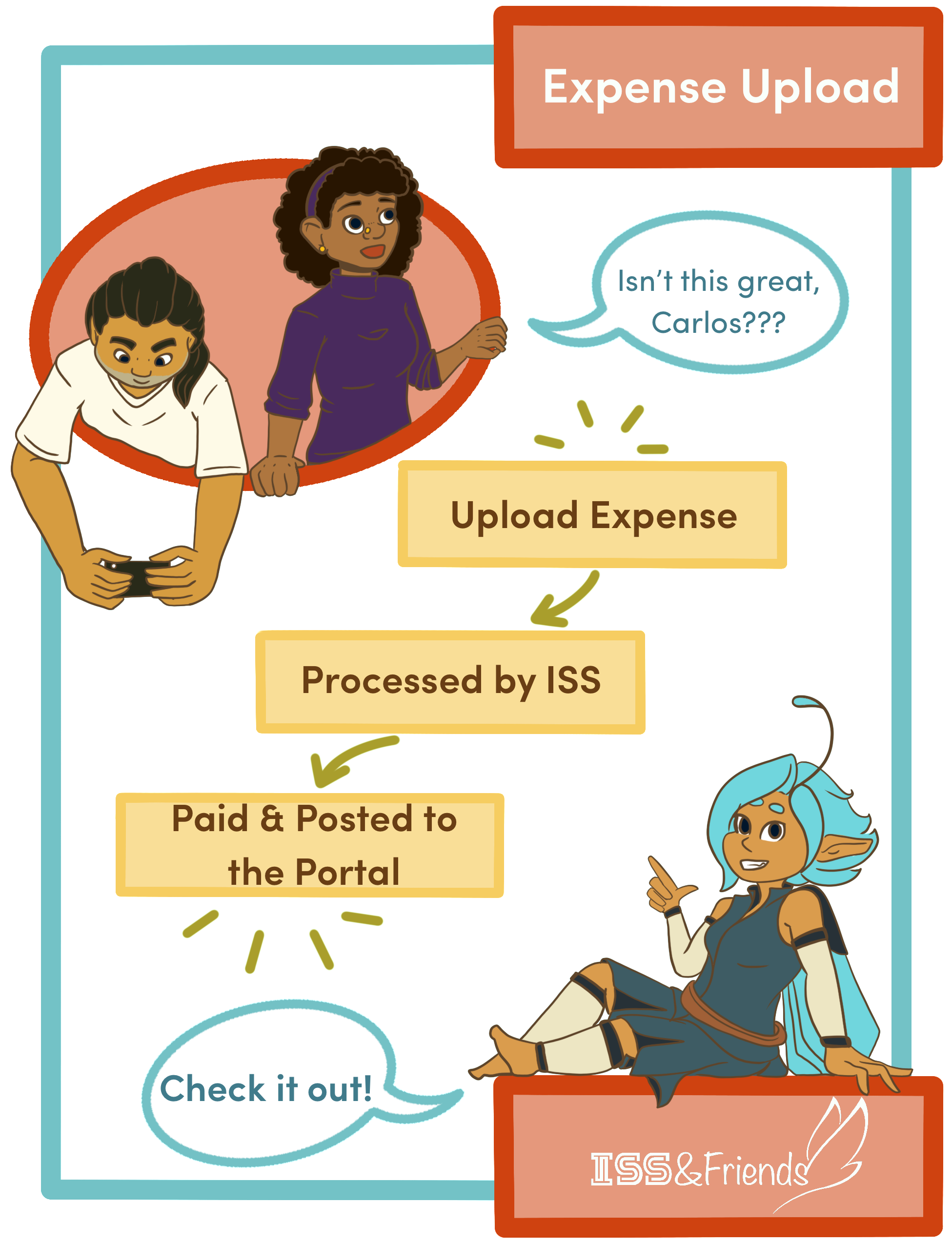
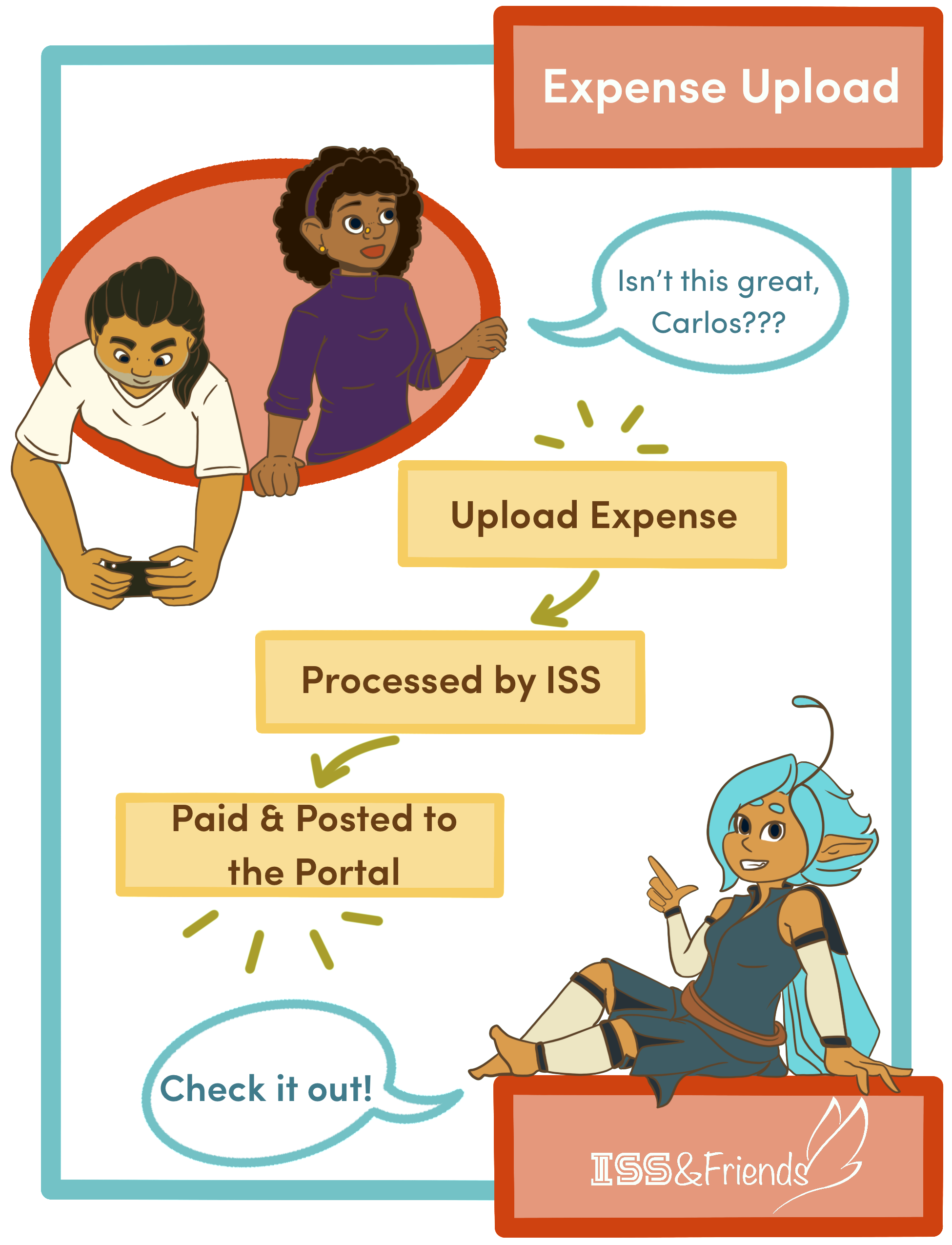
- ISS will review and process the submission.
Note: Unlike Timesheet Uploads, Expense Uploads are not viewable on the portal until processing is finished.