
Uploading An Expense
Updated 03/30/22.08/14/2024
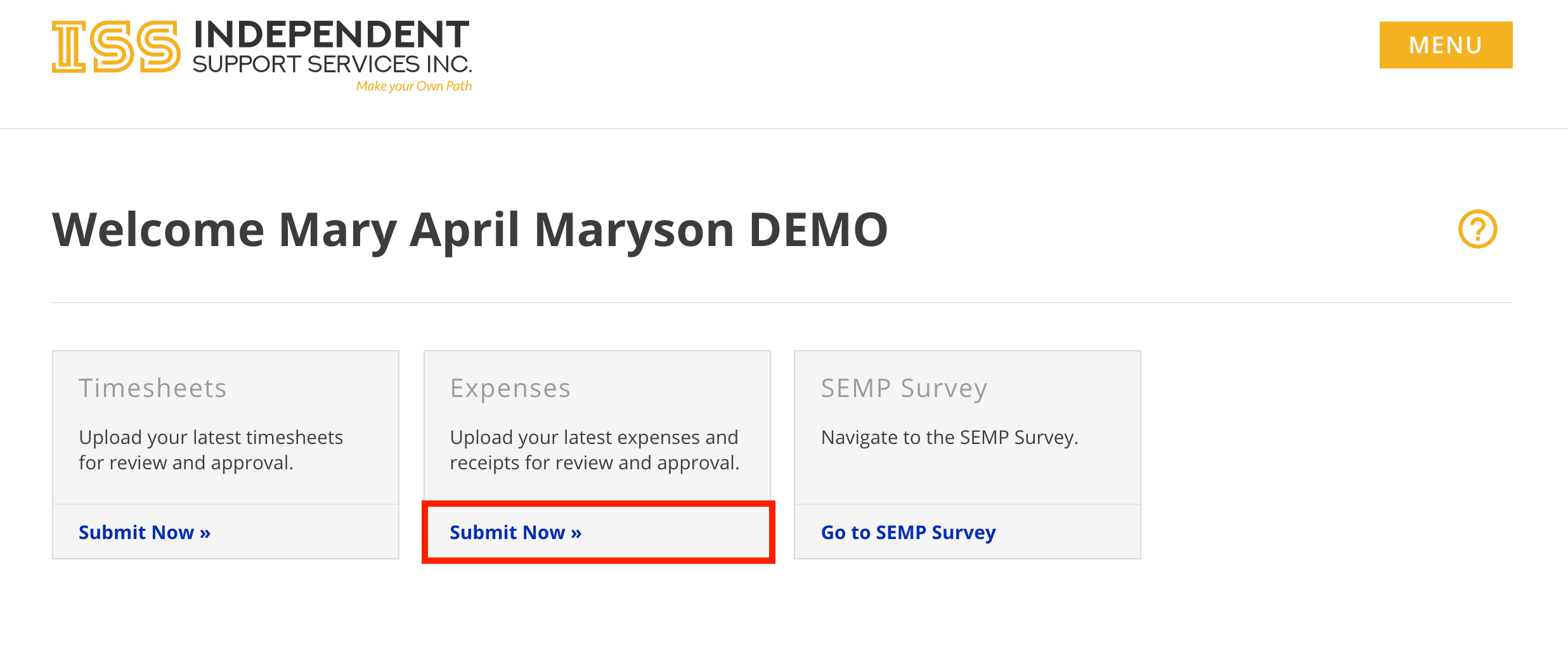
There are multiple ways to access the Submit Expense form.
- From the Home page of the portal, click Submit Now » in the Expenses tile.
- When viewing an individual in the Staff Dashboard, click Submit Expense at the top

- Complete the form.
If you have already mailed in your expense reimbursement request, do NOT also upload it.- First Name, Last Name, and Email are auto-populated when accessed through the portal.
- Phone Number and Comments are optional. All other fields are required.
- Allowed file types: jpg, gif, png, pdf
- Each file cannot exceed 10 MB.
- Each submission cannot exceed 20 MB.
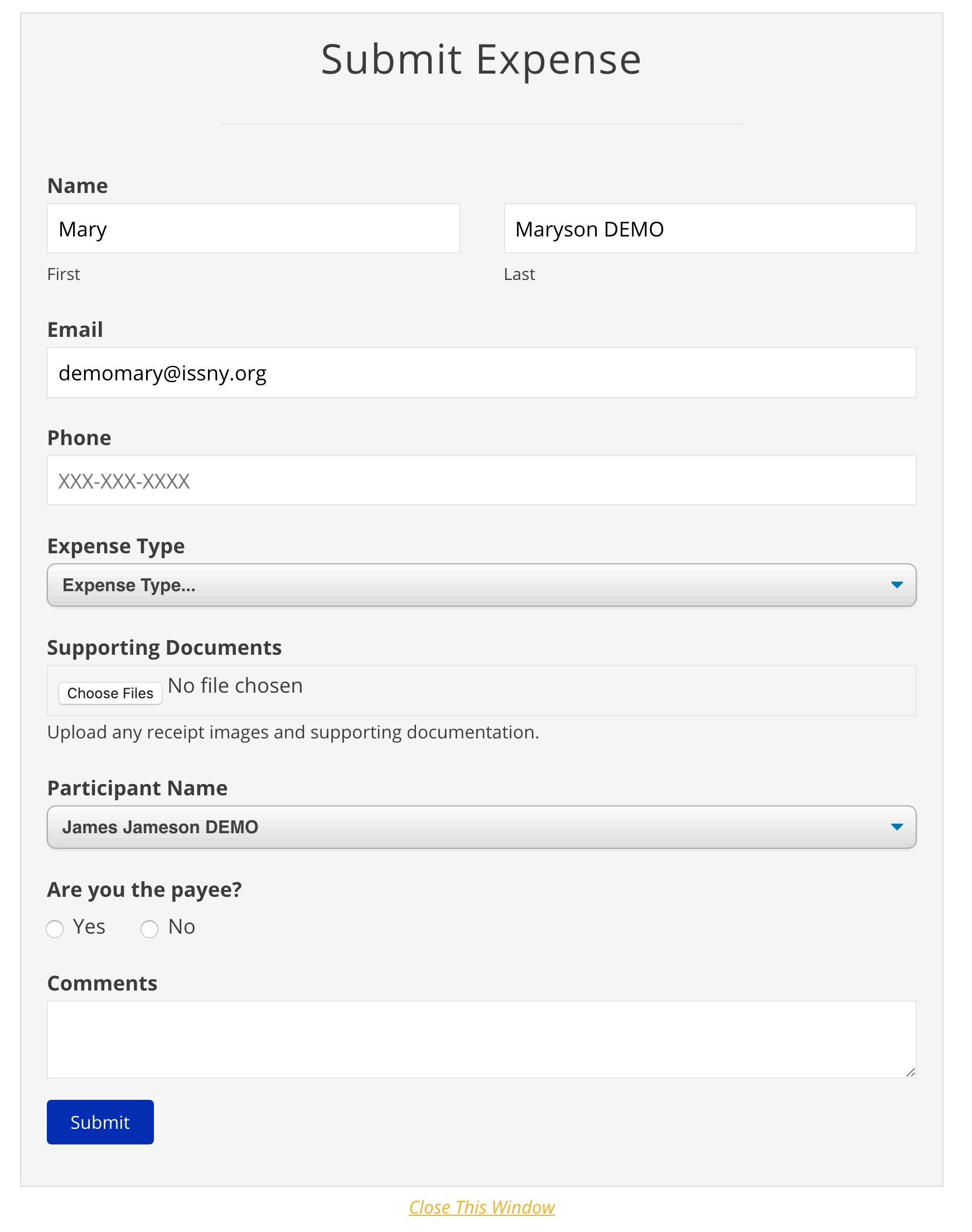
- Click Submit.
3. You will receive a confirmation message on the
screen.screen You will receiveand a confirmation email at the email address provided in theform.form
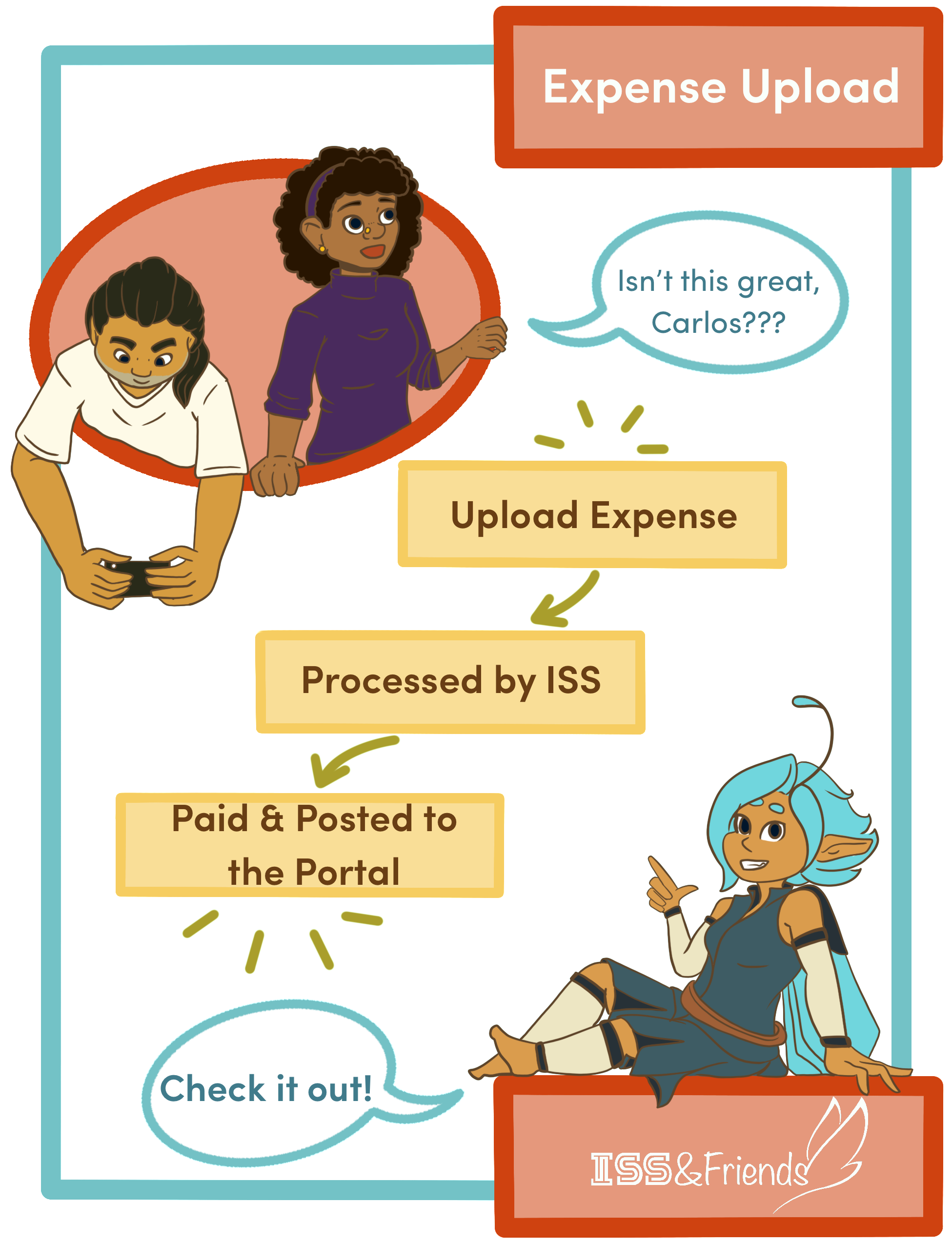
4. ISS will review and process the submission.
Note: Unlike Timesheet Uploads, Expense Uploads are not viewable on the portal until processing is finished.