
My Expenses Page
My Expenses
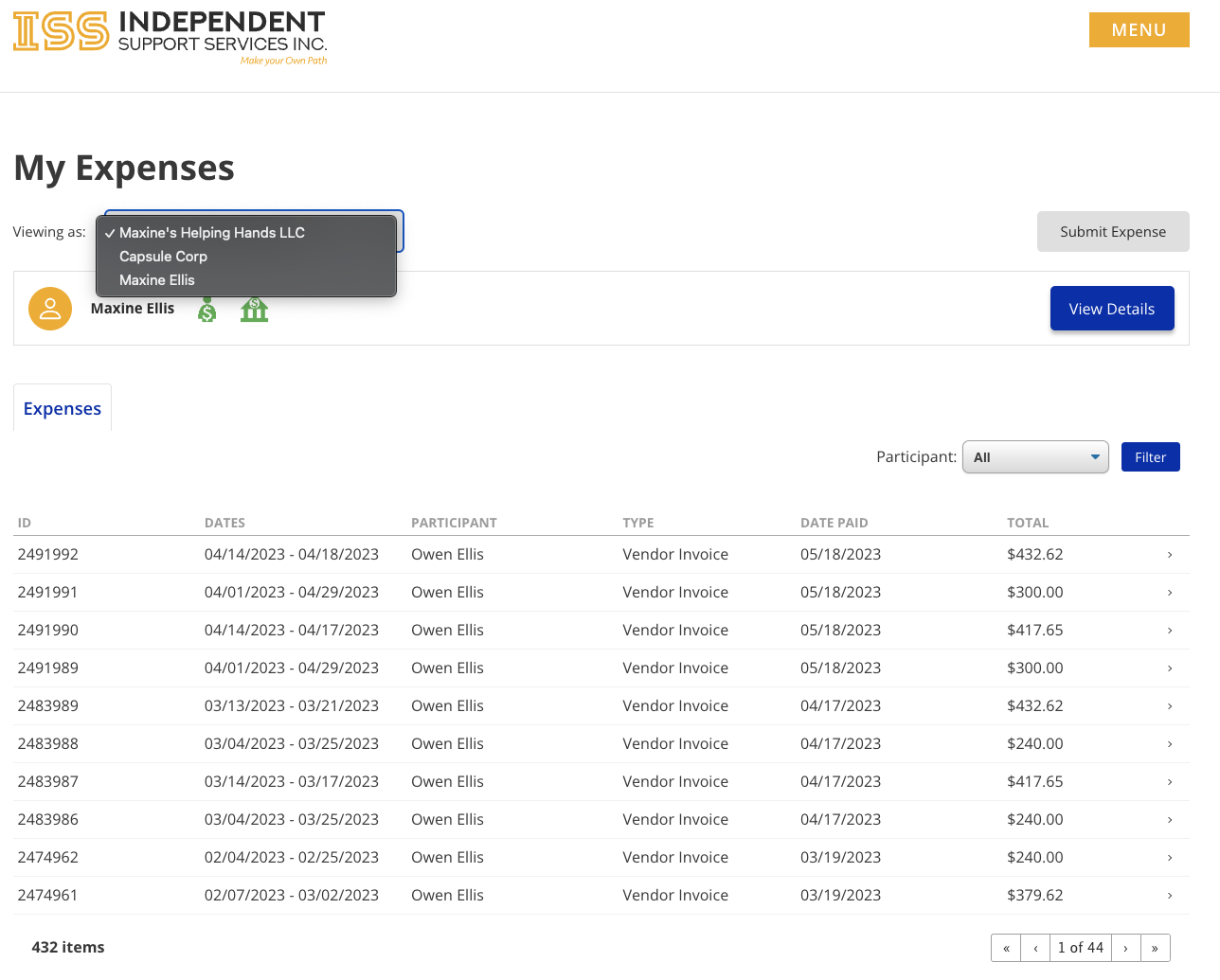
Viewing As
If your payee profile is associated with organizations that are also payees and you have the necessary permissions to submit expenses and set up payee and banking information, those organizations will appear in this dropdown. If there is only one payee profile, then the dropdown will not appear.
Payee profile & ePay profile Summary bar

This bar currently has 2 badges next to the payee's full name. The badges show the status of the Payee and ePay profile statuses respectively. Hovering over the icons will also display a tooltip reflecting the current status.
Grey - No form has been submitted.
Orange - The information provided is currently being verified.
Red - Form has been denied.
Green - Form has been accepted.
The View Details button will be available for you and only you to view Tax and banking information.
Please note that we have taken measures to ensure that only you have access to your banking and Tax information.
Disclaimer: All names displayed in the above screen shots are fictional characters. No identification with actual persons (living or dead) is intended or should be inferred.