
Payee Details
To view or edit the Payee Profile Details, click "View Details." Only you can view the associated information.
If you are unable to access this button, contact websupport@issny.org to setup the necessary permissions on your account.

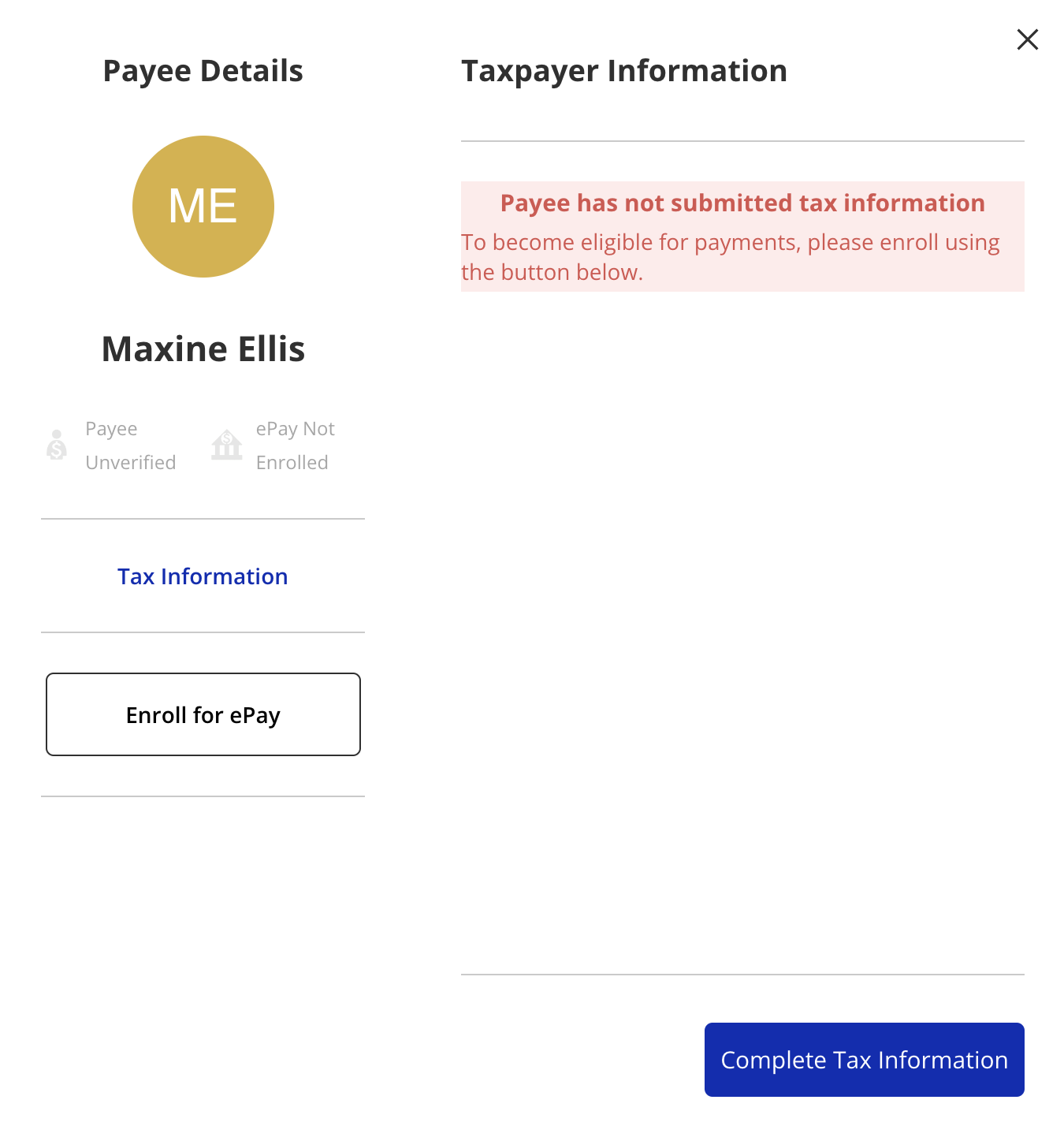
The Payee Detail window displays the Payee status and the ePay status on the left side. The blue button at the bottom of the page will direct you to the next step needed to set up ePay, including filling out the Tax Information document.
Please note that we have taken measures to protect your banking and tax information.
Disclaimer: All names displayed in the above screen shots are fictional characters. No identification with actual persons (living or dead) is intended or should be inferred.