
Adding Mileage in eTime - Support Staff
Adding1. Log into the Portal and open eTime
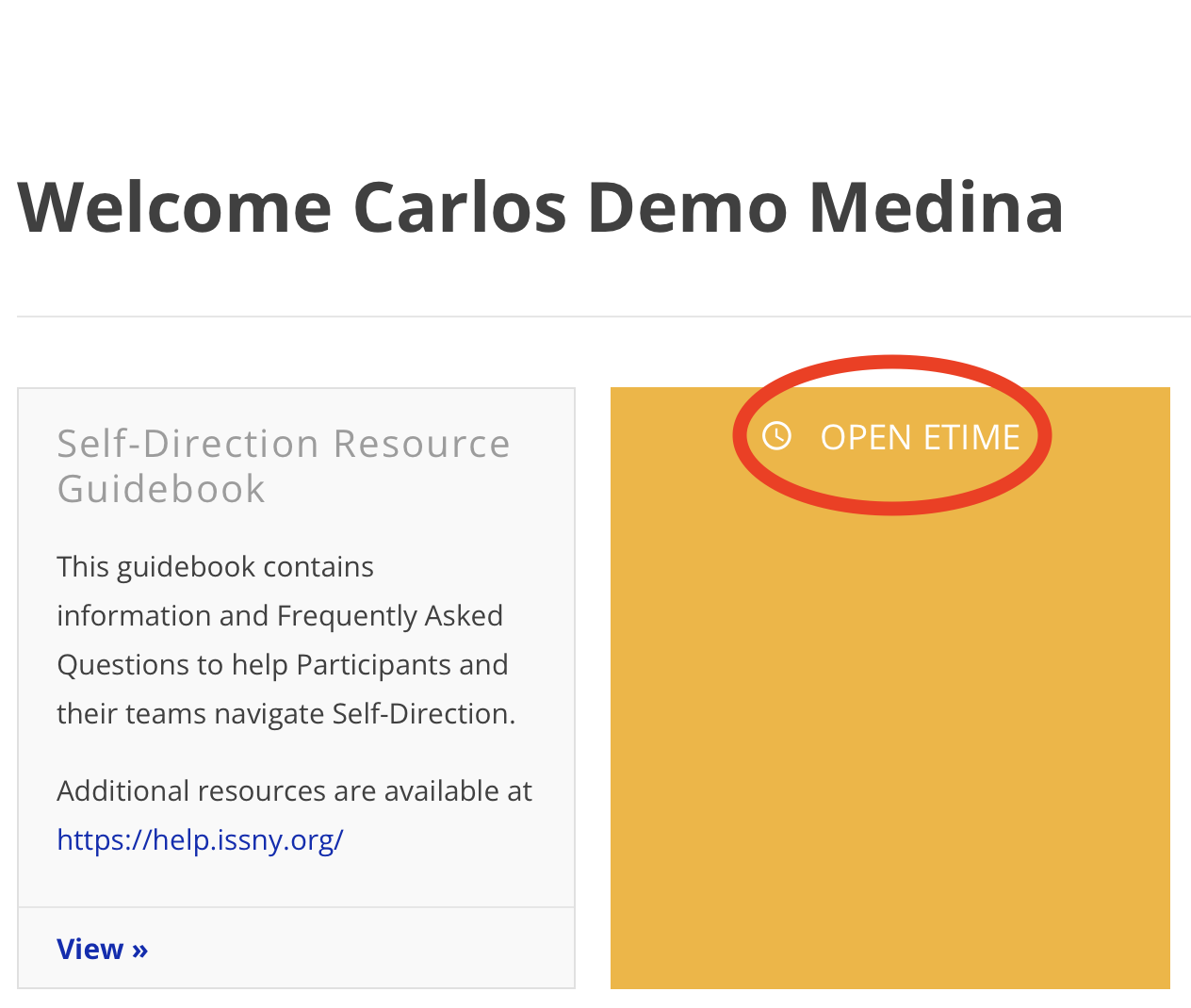
2. Start a shift

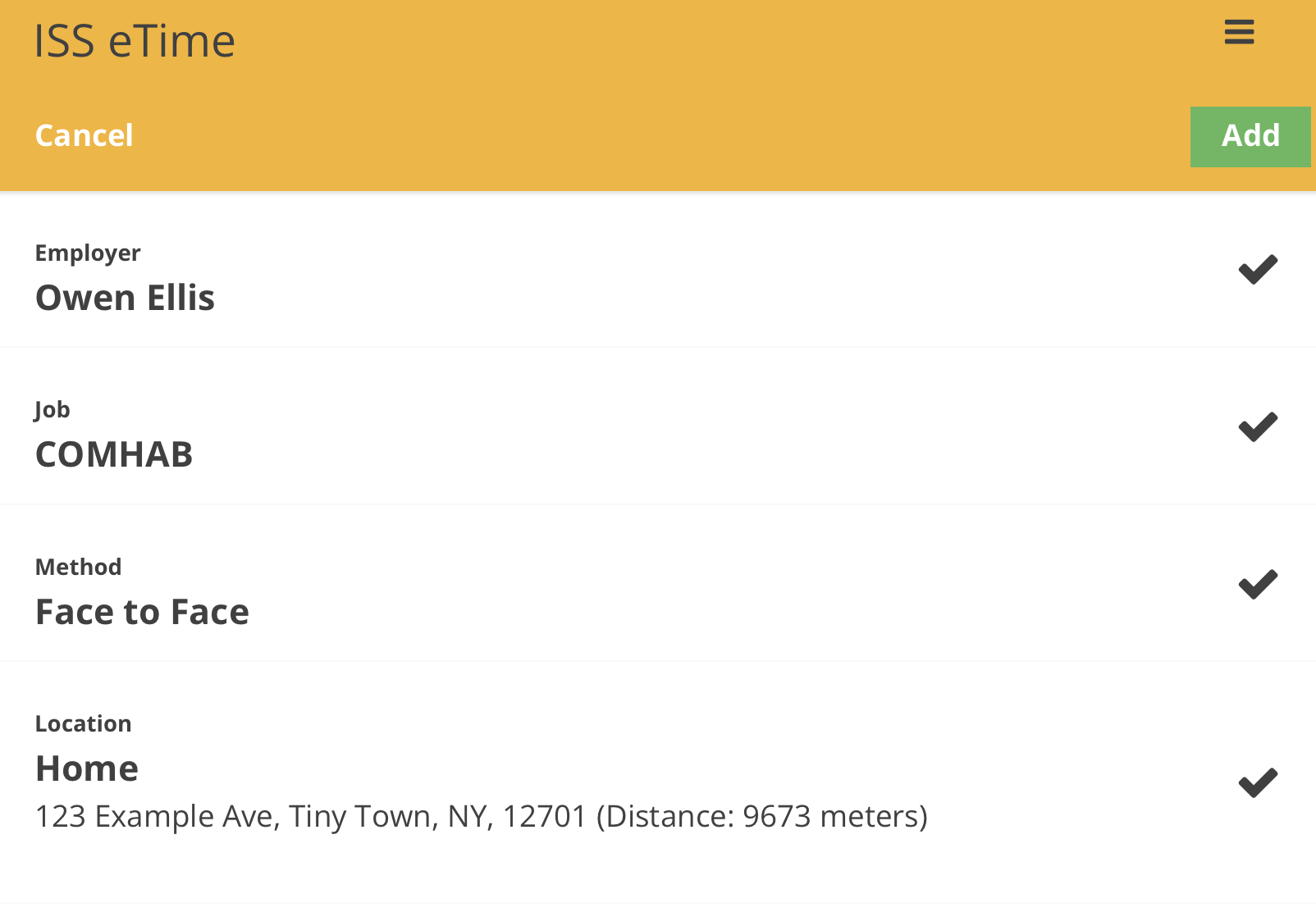
3. Input your information
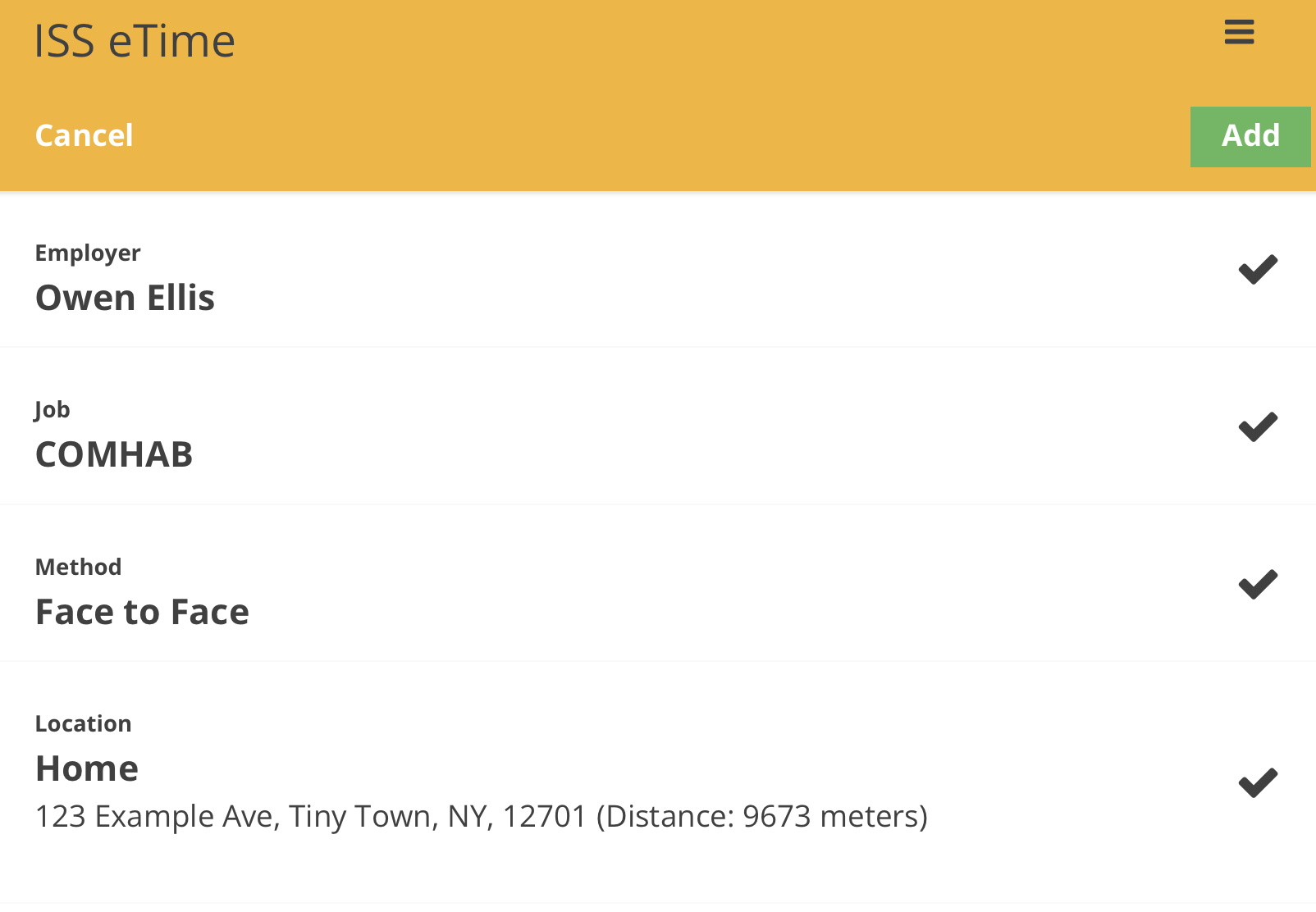
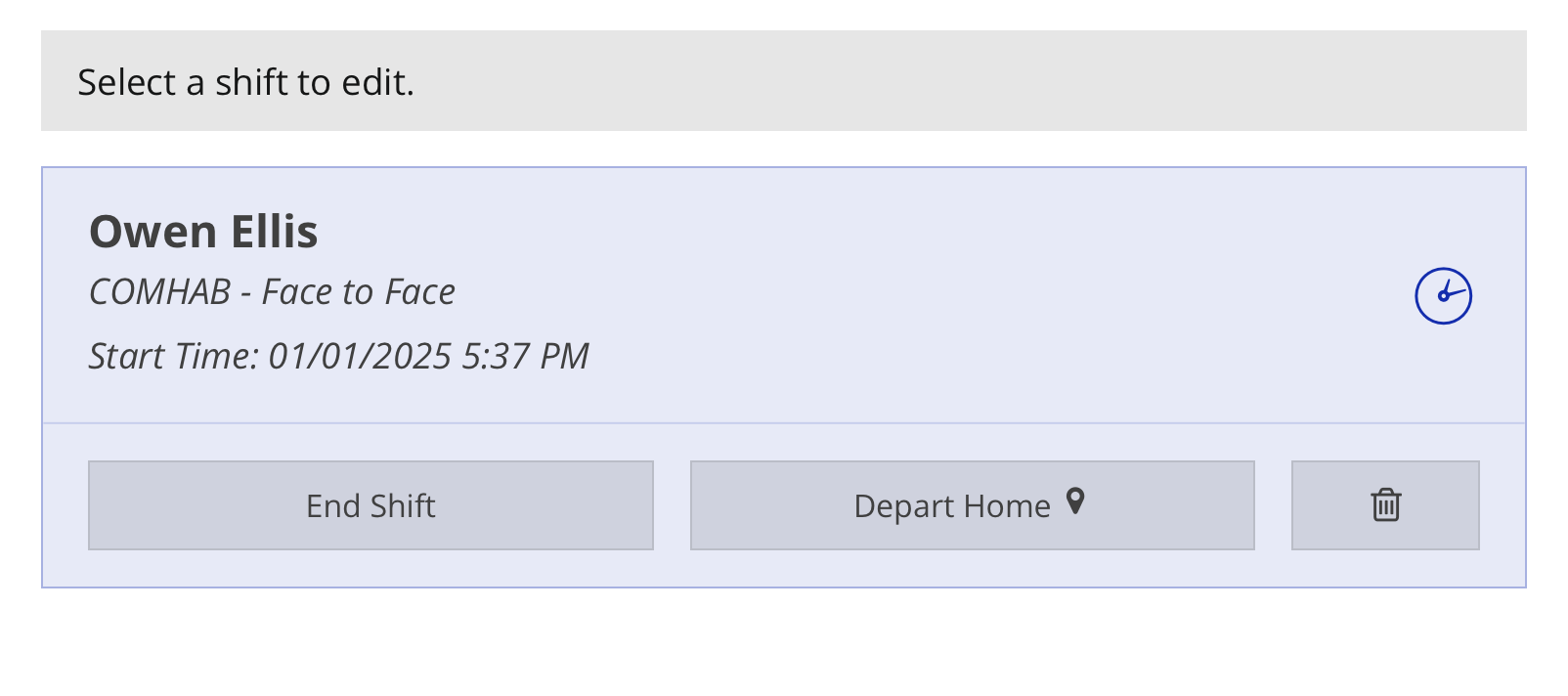
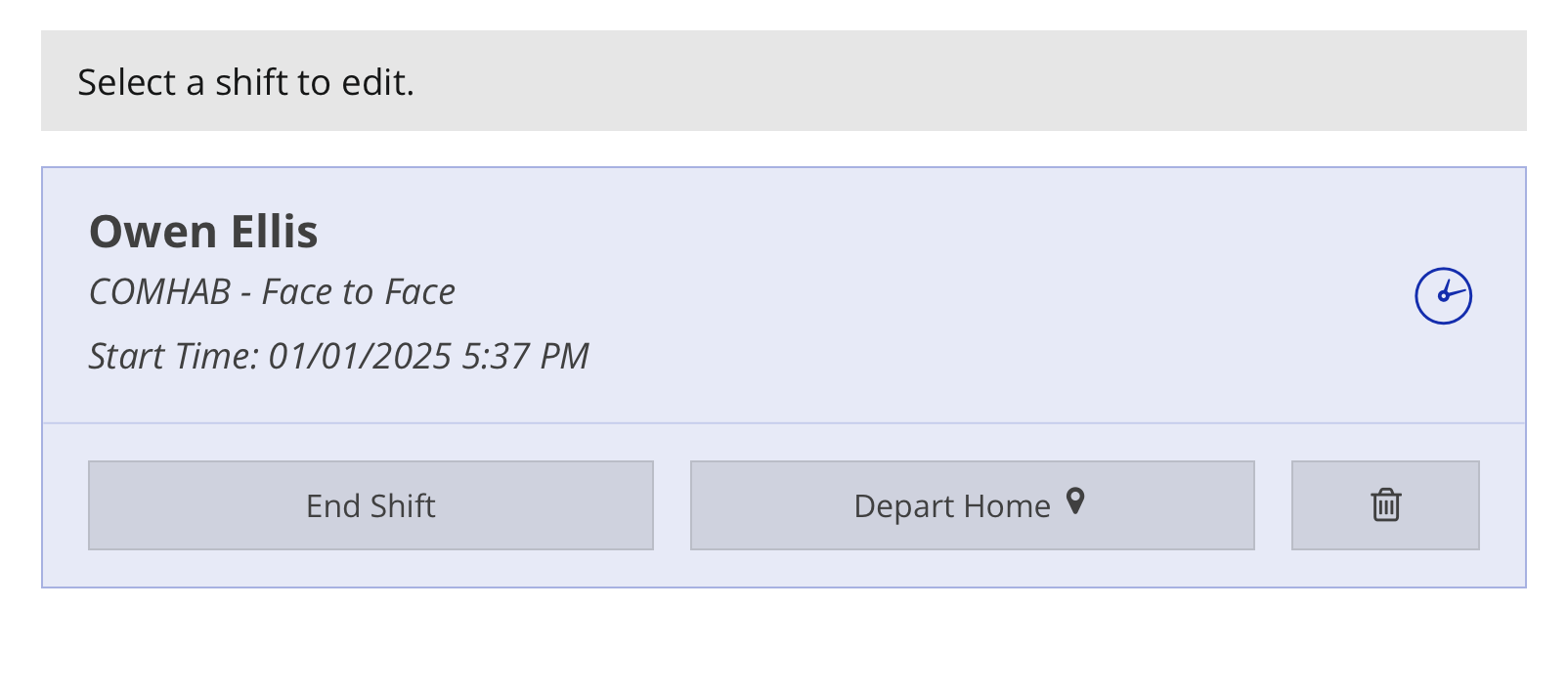
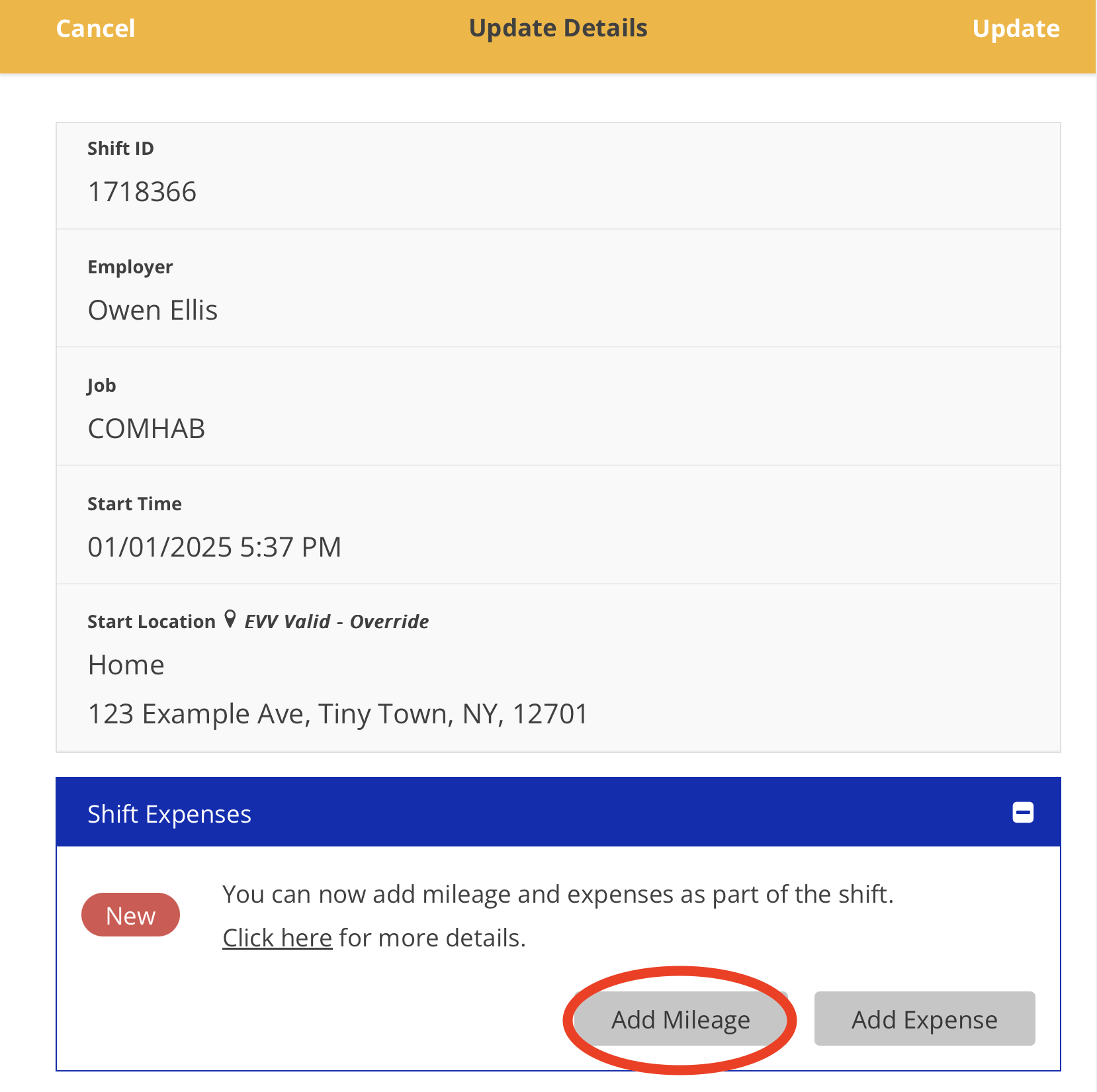
4. Select your shift
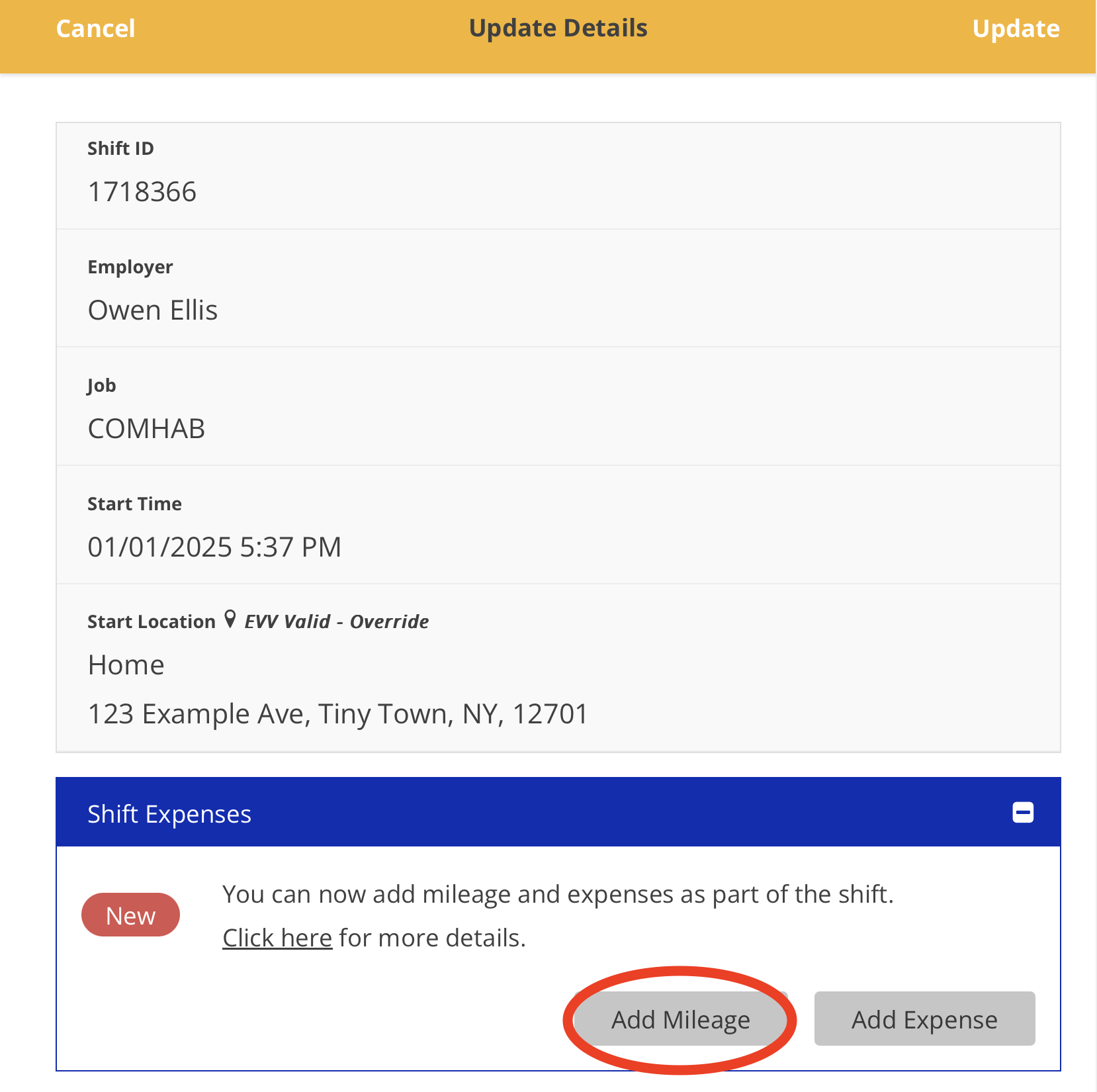
5. Tap the 'Add Mileage' button
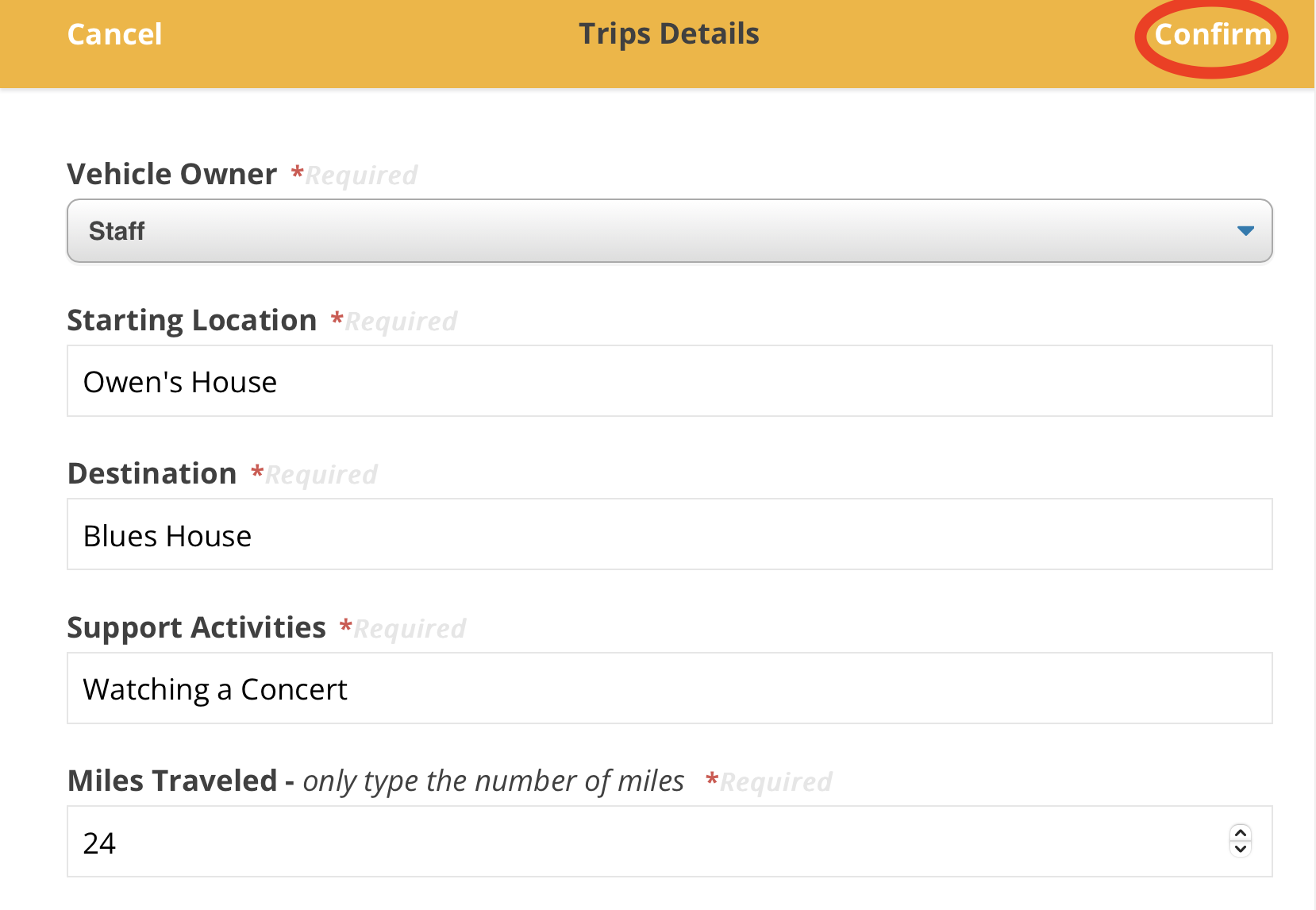
6. Input your information and tap the 'Confirm' button
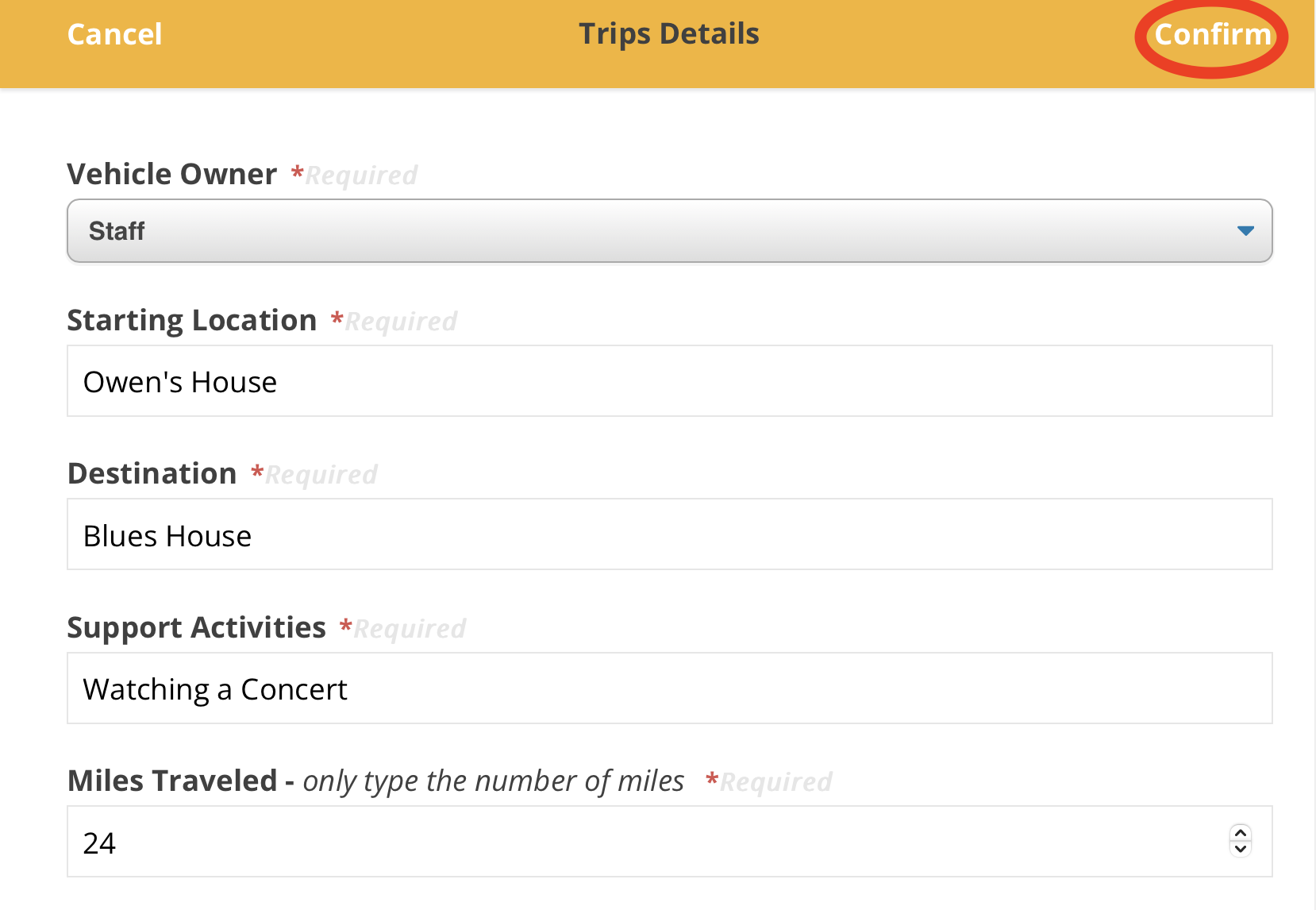
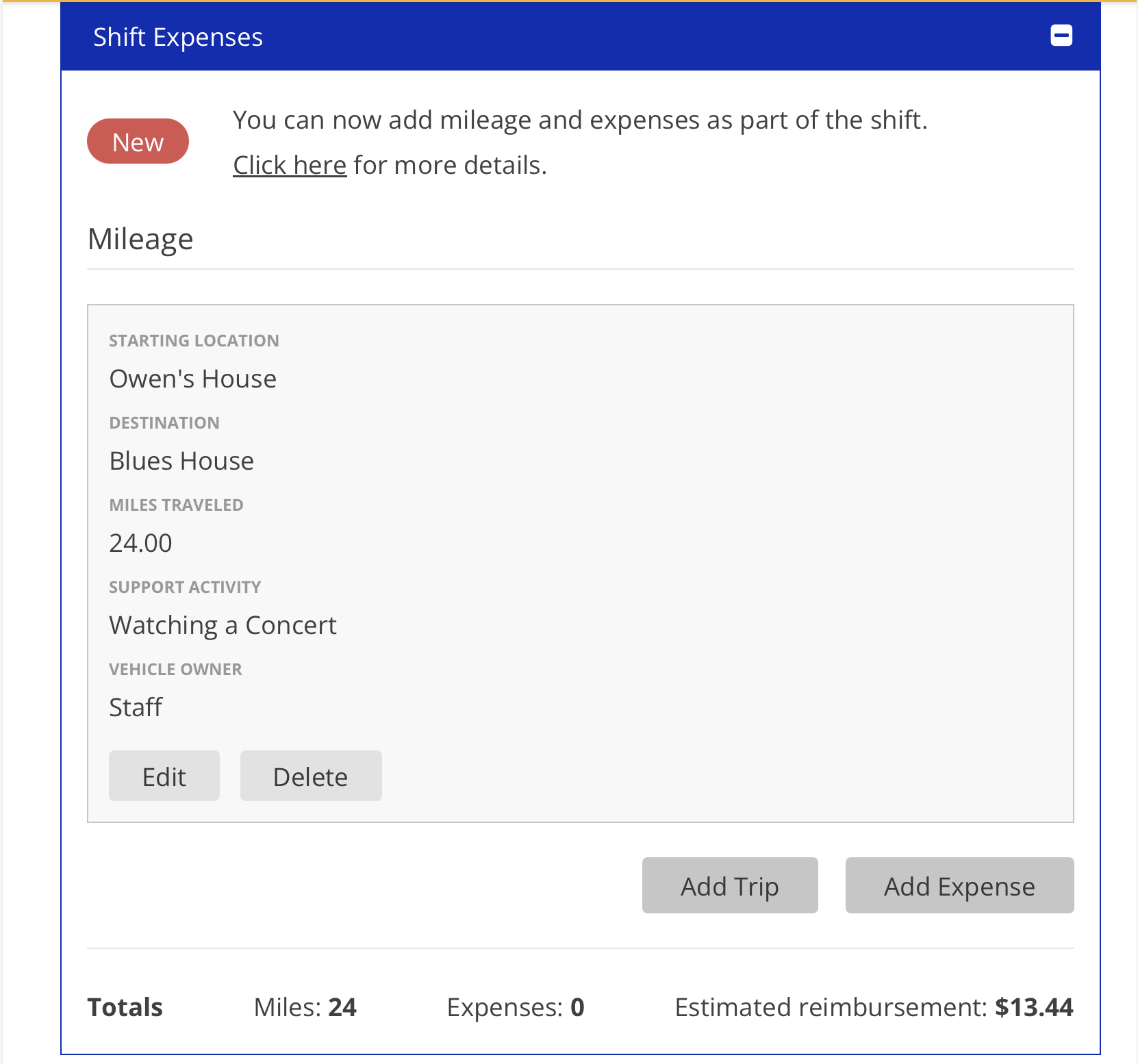
7. Your mileage
in eTime - with screenshotsFor mileage they shouldcan beaddingviewedone at a time, if made a round trip those two trips will be added separately - FAQ calloutShouldn’t use this to submit mileage if the vehicle driven was provided by the circle - FAQ calloutWhat criteria needs to be met so that your mileage is covered. ( The vehicle must belong to SS. The location can’t be a hospital, courthouse, or anywhere else the state provides funds to travel to. Can’t be reimbursed for mileage driving to and fromwithin the shift.Etc.)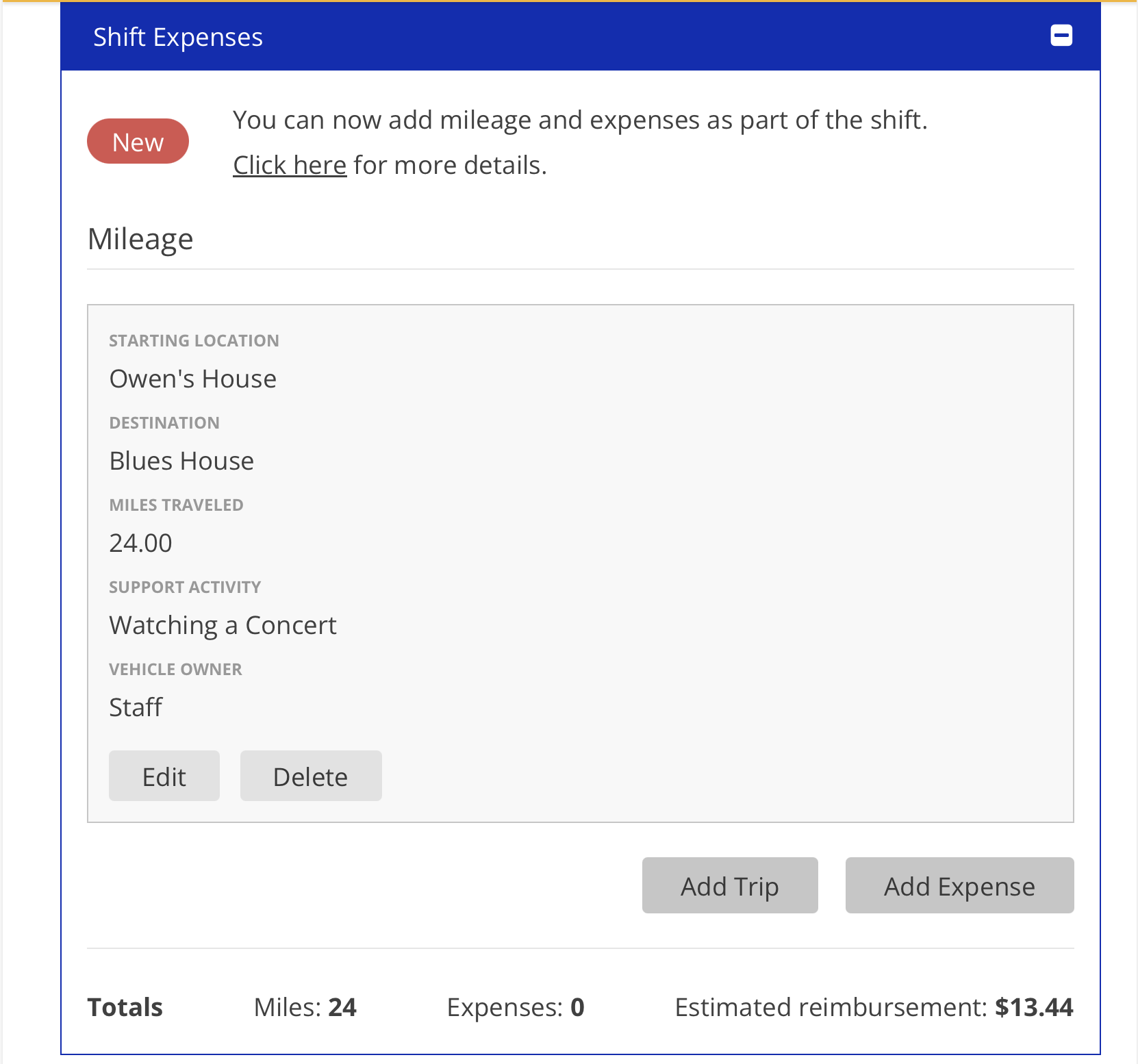
-For further questions please view our FAQ
callout


•4.What to do if you have mileage which you forgot to add to your shift . Also how to add post-submission. Forgot to add to your shift post submission - FAQ calloutdocument:
-Adding Mileage in eTime
- - For mileage they should be adding one at a time, if made a round trip those two trips will be added separately
- Shouldn't use this to submit mileage if the vehicle driven was provided by the circle/participant
- Editing Mileage in eTime
- What to do if you have mileage or expenses you forgot to add to your shift post submission
Mileage
Starting Location and destination make sense
Distance or amount mileage makes sense
Activity