
Adding Mileage in eTime - Support Staff
1. Log into the Portal and open eTime

2. Start a shift

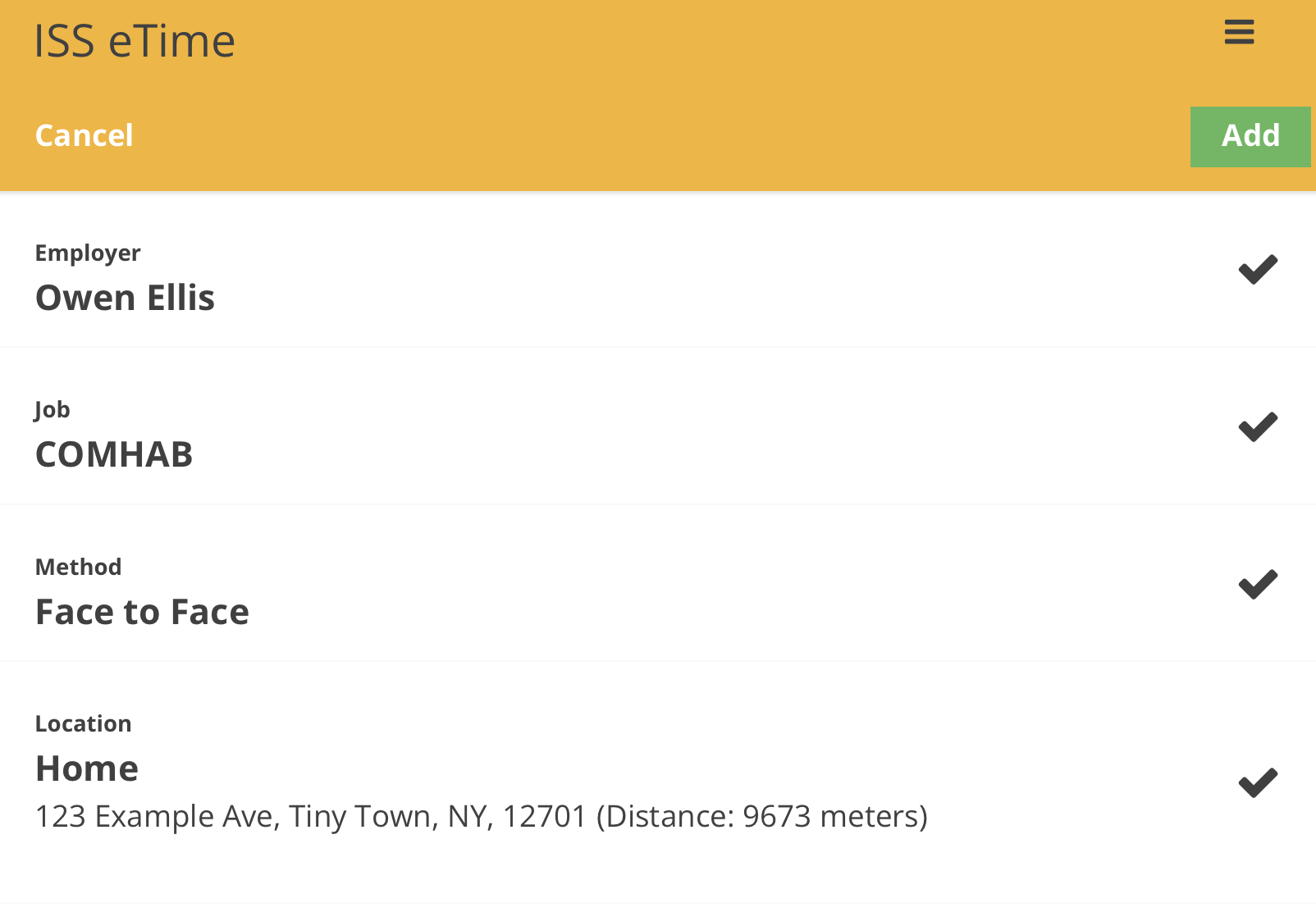
3. Input your information
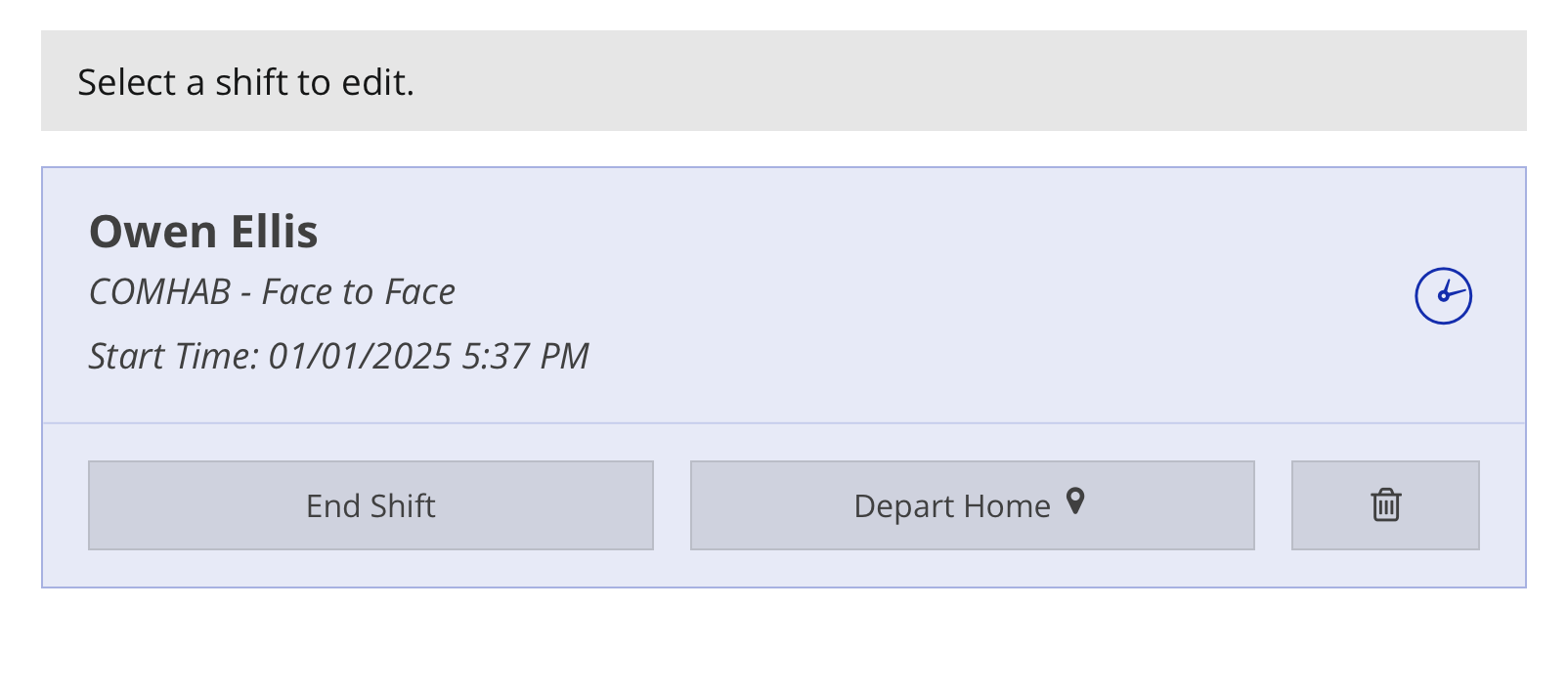
4. Select your shift
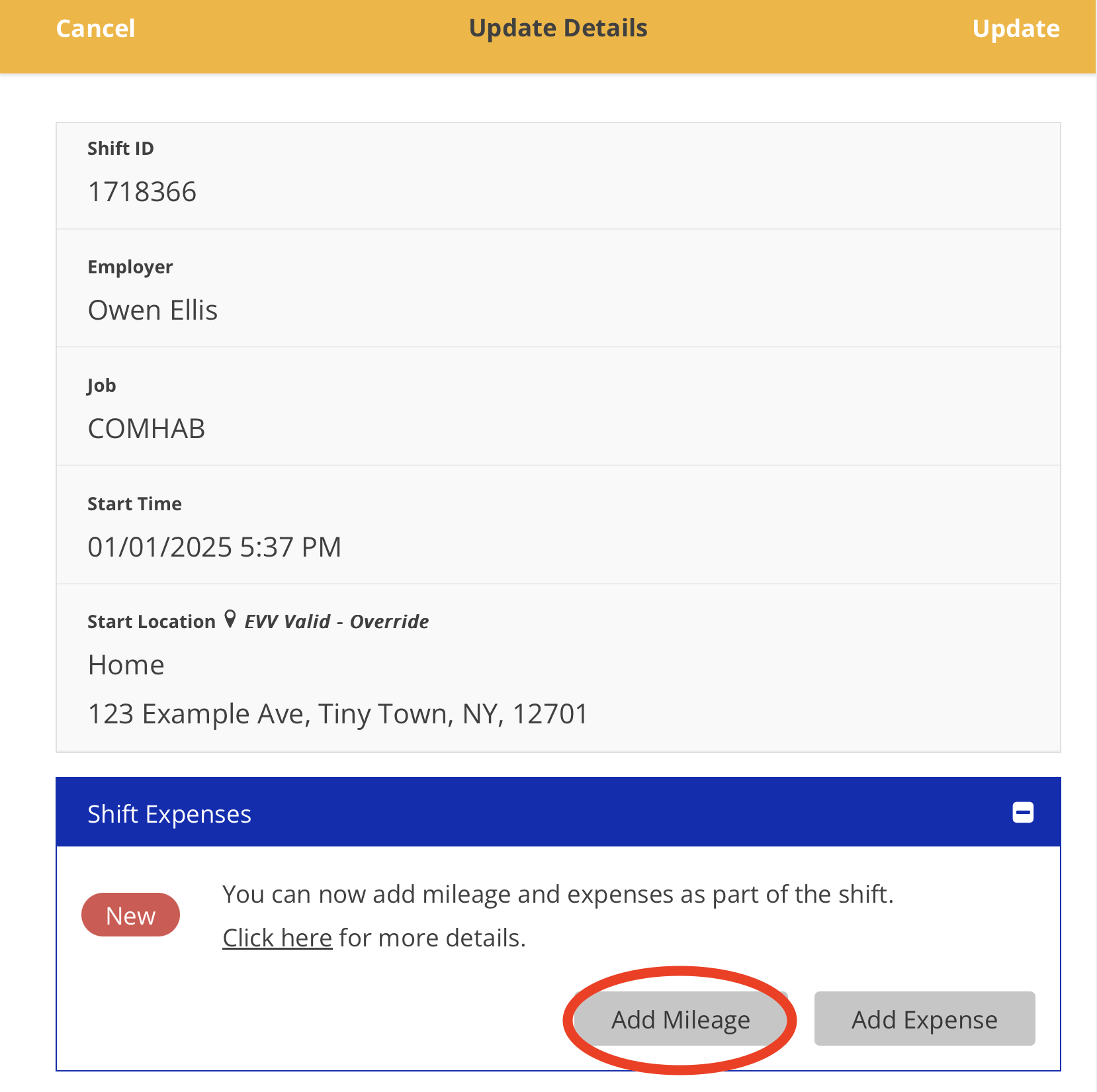
5. Tap the 'Add Mileage' button
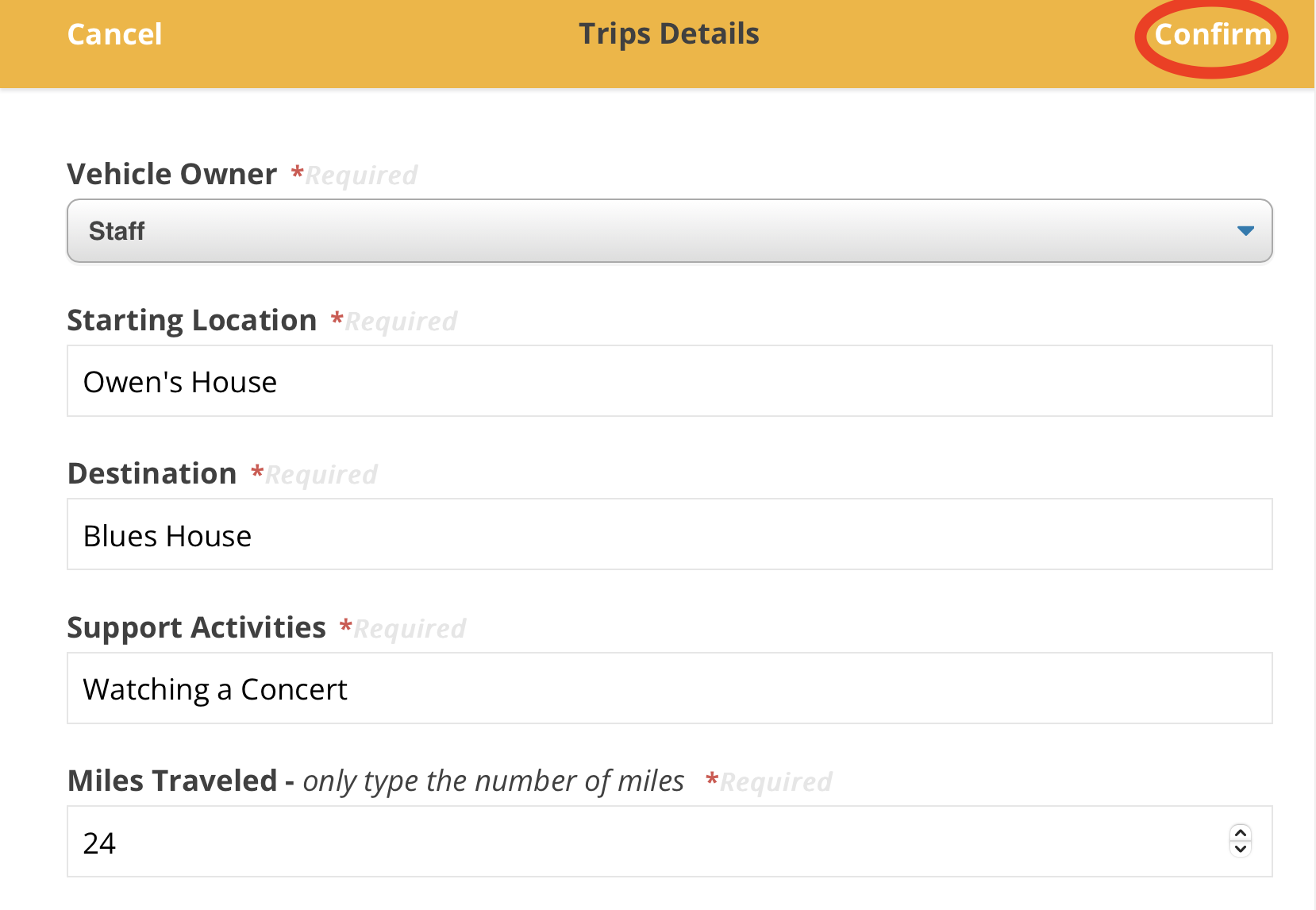
6. Input your information and tap the 'Confirm' button
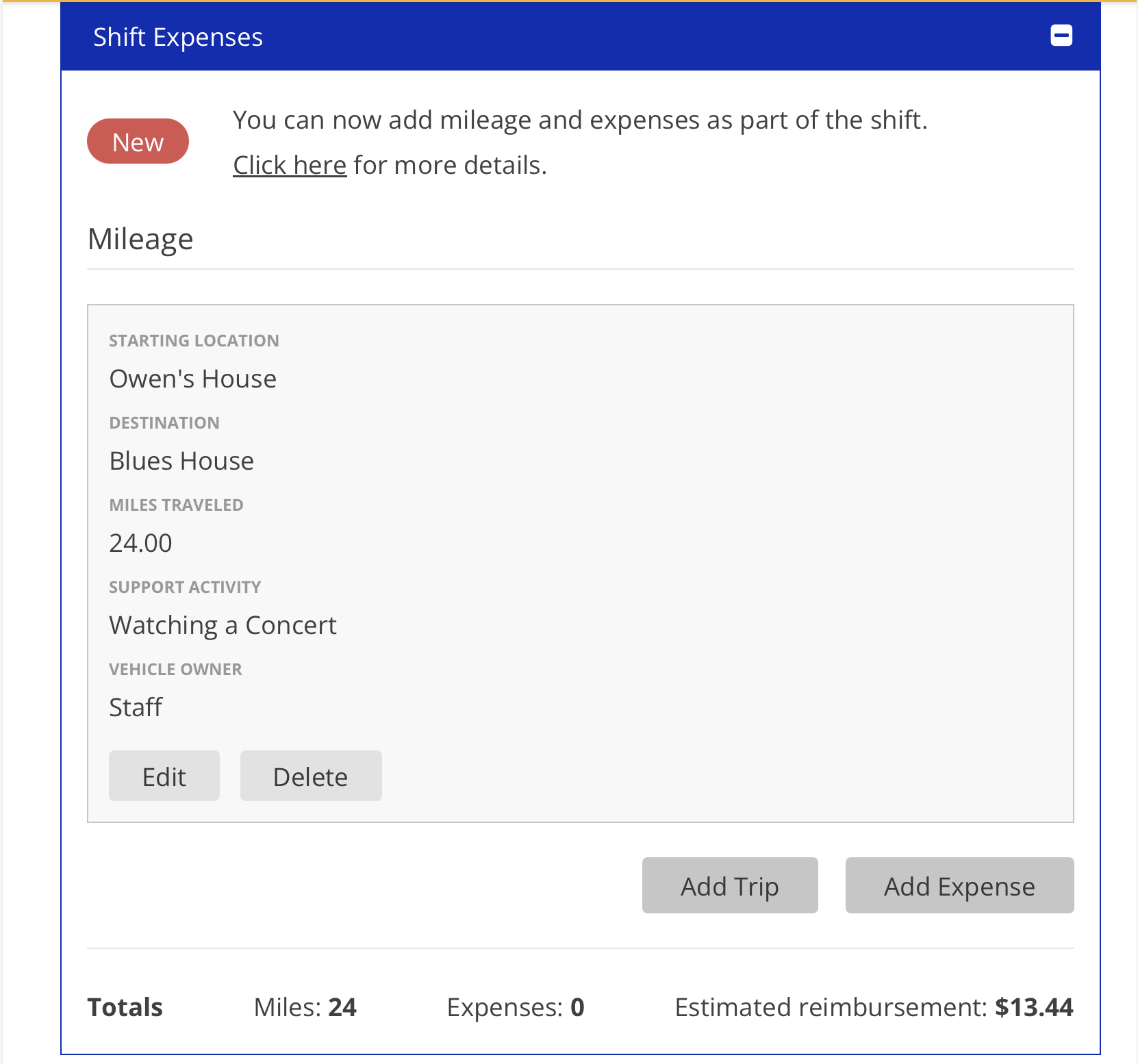
7. Your mileage can be viewed within the shift.
For further questions please view our FAQ document: