
Adding Mileage in eTime - Support Staff
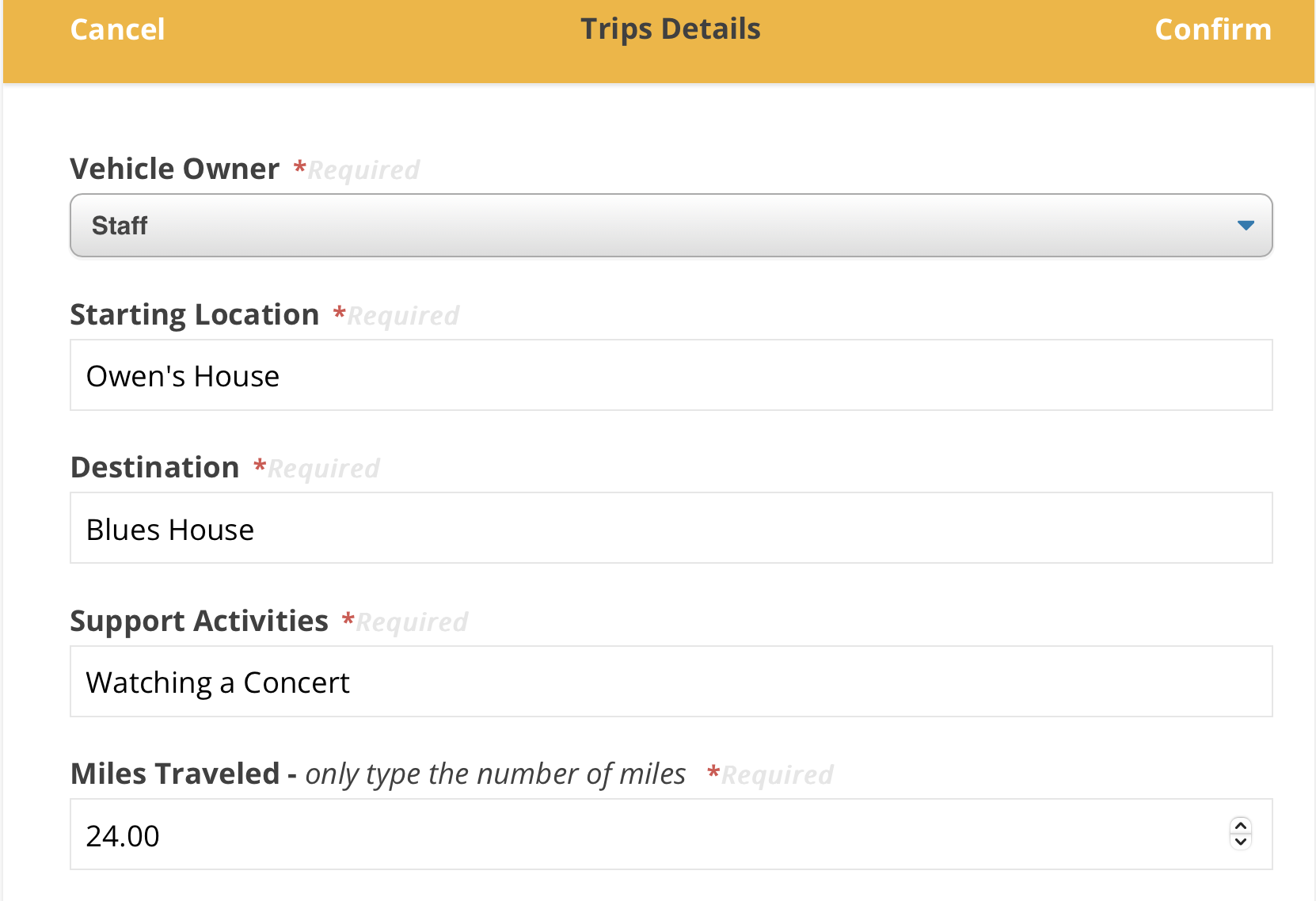
Adding Mileage in eTime is simple. The most important thing is to make sure that you correctly note your location, destination, support activity, and number of miles. The steps to this process are below:
1. Log into the Portal and open eTime

2. Start a shift

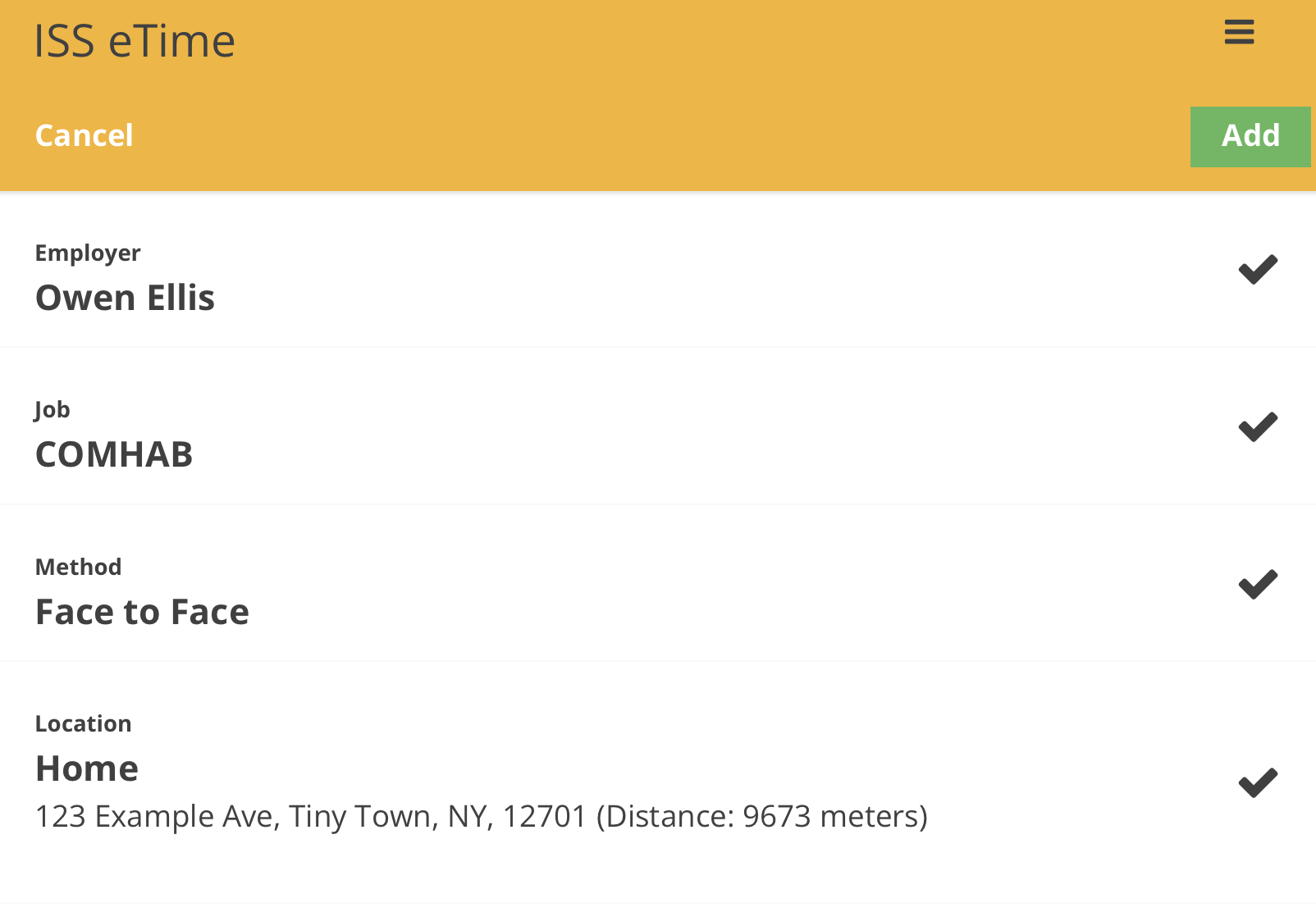
3. Input your information
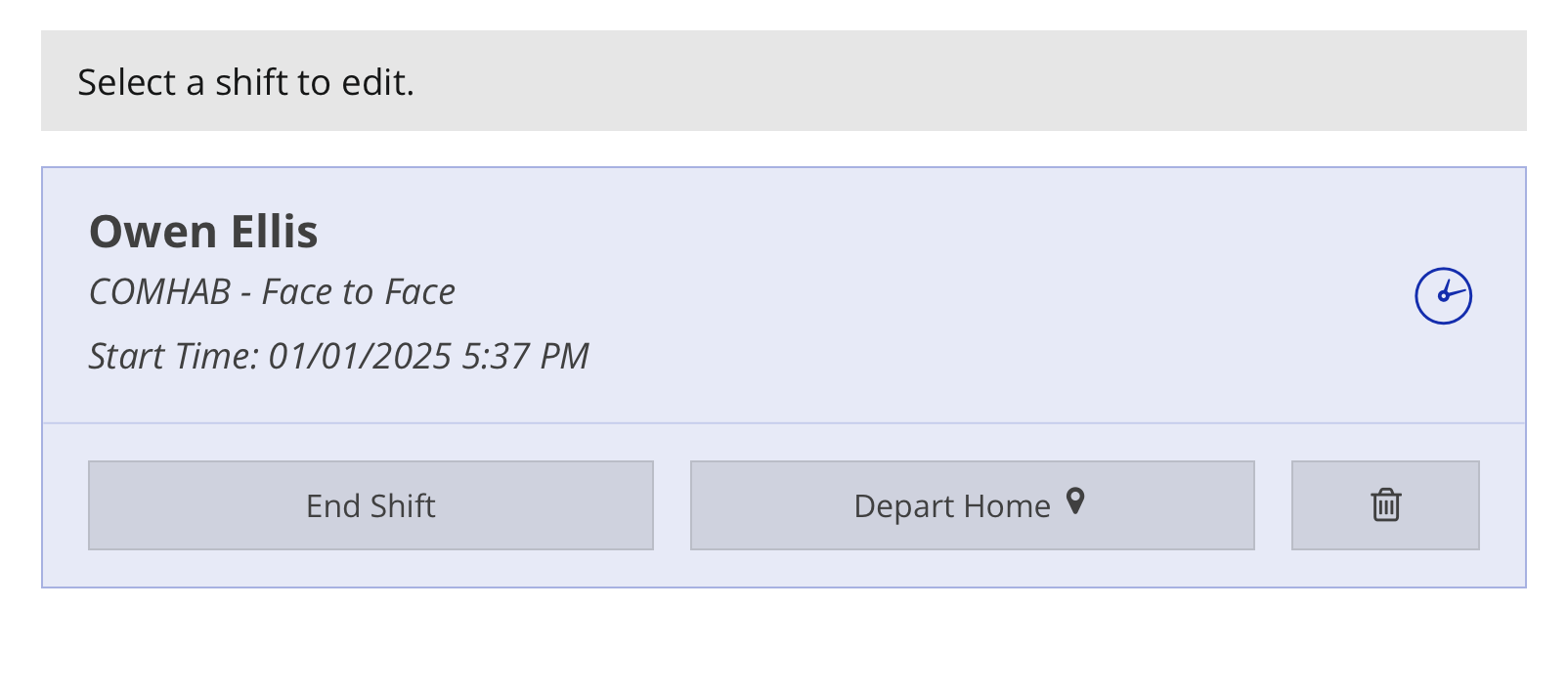
4. Select your shift
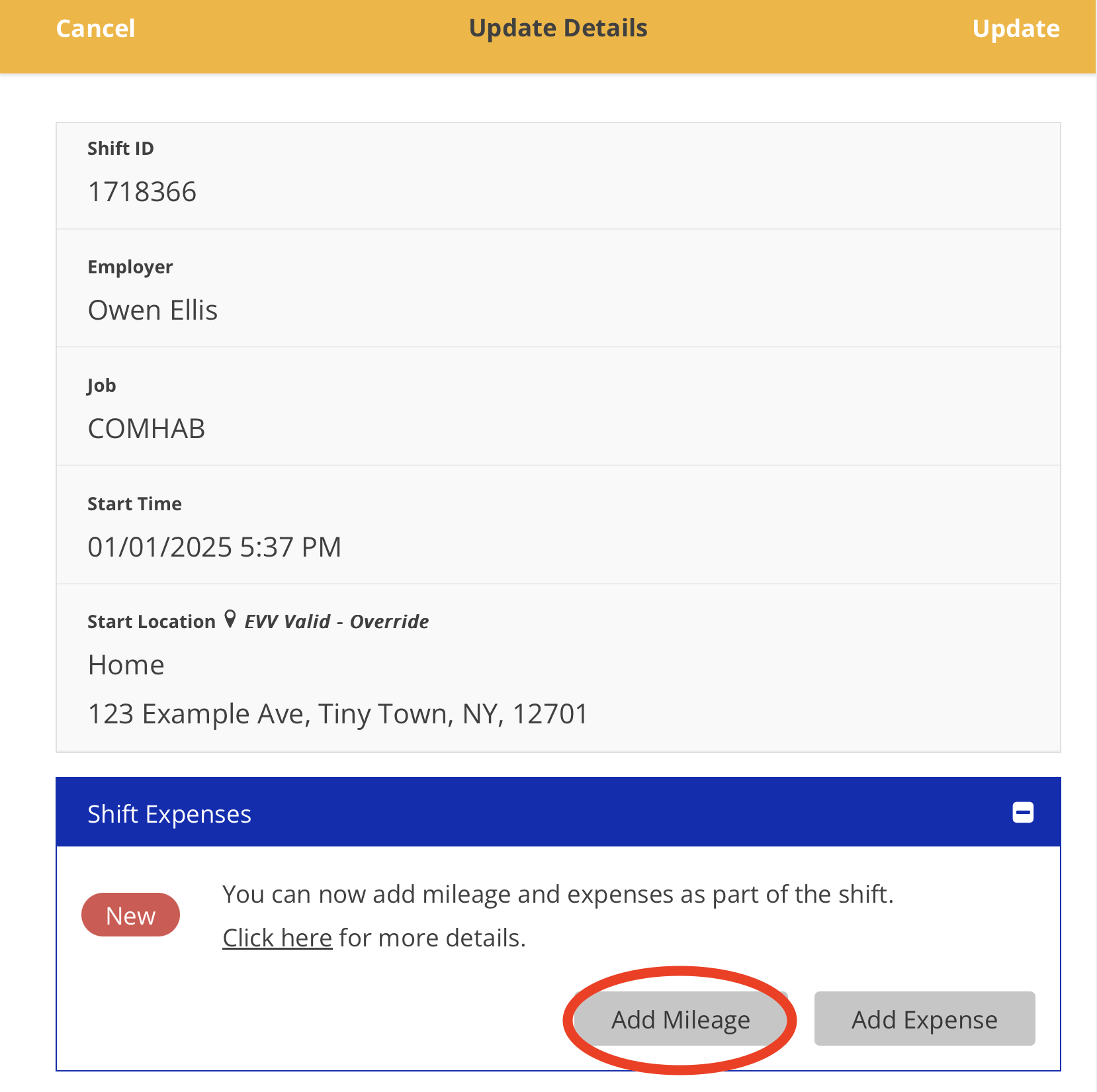
5. Tap the 'Add Mileage' button
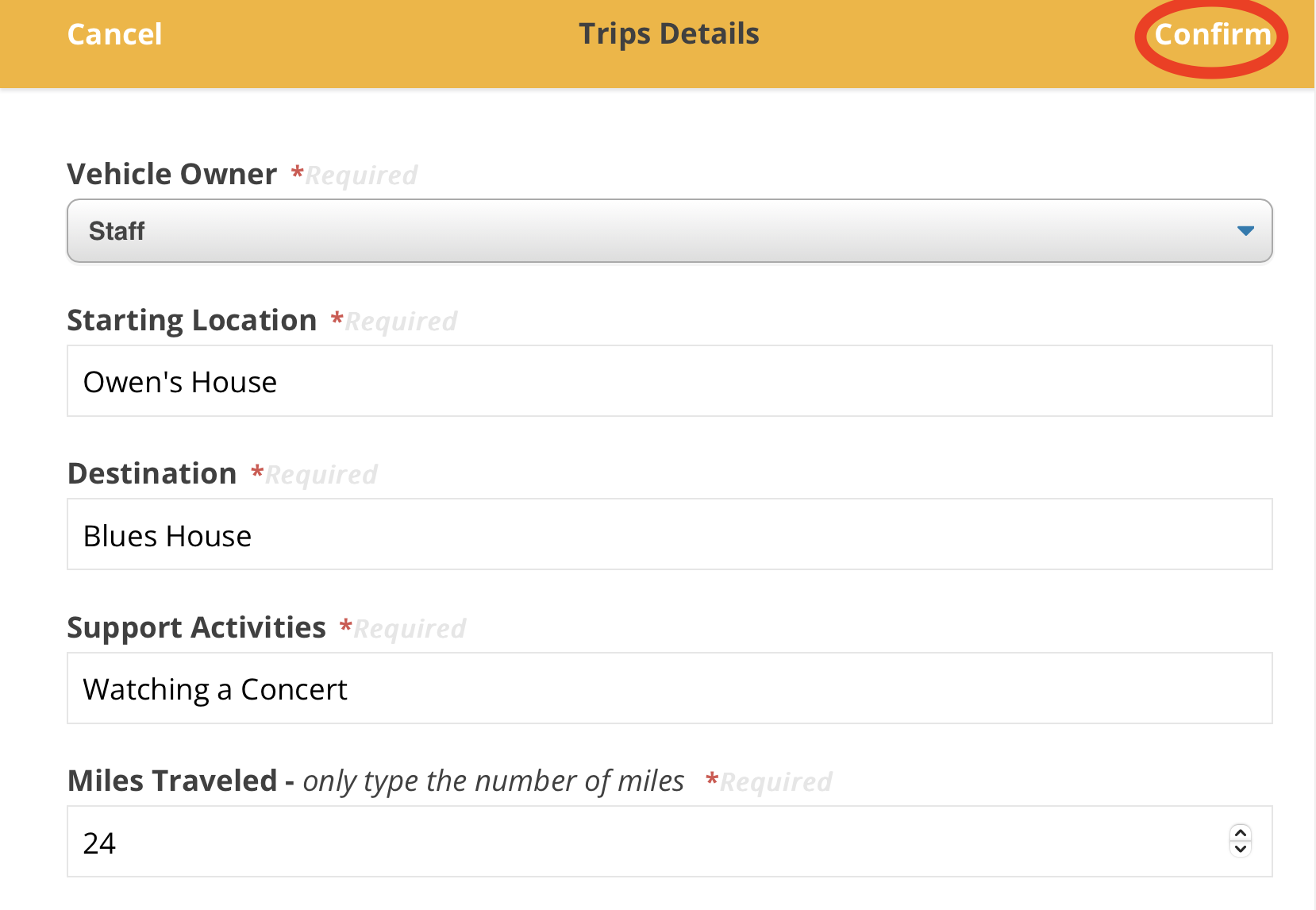
6. Input your information and tap the 'Confirm' button
7. Your mileage can be viewed within the shift
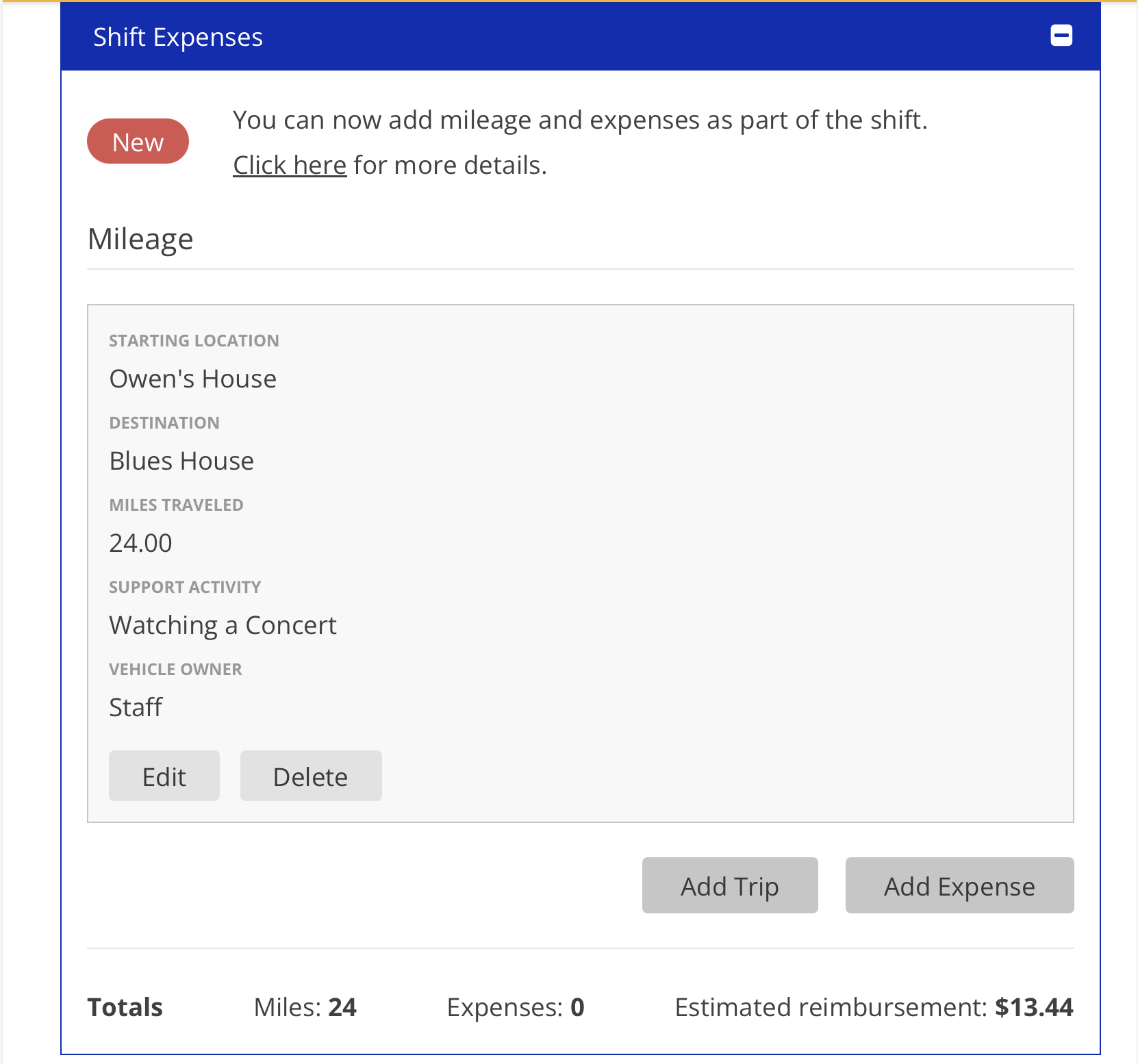
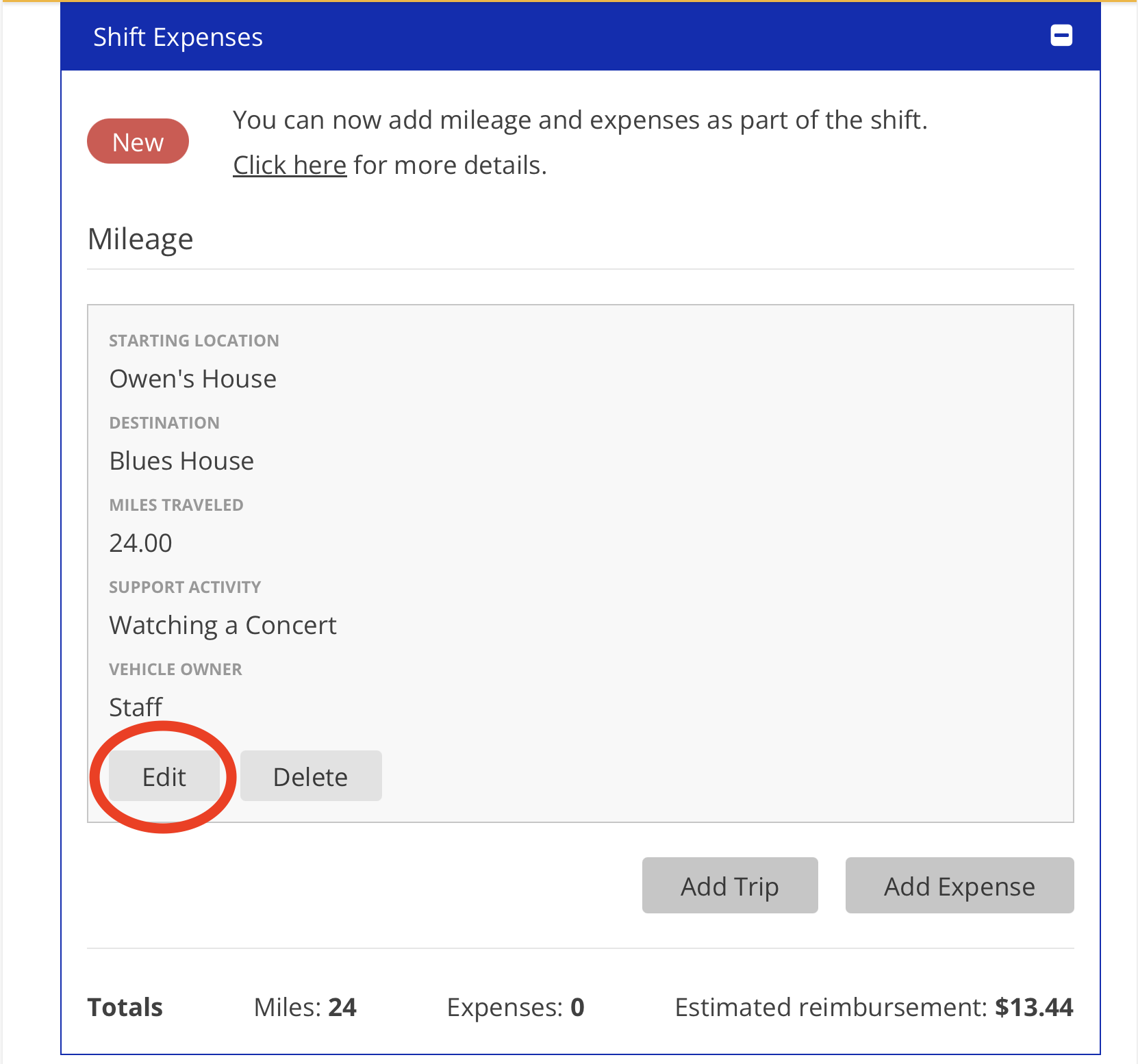
8. To edit a mileage submission, tap the 'Edit' button and correct any errors in the Trip Details
For further questions please view our FAQ document:
Updated 01/02/25.