Skip to main content
macOS
System
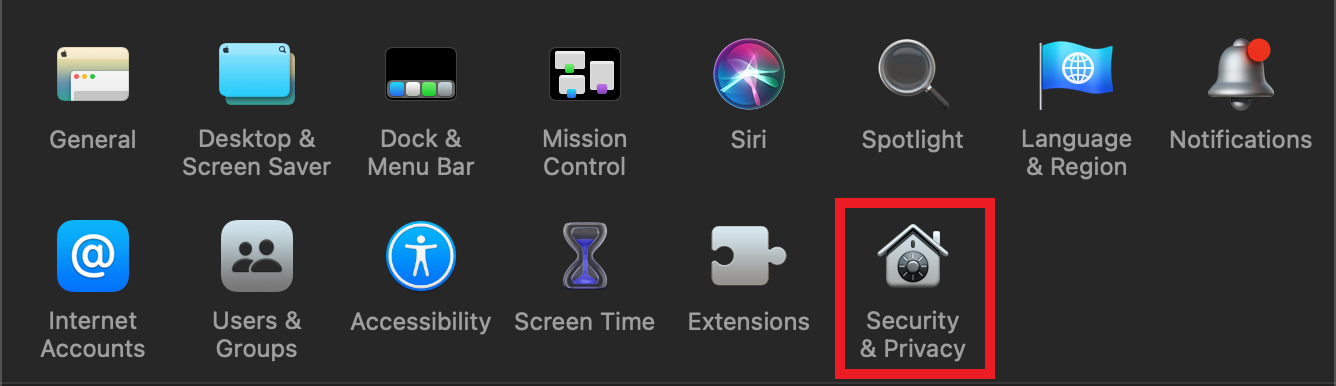
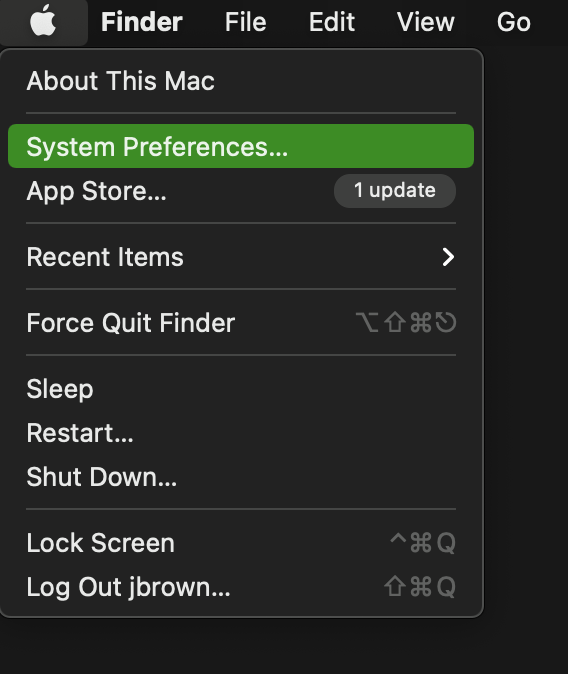
PreferencesFirst, >navigate to the Apple menu in the top left corner and select 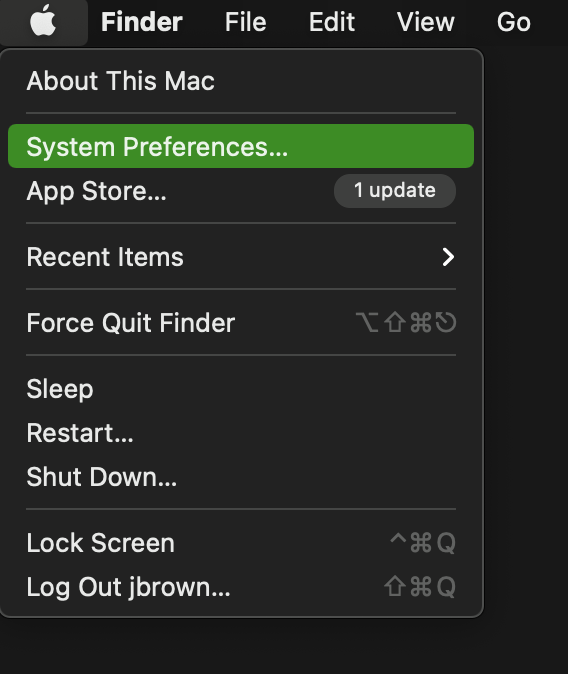 Next, select Security &
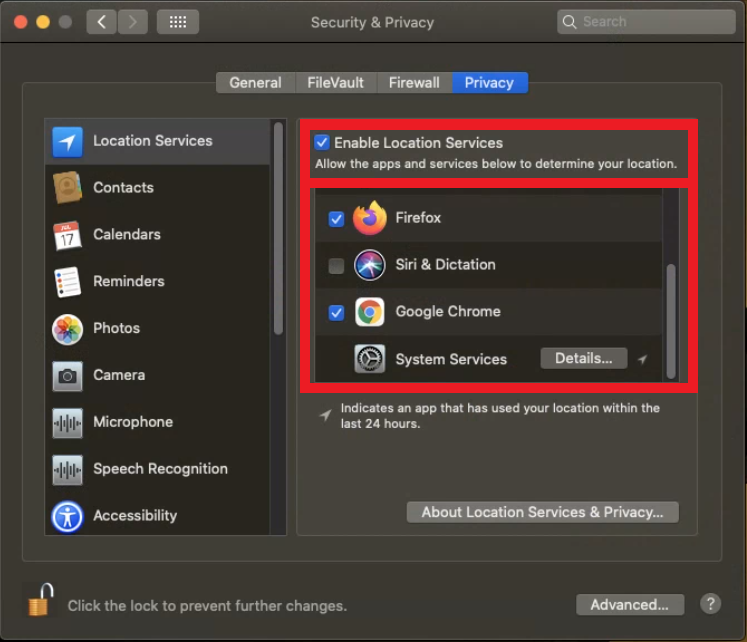
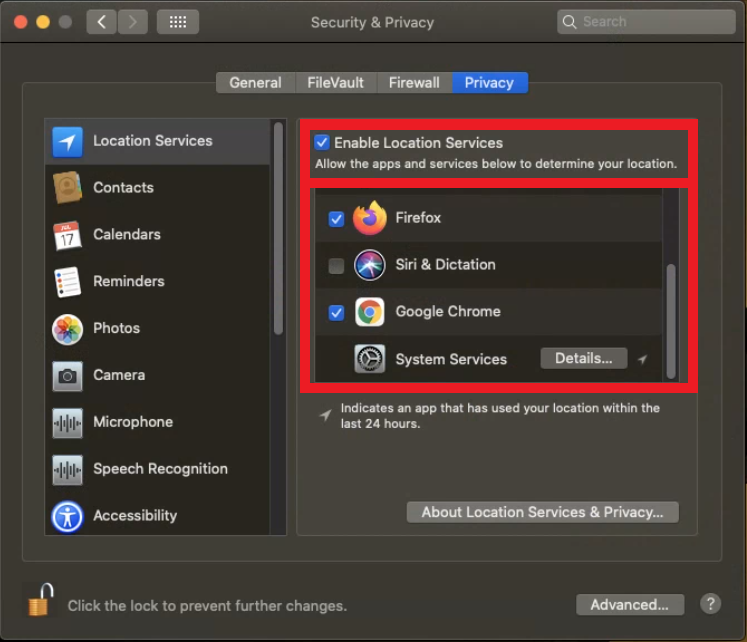
 PrivacyPrivacy and >verify that Location Services - Ensure this is enabled,enabled. andAlso be sure to verify that the web browser you are using is given permission.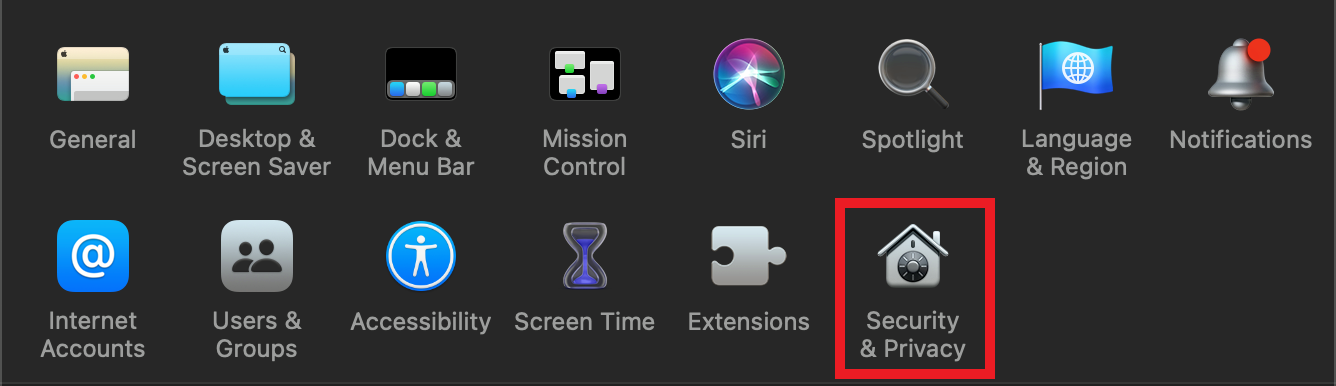
 Next, select Security &