
Special Cases
These steps can be found in a video on this page: Entering a Timesheet: The Process
Job Developer
Timesheets for Job Developers will the additional option “Indirect Job Developer Work” in the Indirect dropdown. Choose this option if you are doing indirect job developer work.
Respite
Respite timesheets only have the face-to-face option for the Direct method. Respite timesheets alsoshifts do not require the selection of Activities.
PTO/Time Off
To record any type of time off, select the Indirect method, and then select Time Off from the dropdown. In the description field, indicate the type of the time off (i.e. PTO, Family Approved PTO, holiday, jury duty, bereavement).
Recording Non Direct Clinician Services
- By default, this is set to No.
- If the clinician was present, select Yes and then provide the name of the clinician.
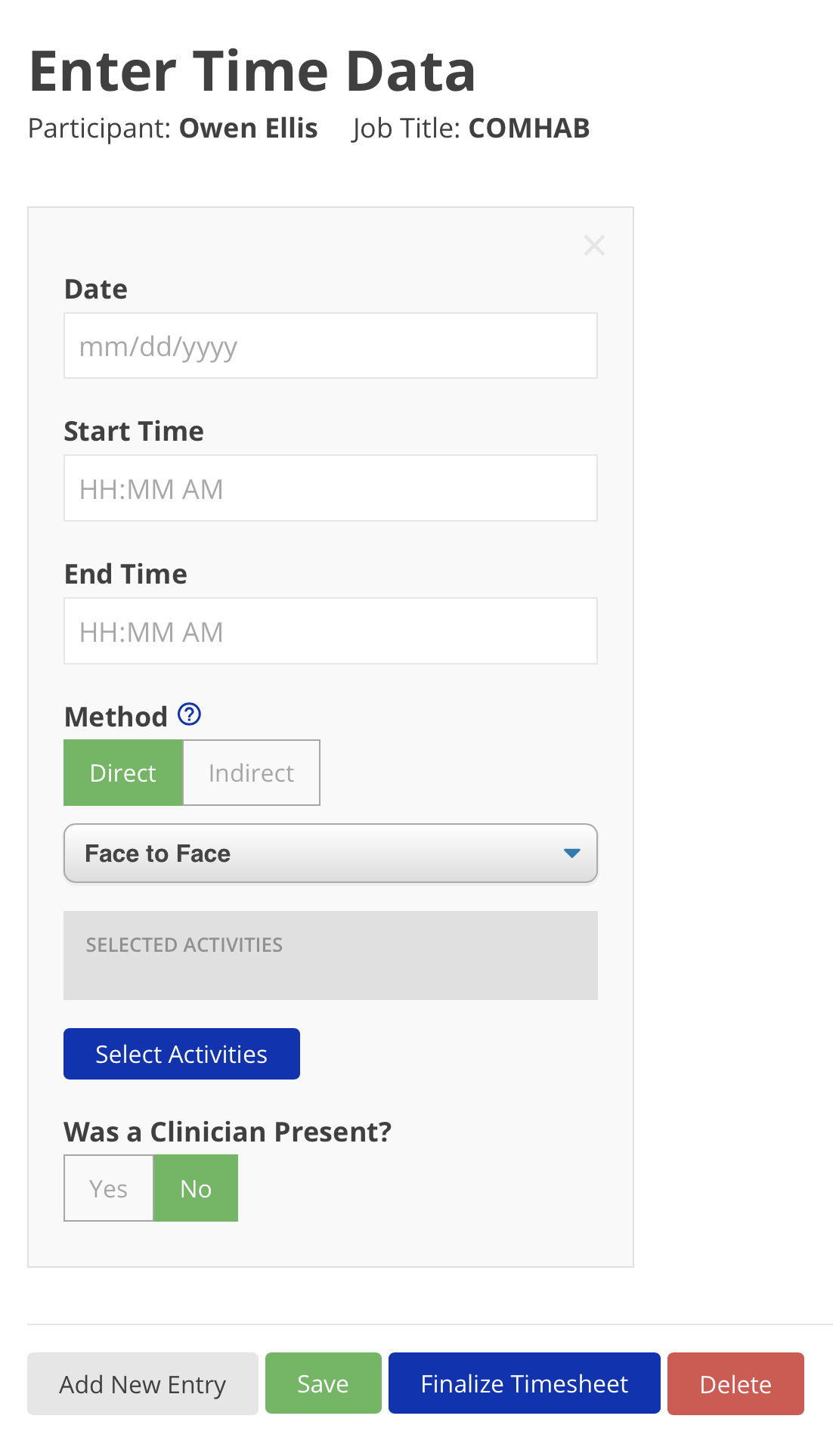
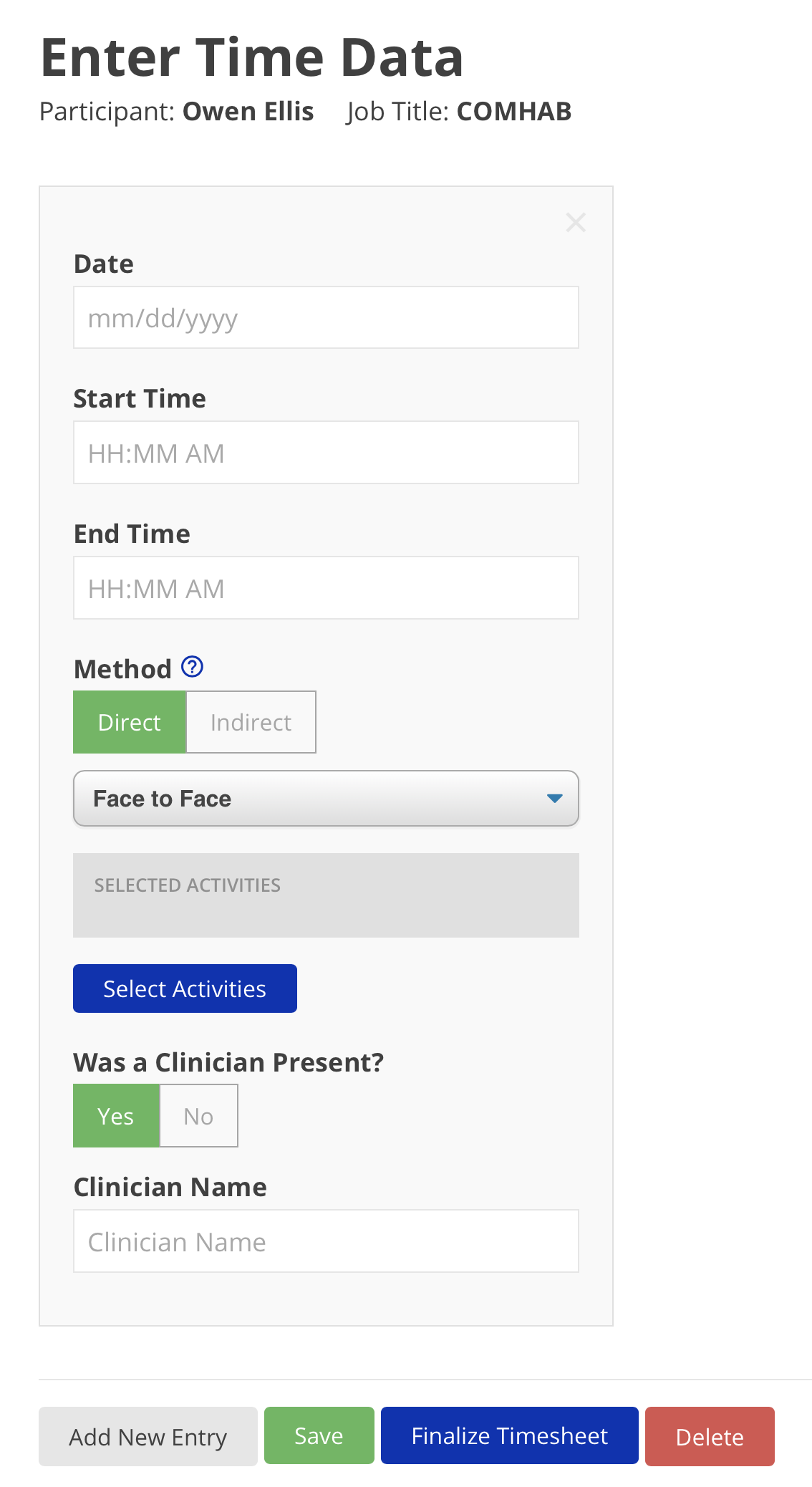
Disclaimer: All names displayed in the above screen shots are fictional characters. No identification with actual persons (living or dead) is intended or should be inferred.