First Time Login to a Portal Forms
1. Opening a Portal Form for the first time
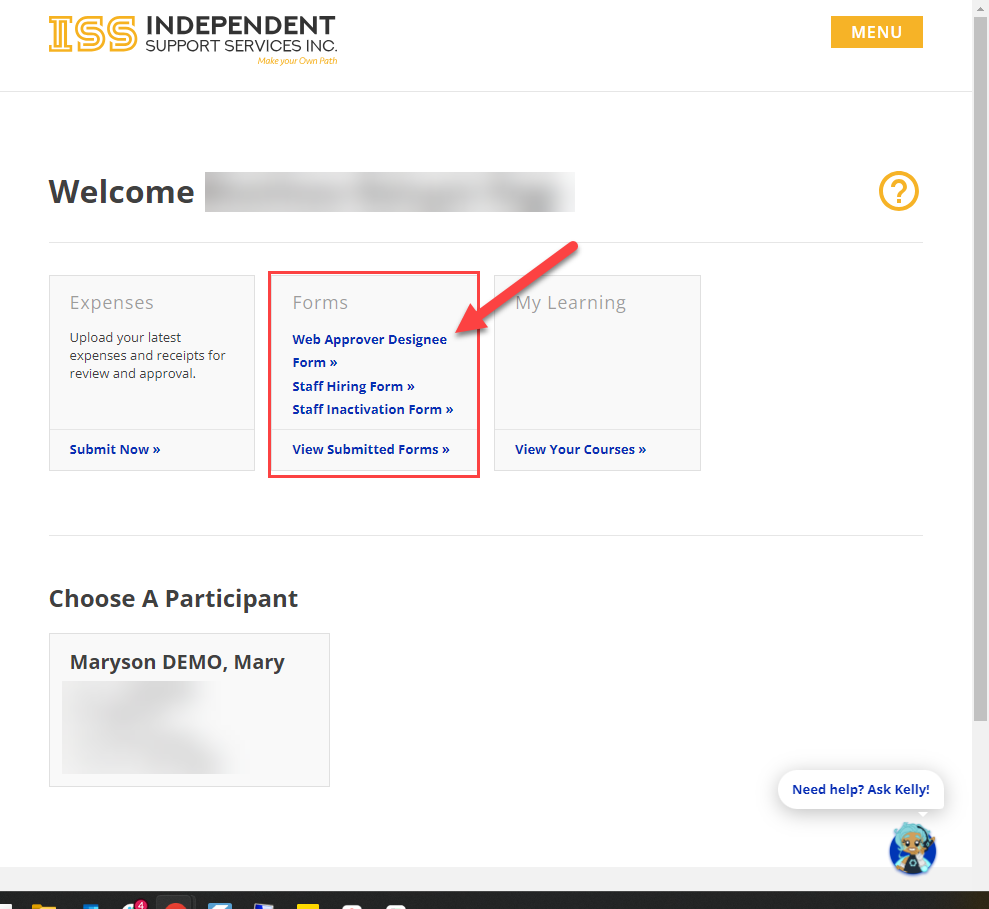
Login to your ISS Portal account. Once logged in and on your homepage, click on any form you'd like to complete and submit.
2. Opening a form and authorizing
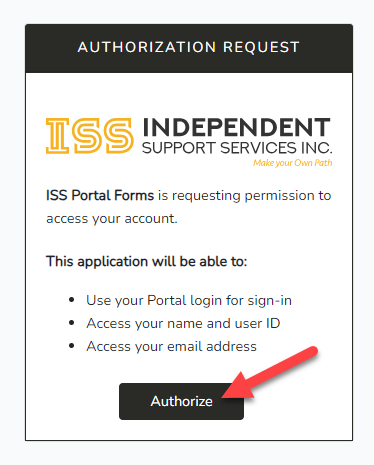
A new webpage window will popup. Since it is your first time opening a Portal Form, it will ask you for permission to access your account. To proceed, click "Authorize"
Authorizing allows the Portal to use your information to help verify and complete documentation using your Name, User ID, and Email Address already in your account.
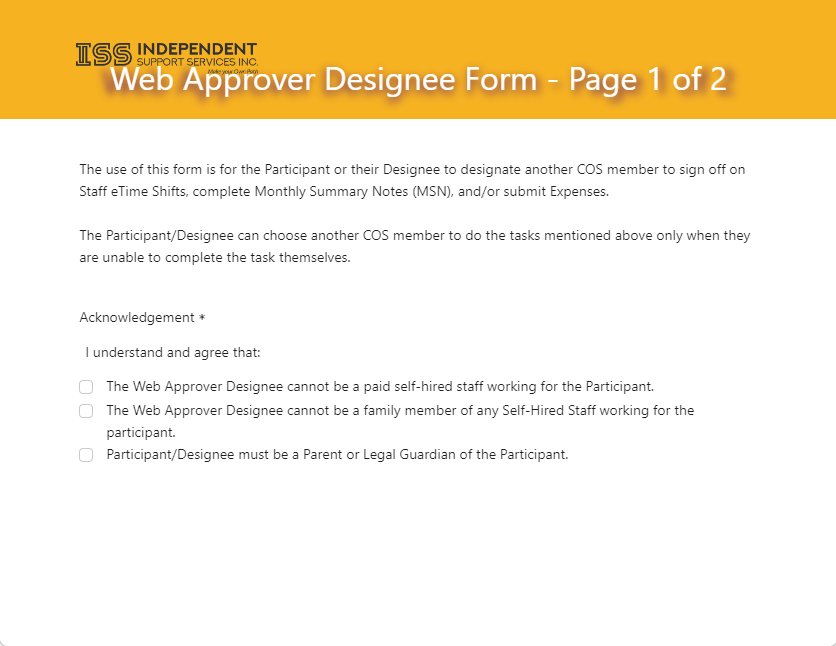
3. You are now viewing a Portal Form