Accessing the SEMP Surveys
Updated 4/5/2023
As a SEMP reporter, you are required to complete a monthly SEMP survey. SEMP surveys are accessible from the ISS Portal homepage
- To start, you’ll need to go to the ISS Portal and Login: https://portal.issny.org/
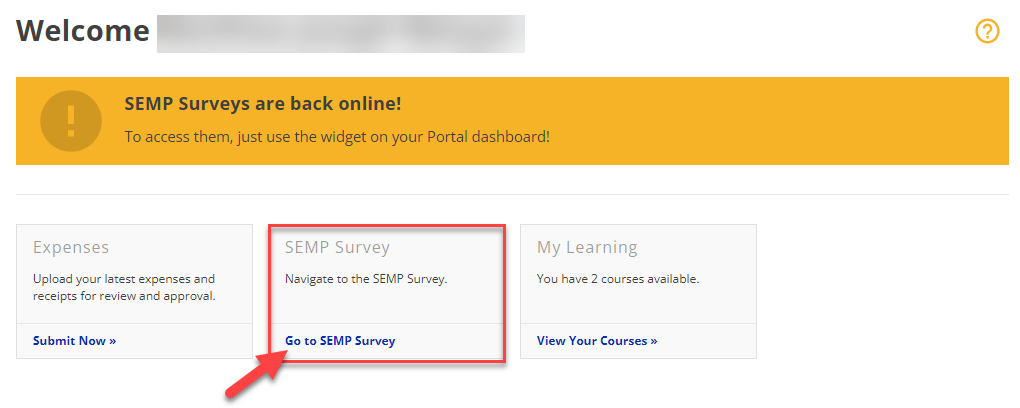
- Once logged in, find the SEMP Survey Widget and click on "Go to SEMP Survey"
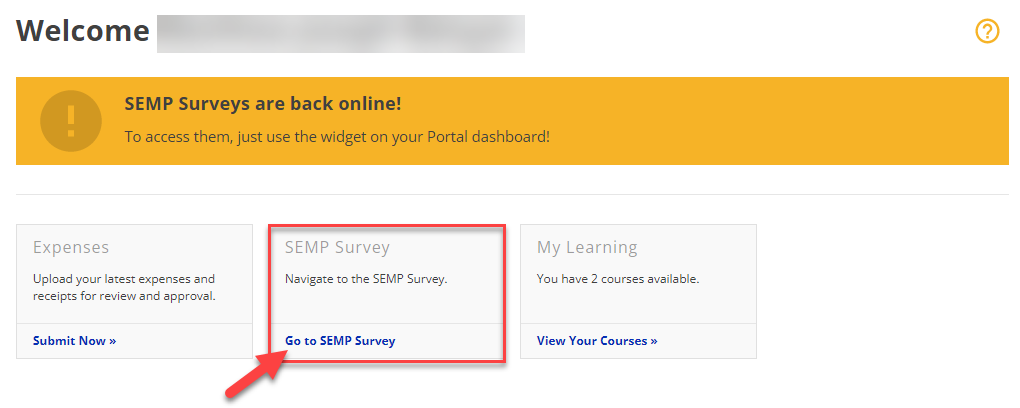 Depending on your assigned roles, your Portal homepage may have more widgets than the example above. If you are assigned as a SEMP reporter, you will have the SEMP Survey Widget.