Accessing the SEMP Surveys
Updated 4/5/2023
As a SEMP reporter, youreporters are required to complete a monthly SEMP survey.surveys. The SEMP surveys are accessible from the ISS Portal homepagehomepage.
- To start, you’ll need to go to the ISS Portal and Login: https://portal.issny.org/
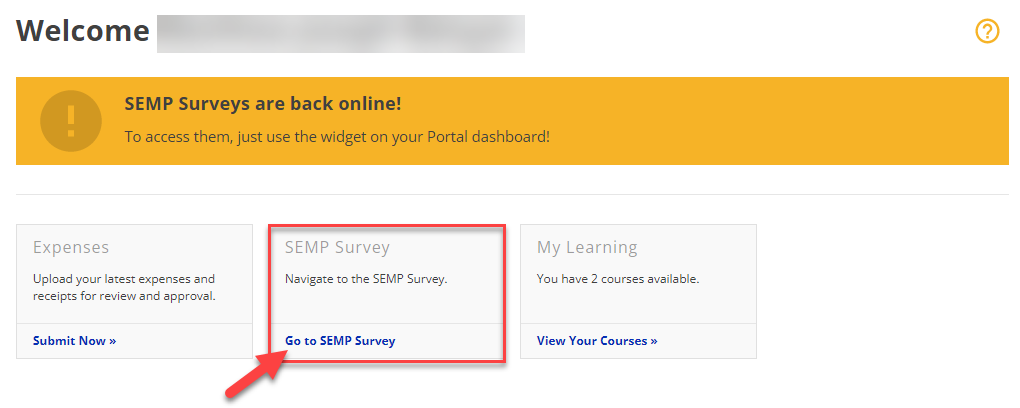
- Once logged in, find the SEMP Survey Widget and click on "Go to SEMP Survey"
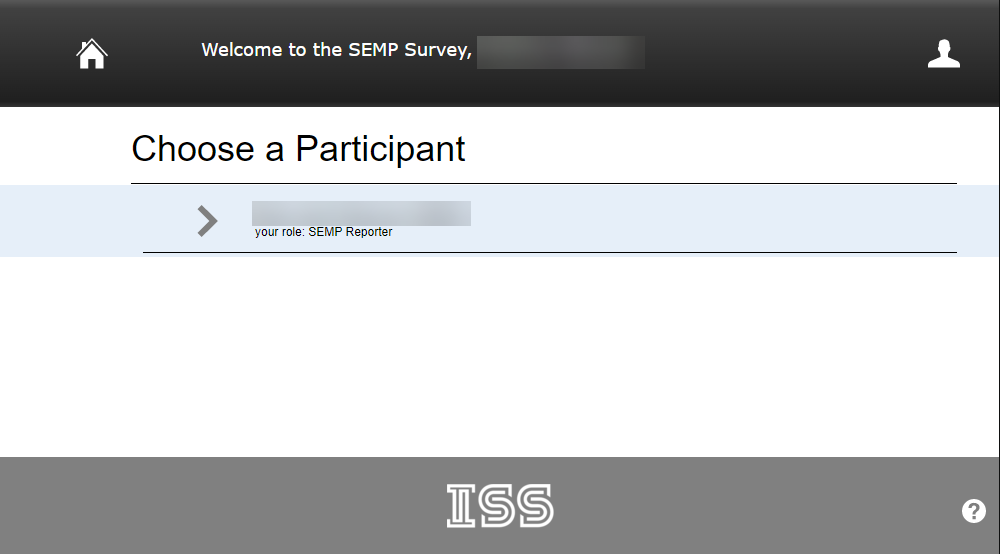
Depending - A new window will open with the SEMP Survey homepage. From here, you can access the Survey.
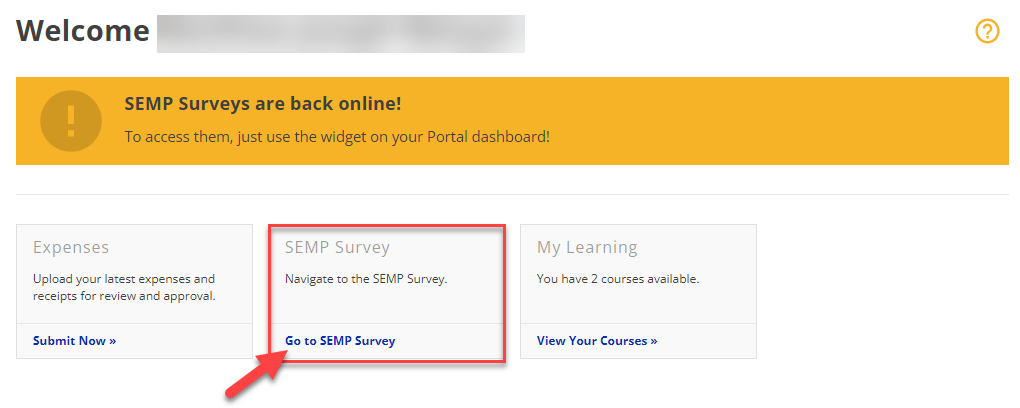
You will have the SEMP Survey Widget.widget on your homepage if you are actively assigned as a SEMP Reporter. If you do not see it, please reach out to the Self-Direction Coordinator (SDC) assigned to your case for further assistance.