How to Find Your W-2
InstructionsUpdated 7/21/2022.
1.
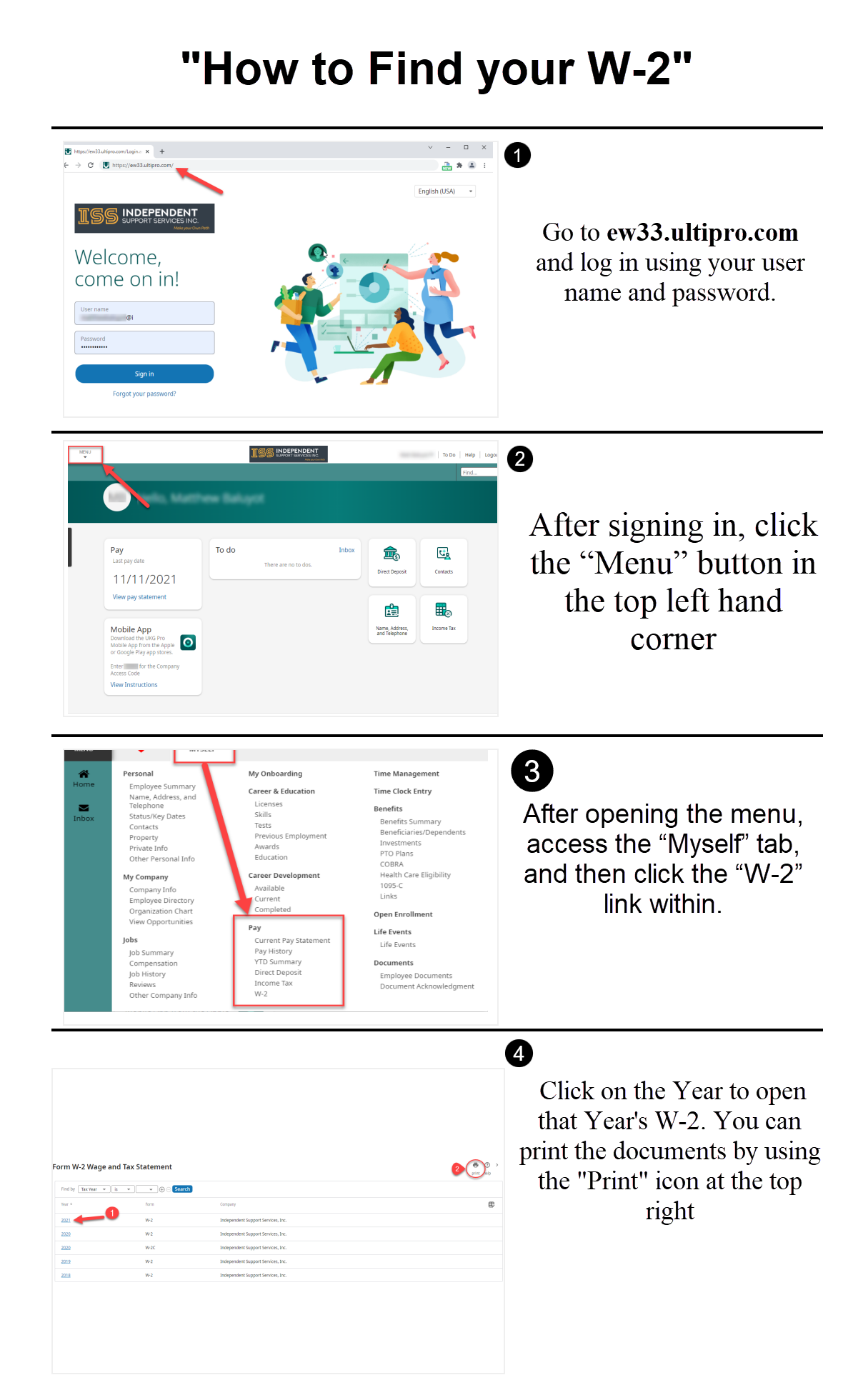
Login to UKG by going to https://ew33.ultipro.com/ and using your username and password.

2.
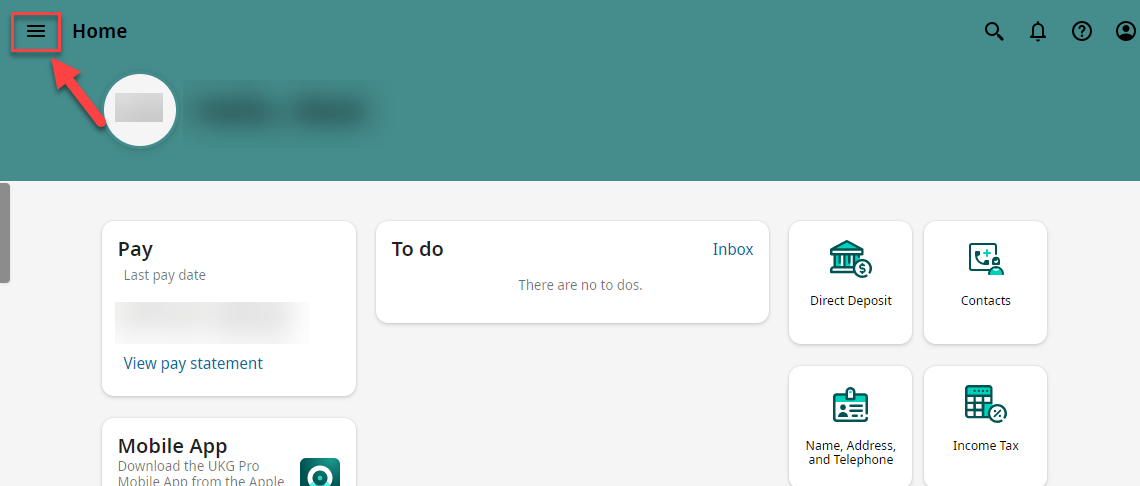

3.
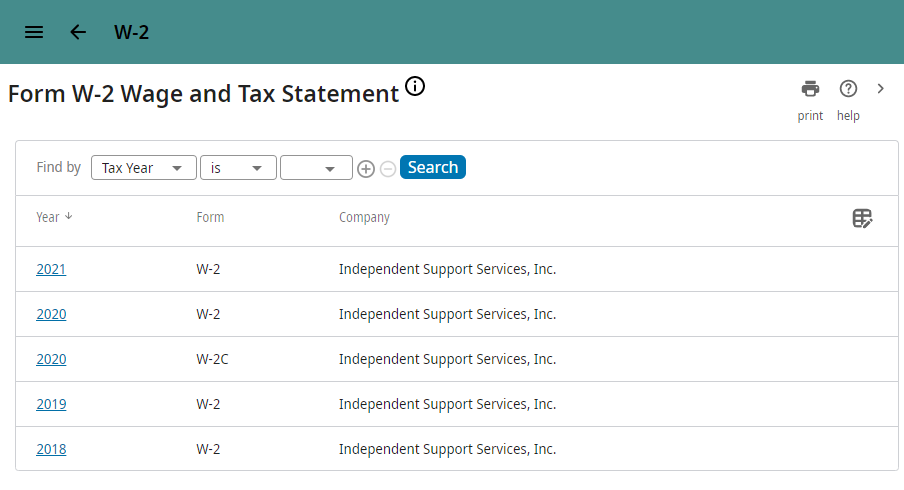
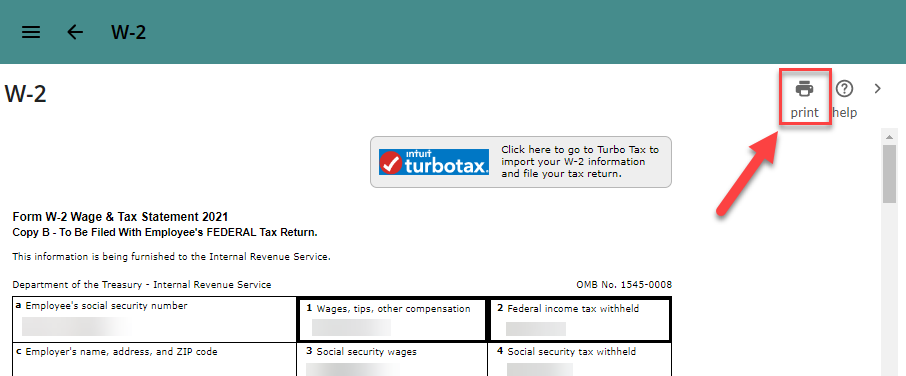
Here, you can click on the year of the W-2 you are looking for to access it. You can also print the document by clicking on yourthe UKGPrint accountIcon, at the top right of the screen.