
Android 10.0
System:
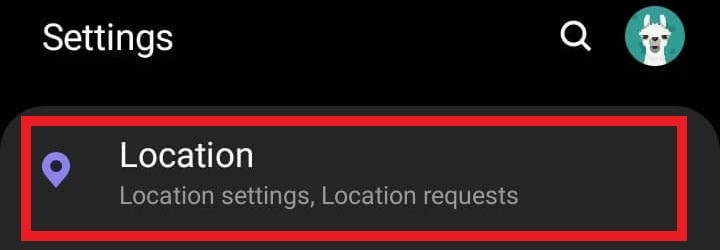
- First, navigate to Settings

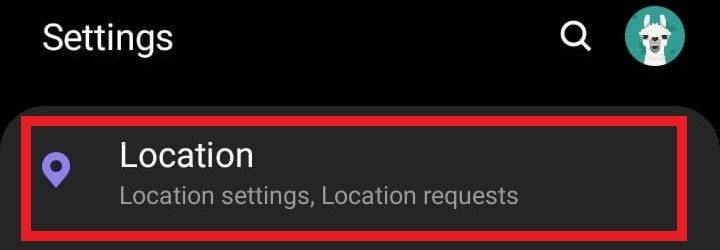
- Scroll down , select Location
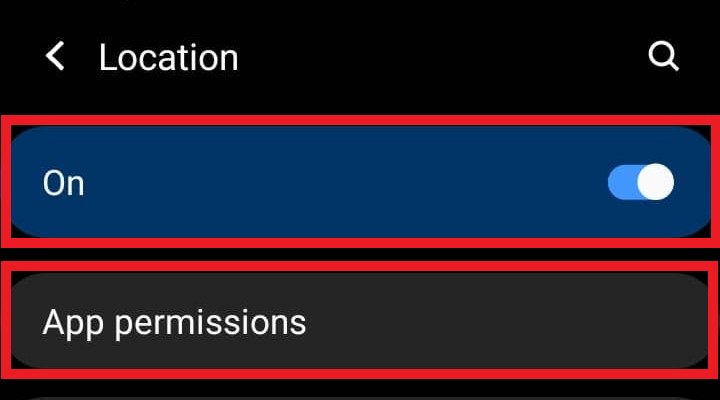
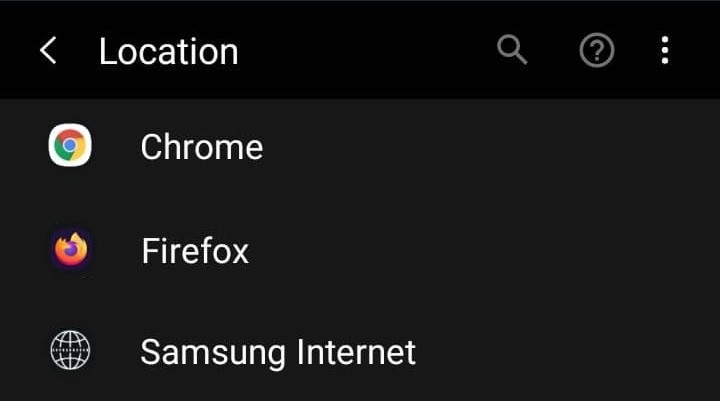
- Verify that Location is set to On and then select App Permissions
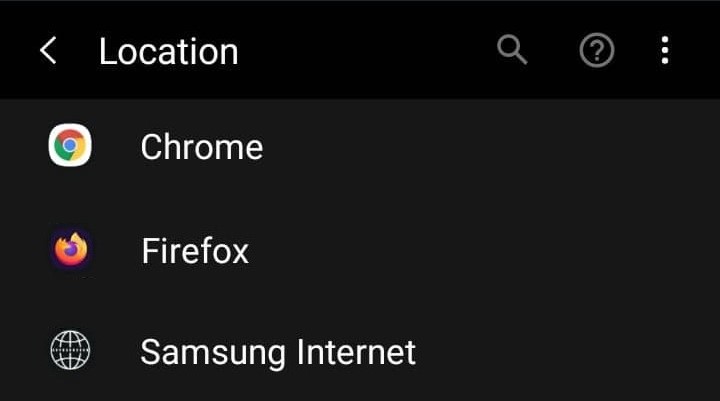
- From here, select the browser you wish to use for logging eTime
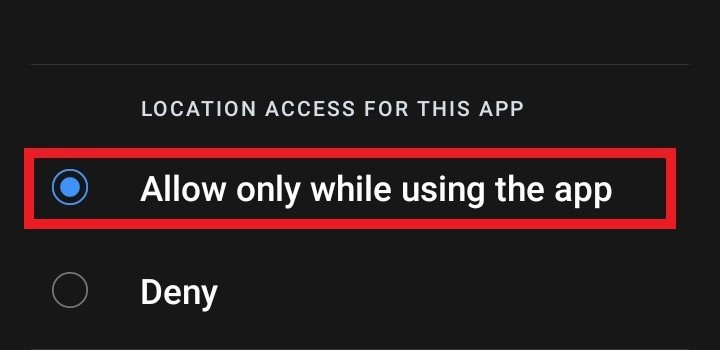
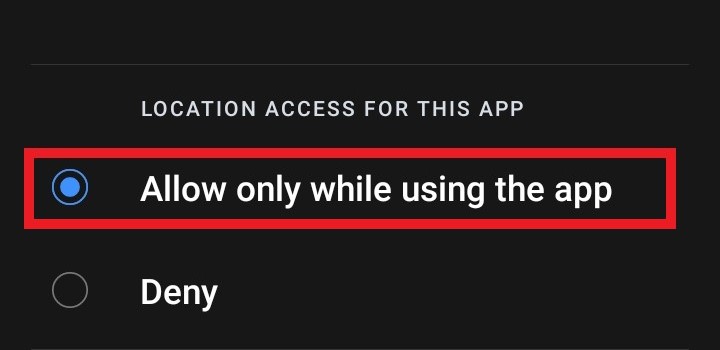
- Verify that Allow only while using the app is selected


Google Chrome:
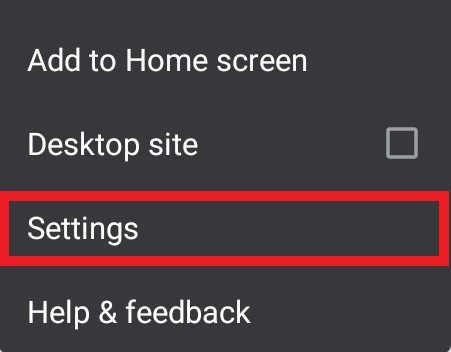
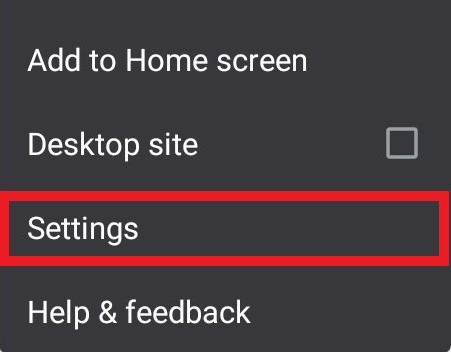
- At the top right corner, select the 3 dots to open the Chrome menu and select Settings

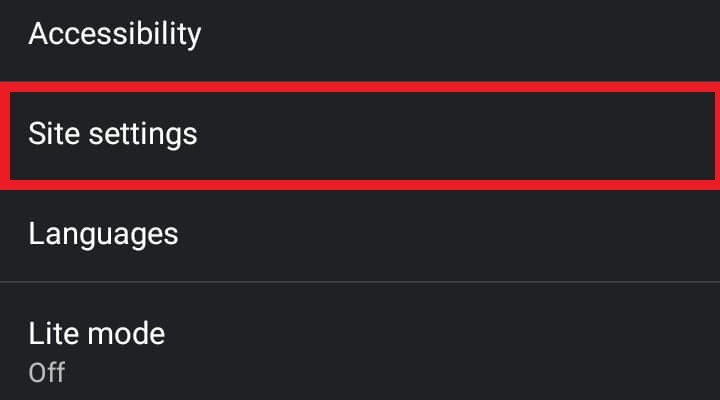
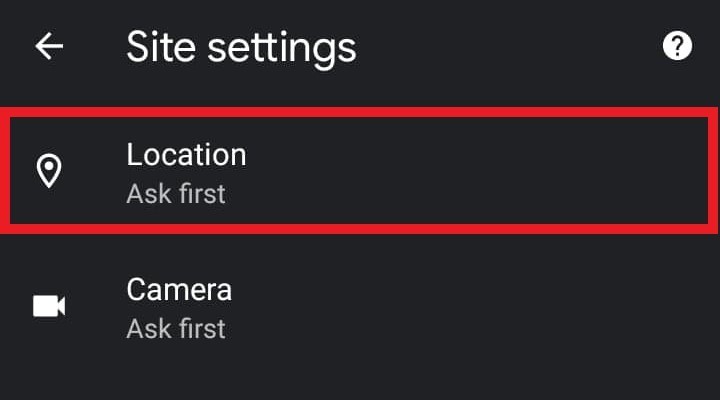
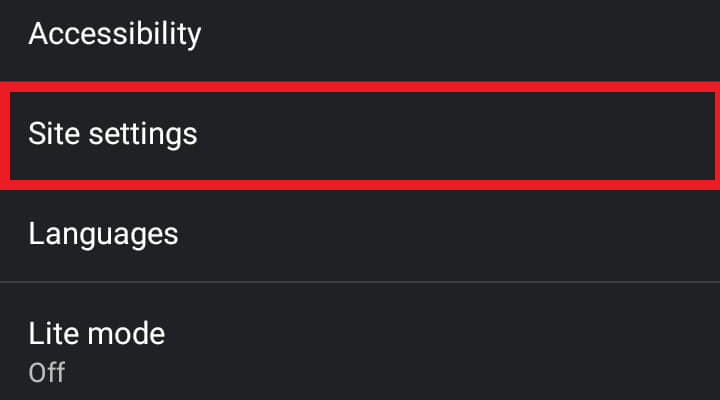
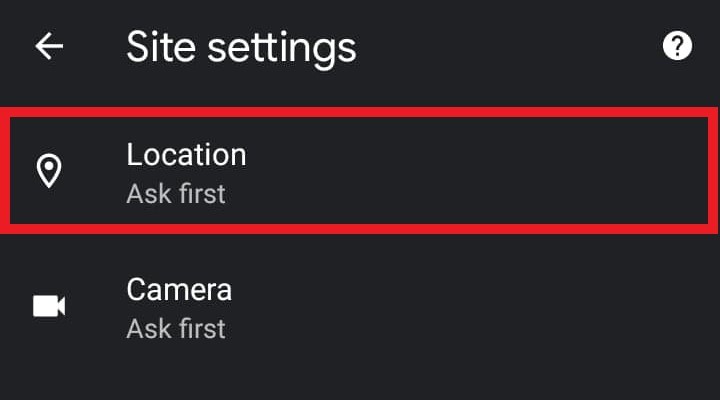
- From the settings menu, scroll down and select Site Settings and then select Location
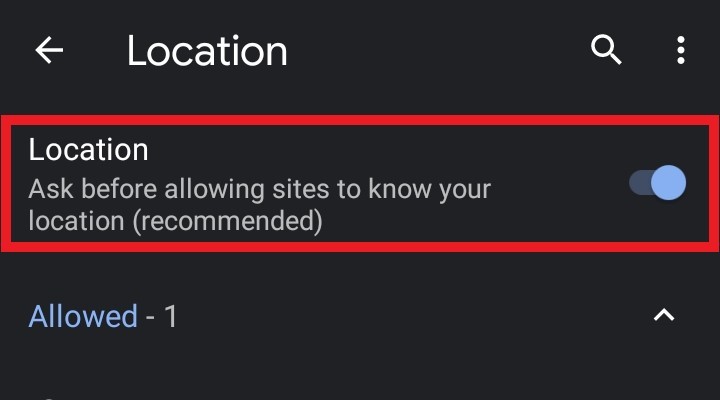
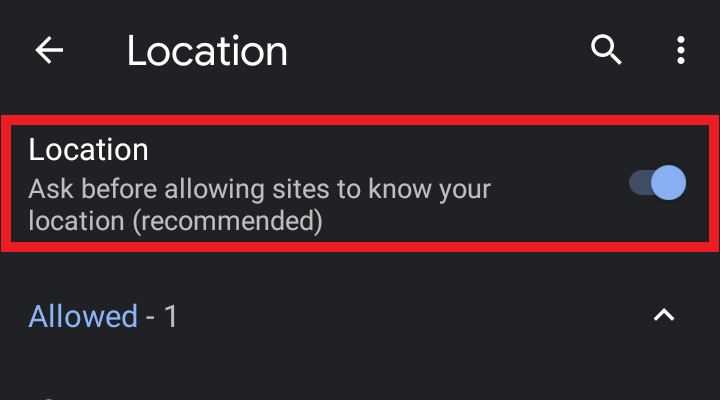
- Verify that the Location slider is on

Firefox:
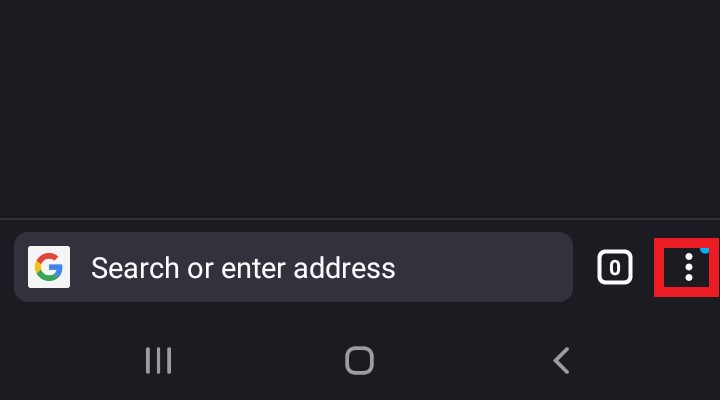
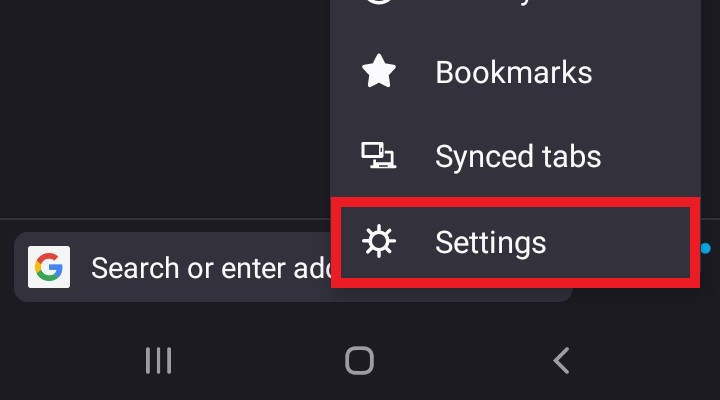
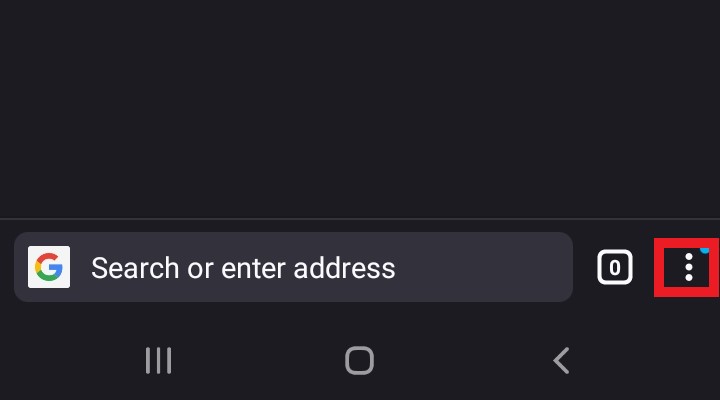
- At the bottom right corner, select the 3 dots to open the Firefox menu and select Settings
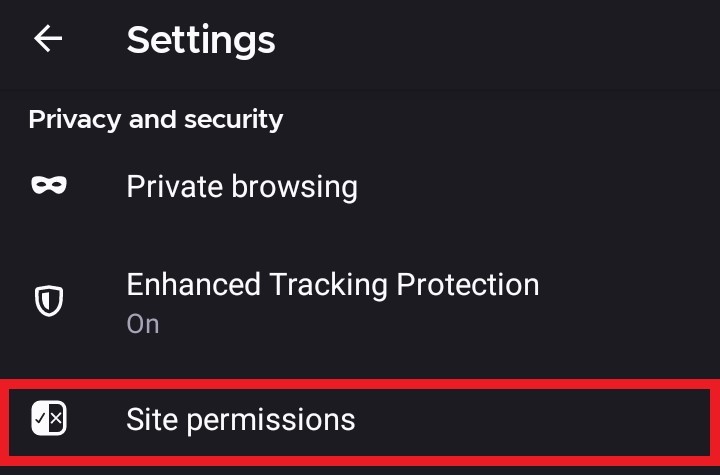
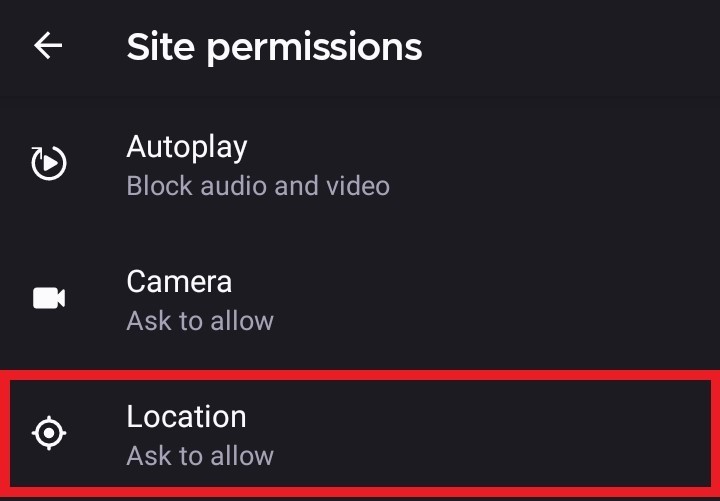
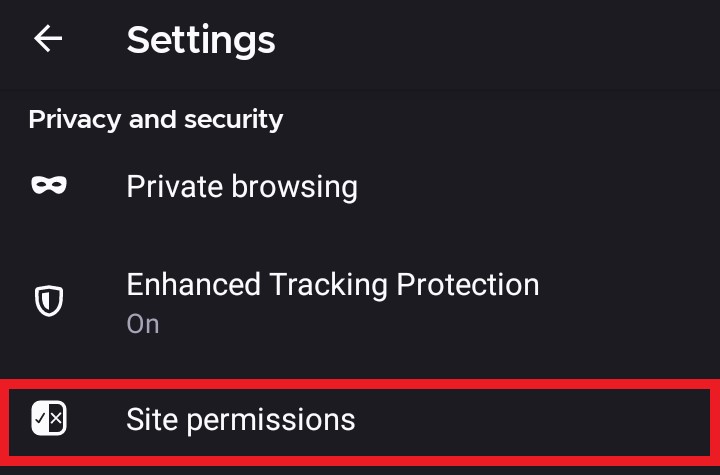
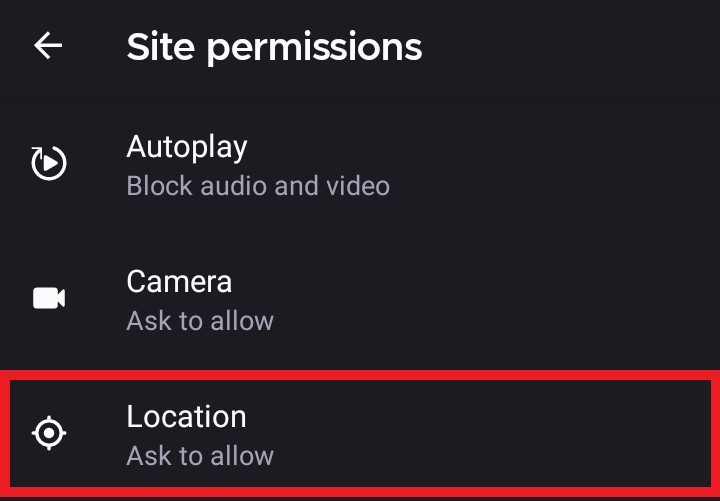
- Select Site Permissions and then select Location
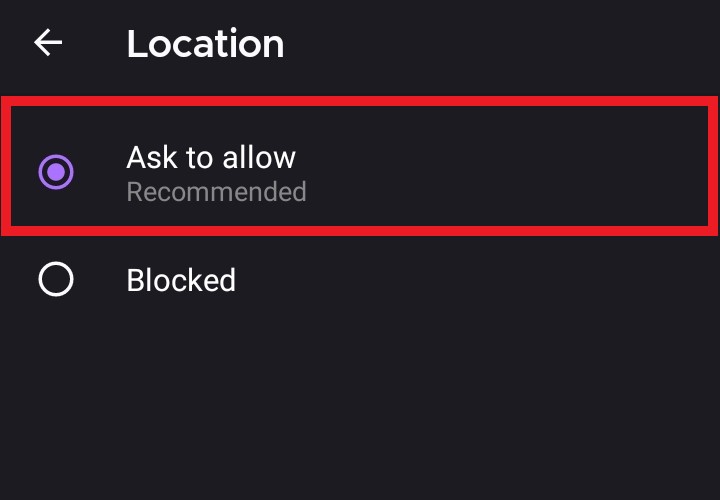
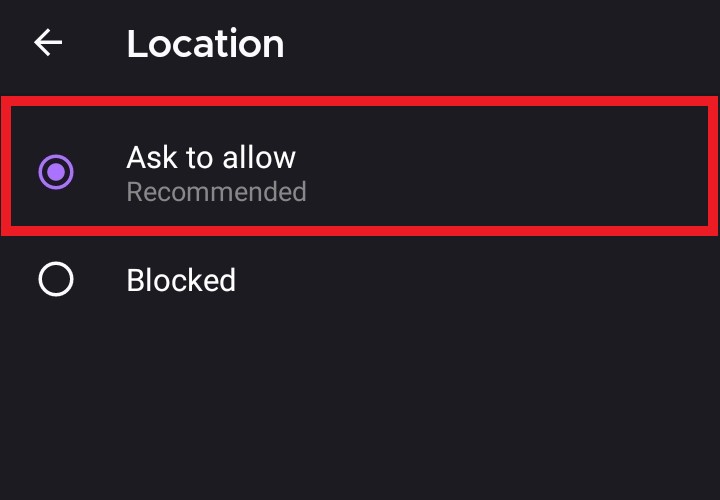
- Verify that Ask to allow is selected

Samsung Internet:
- See the section above labeled System for instructions on enabling location services for the default Samsung browser.