
DRAFT - Deleting a Shift -- DONE
Only support staff can delete their shifts,own andshifts. onlyOnly shifts marked as Draft and Returned to Staff can be deleted.
A support staff may need to delete a shift if they created the shift by accident. If you accidentally started an eTime Live shift, simply end the shift and then delete it.
To delete a shift:
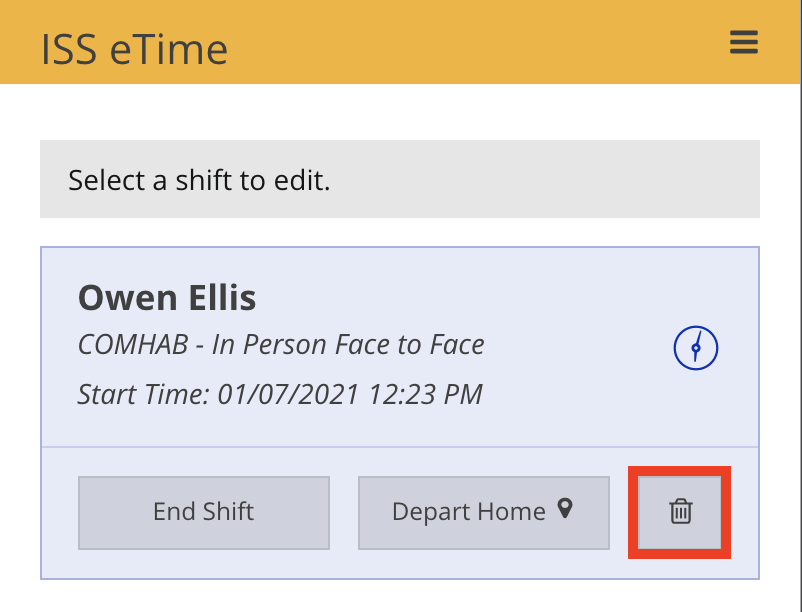
- Navigate to eTime Live and click the trash can icon on the shift to be deleted.
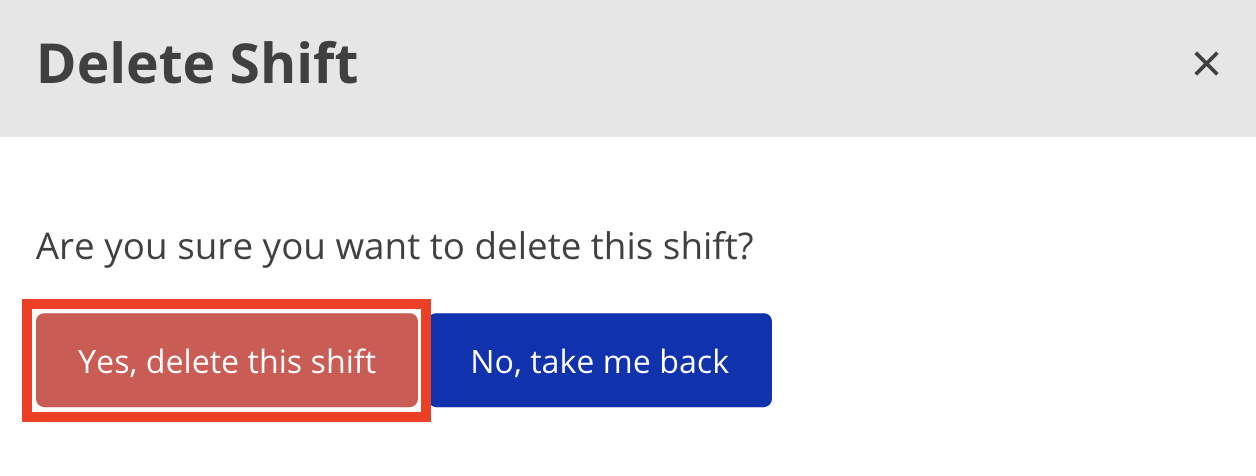
- Click Yes, delete this shift on the shift deletion confirmation window that appears.
 .
. 
 .
. 
Disclaimer: All names displayed in the above screen shots are fictional characters. No identification with actual persons (living or dead) is intended or should be inferred.
Updated 03/16/23.