
Editing Start and End Times
Updates to this page will be coming soon.
Support staff should record their time in real time. However, there are situations in which a staff person may need to change the start time, end time, start location, or end location. Examples include forgetting to clock in or clock out, or correcting eTime's evaluation of Home vs. Community.
Upon ending a shift and filling out the shift details, staff will be presented with a time and location verification screen. (If the shift is not EVV Required, only the start and end times need to be confirmed.) To manually access this screen, click the Change button above the Start Time/End Time fields in eTime Live.
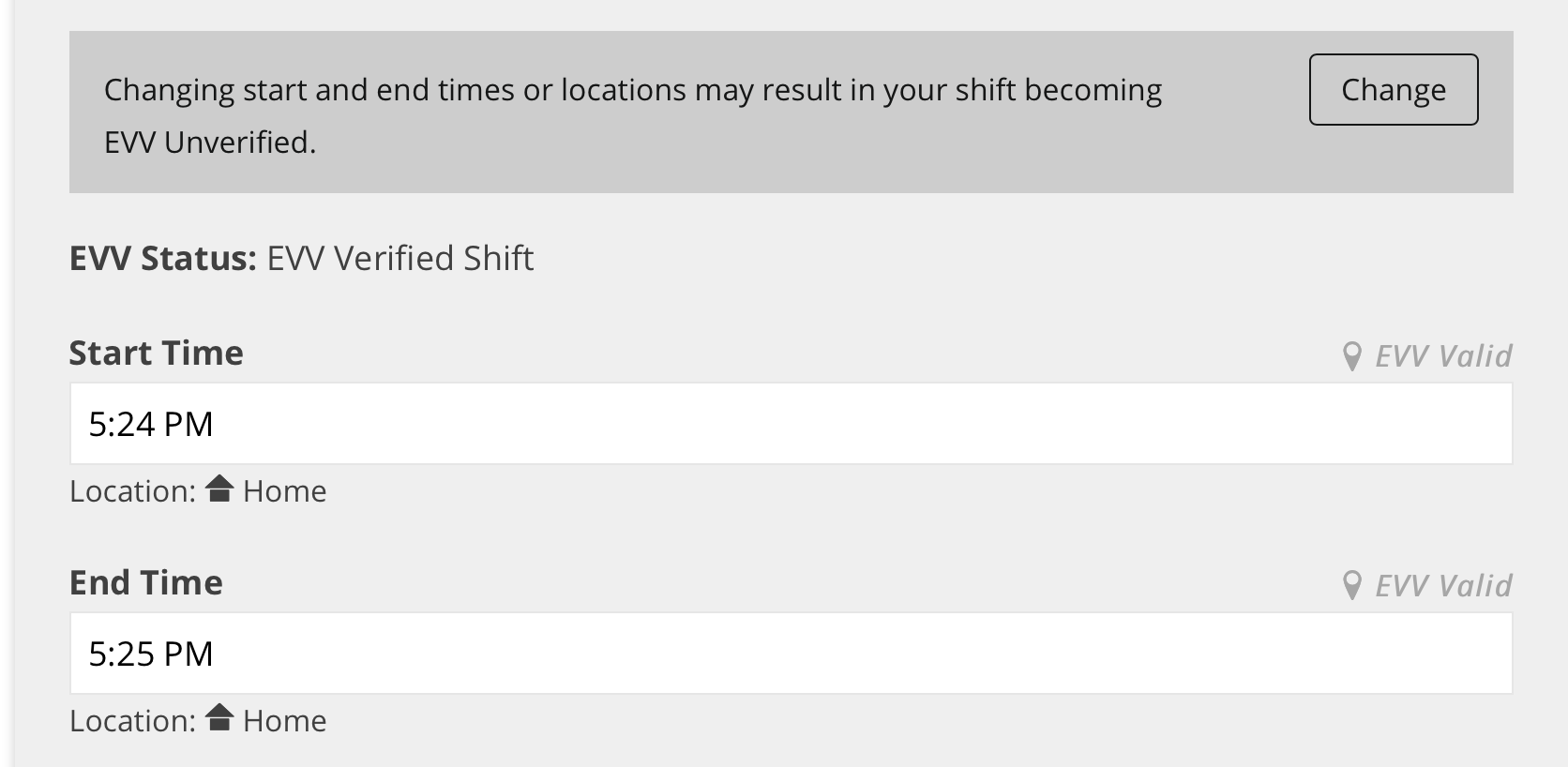
Overriding Time
Support staff can make adjustments to the start time and end time of up to 5 minutes without requiring the circle approver to explicitly approve the change. Time adjustments greater than 5 minutes will require the circle to explicitly approve the override request.
To request a change to start time or end time:
- Click Change above the appropriate field.
- Make the necessary change.
- Provide a reason for the change.
- To undo this change, click Revert above the field.
- Click Confirm when done.
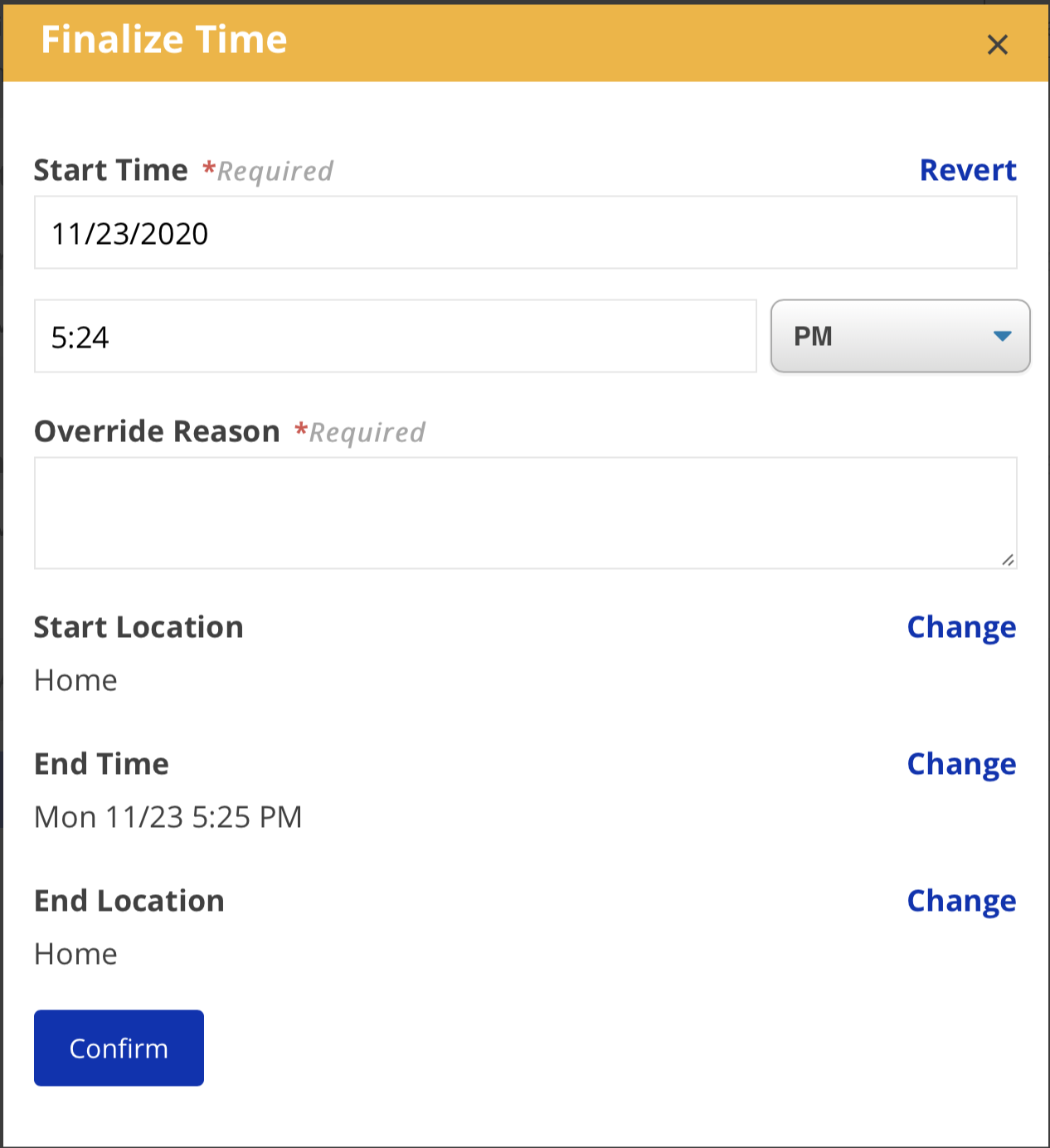
See more about EVV Override Requests in user story videos on adjustments.