iOS
Google Chrome:
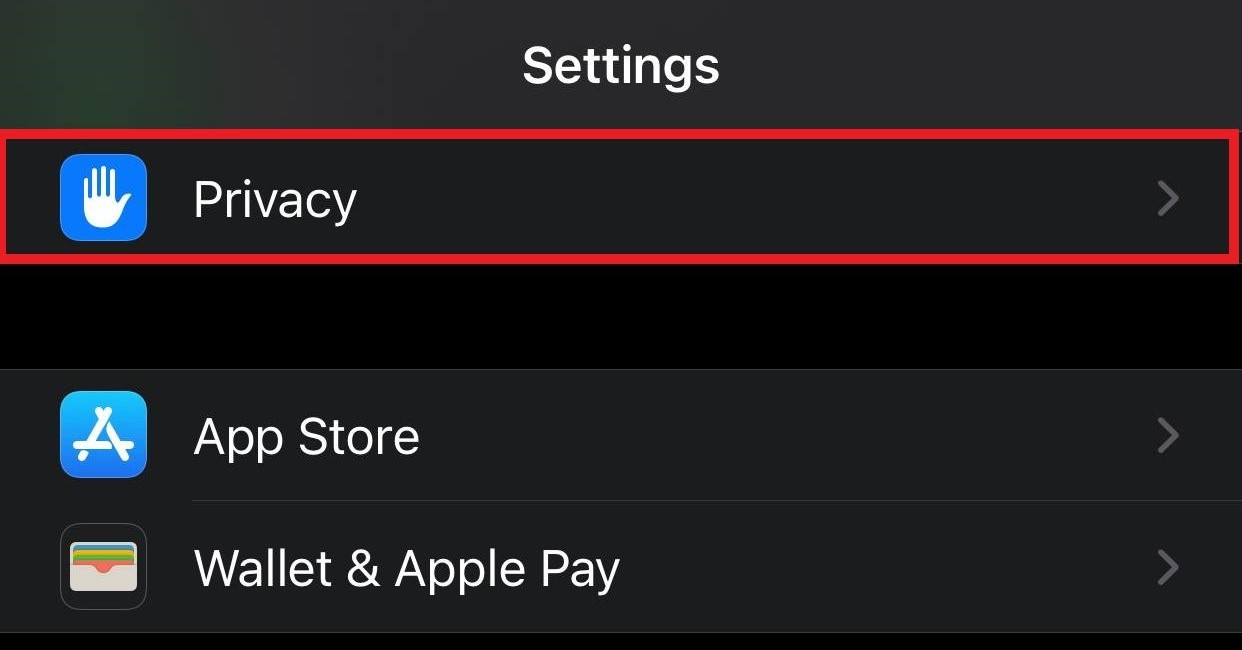
- First, navigate to Settings
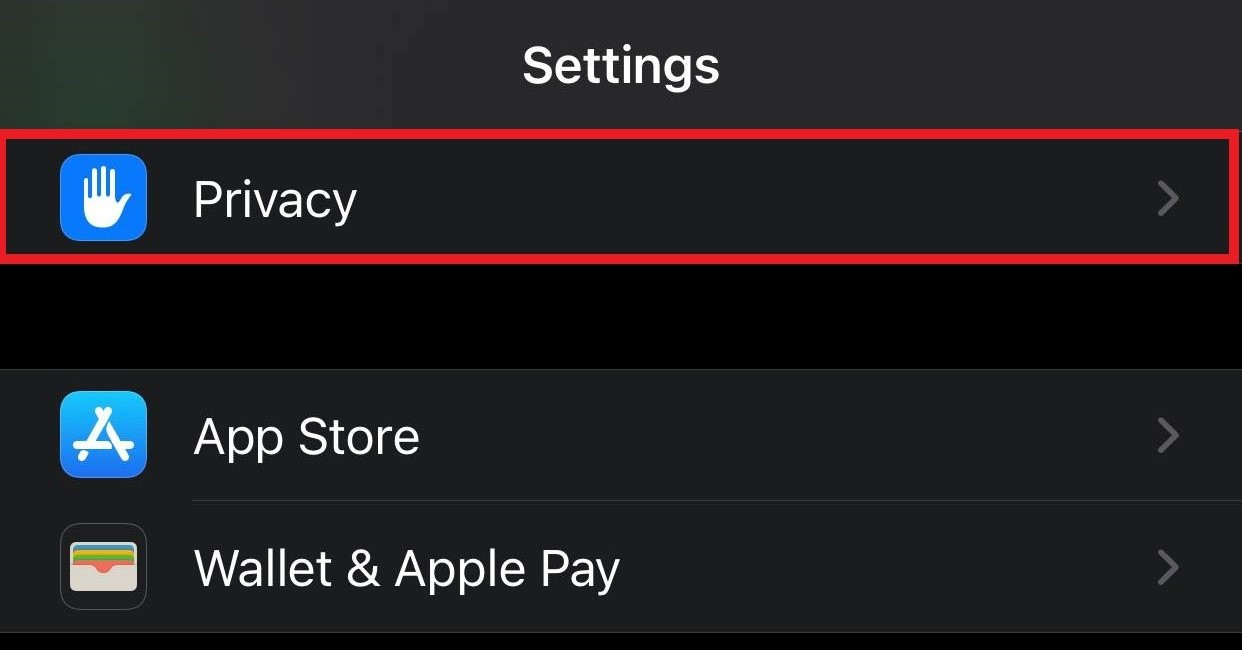
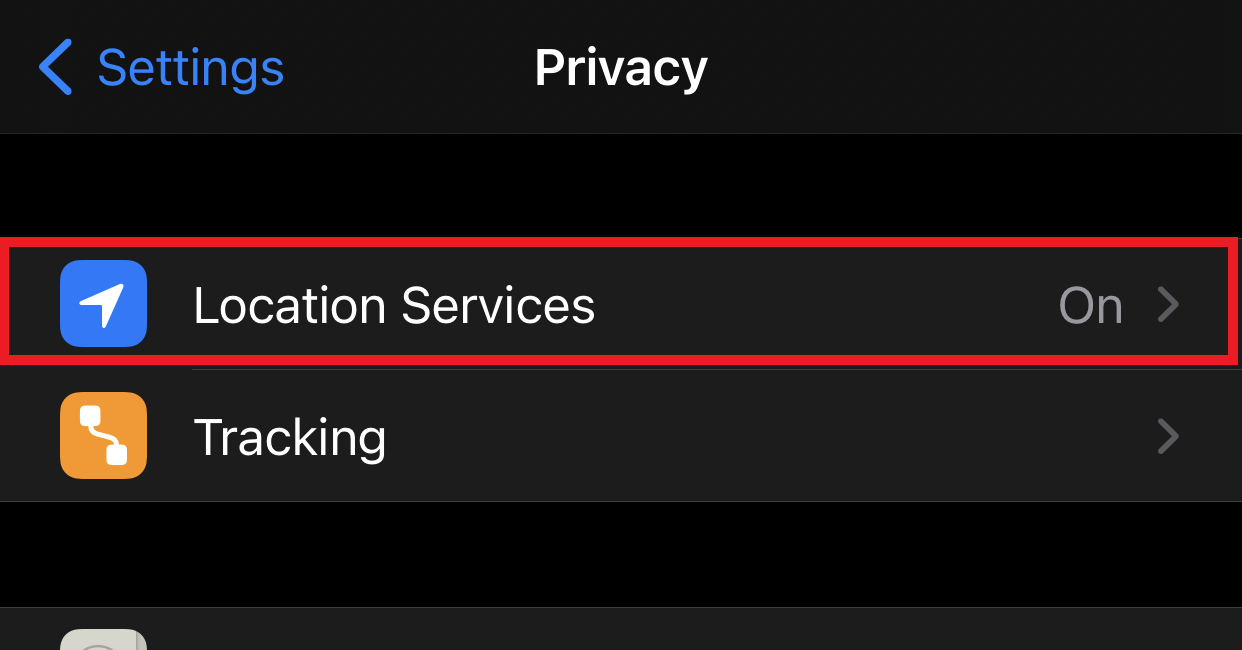
- Scroll down to Privacy and select Location Services
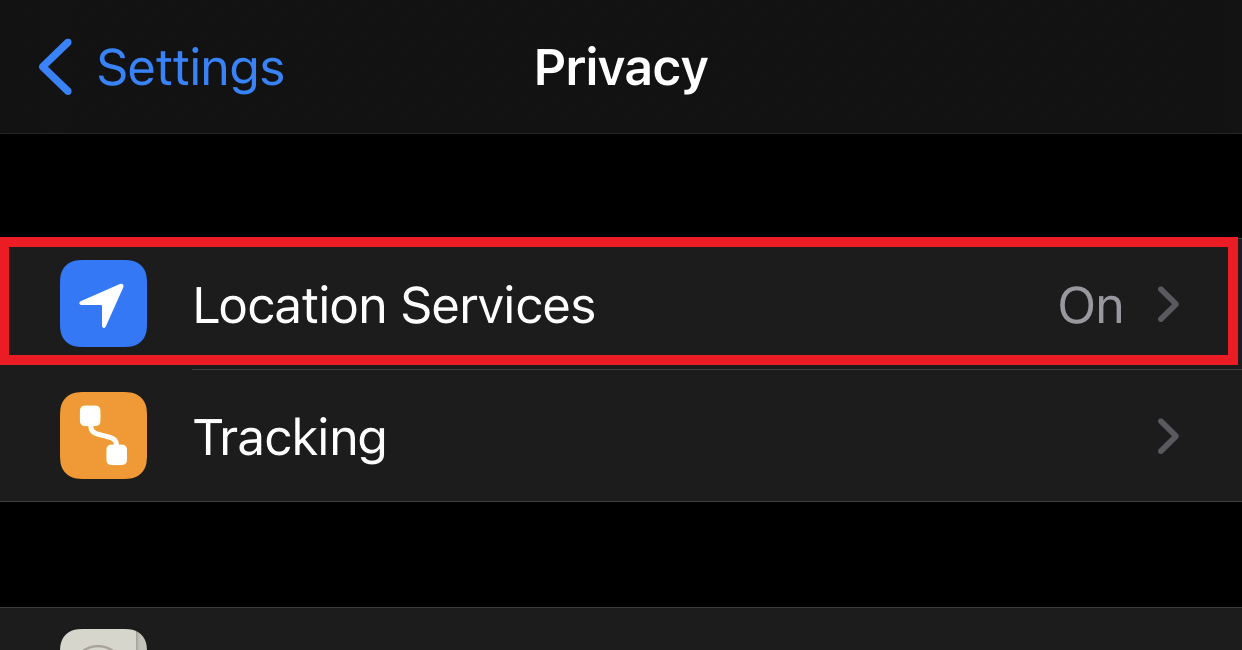
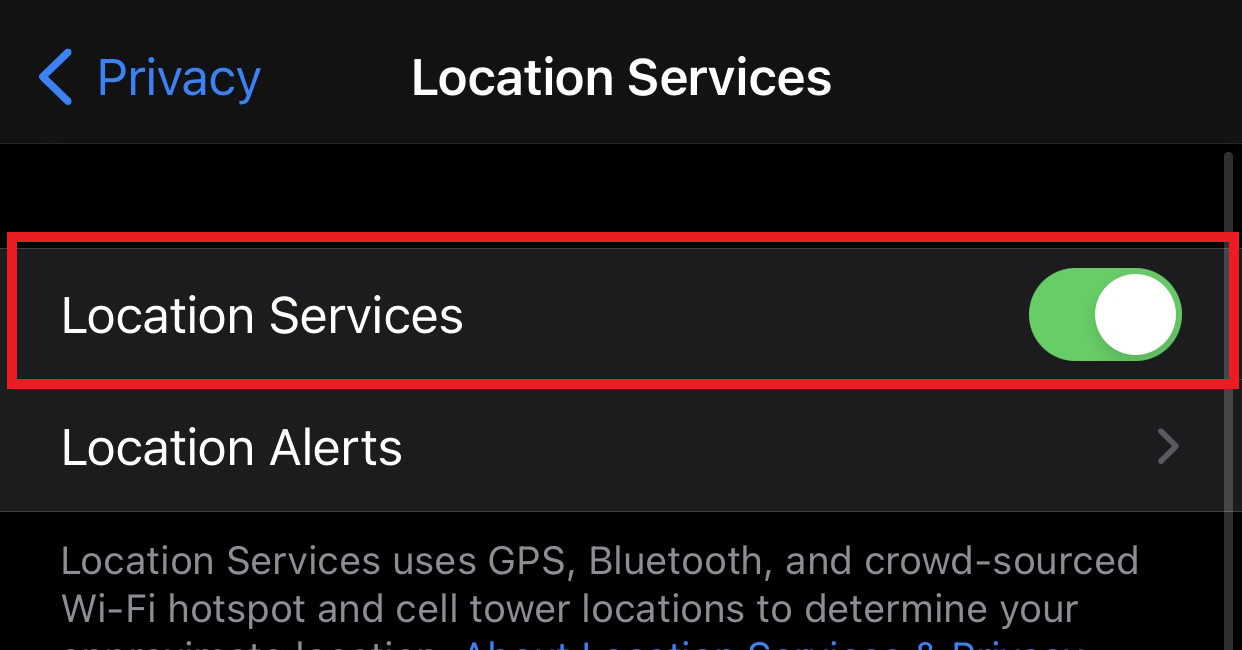
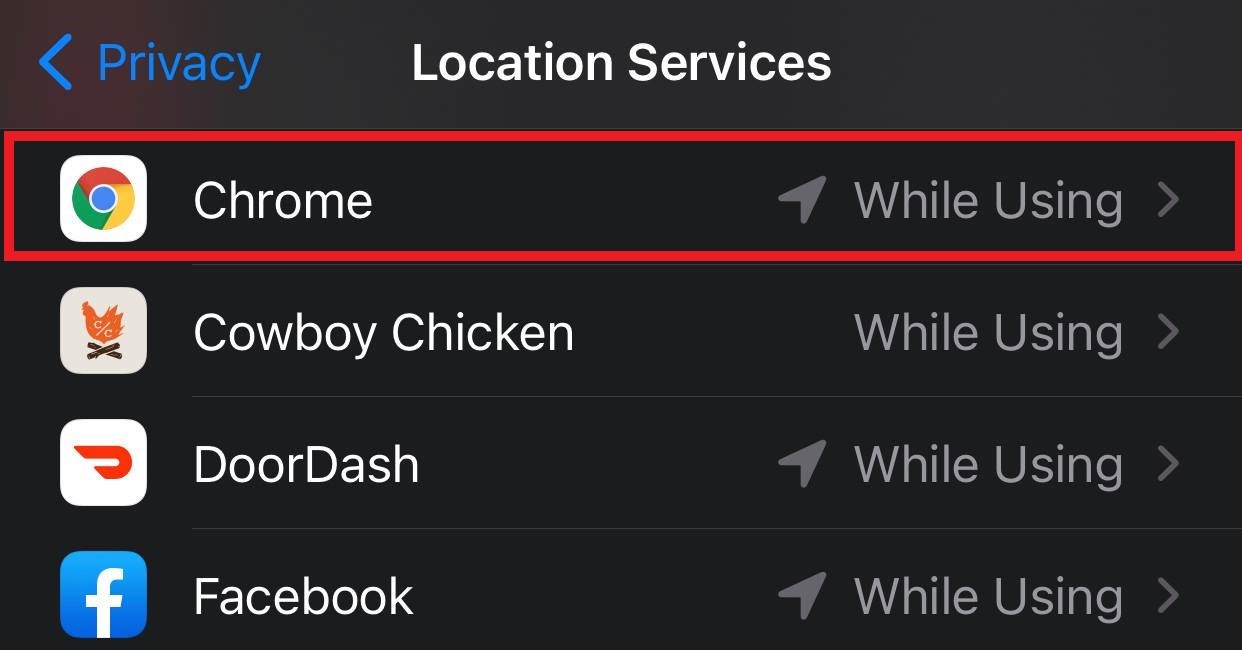
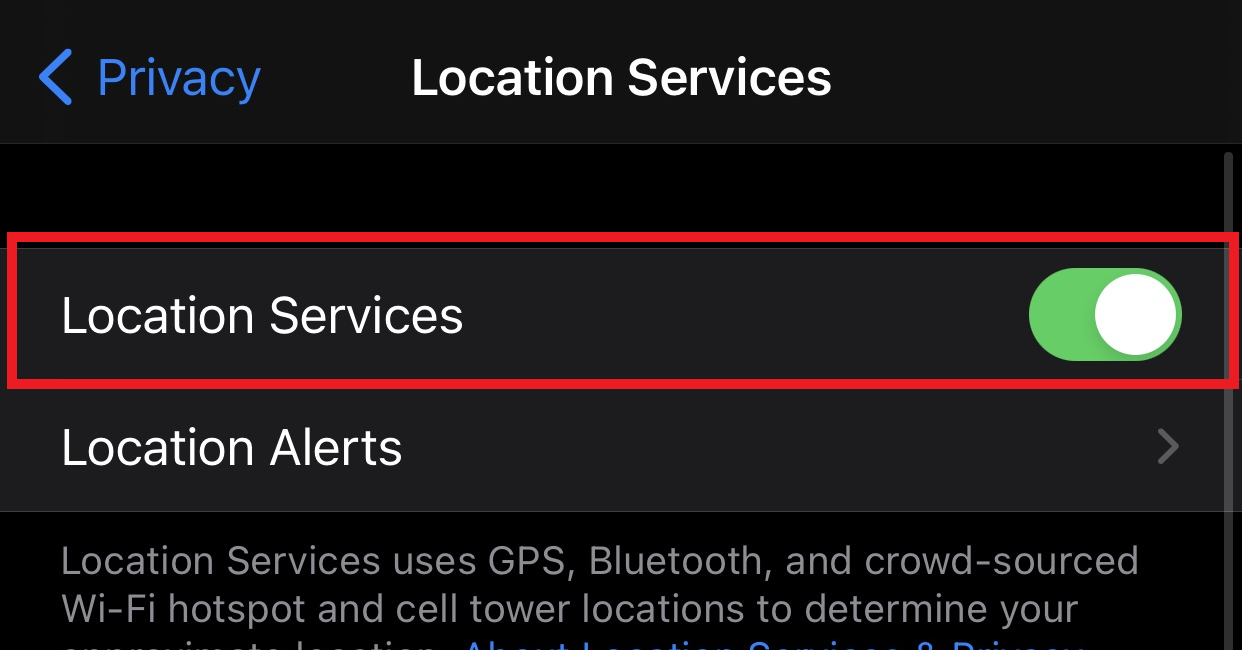
- Select Location to turn on location services, then Scroll down and select Chrome from the list of installed applications
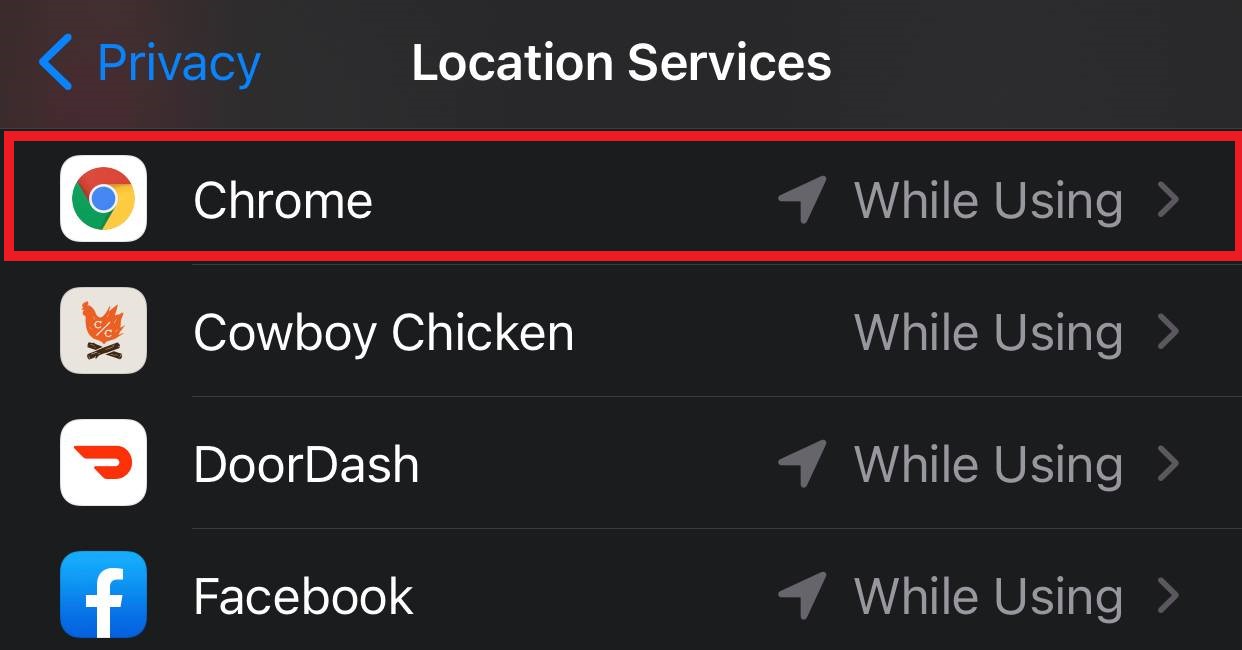
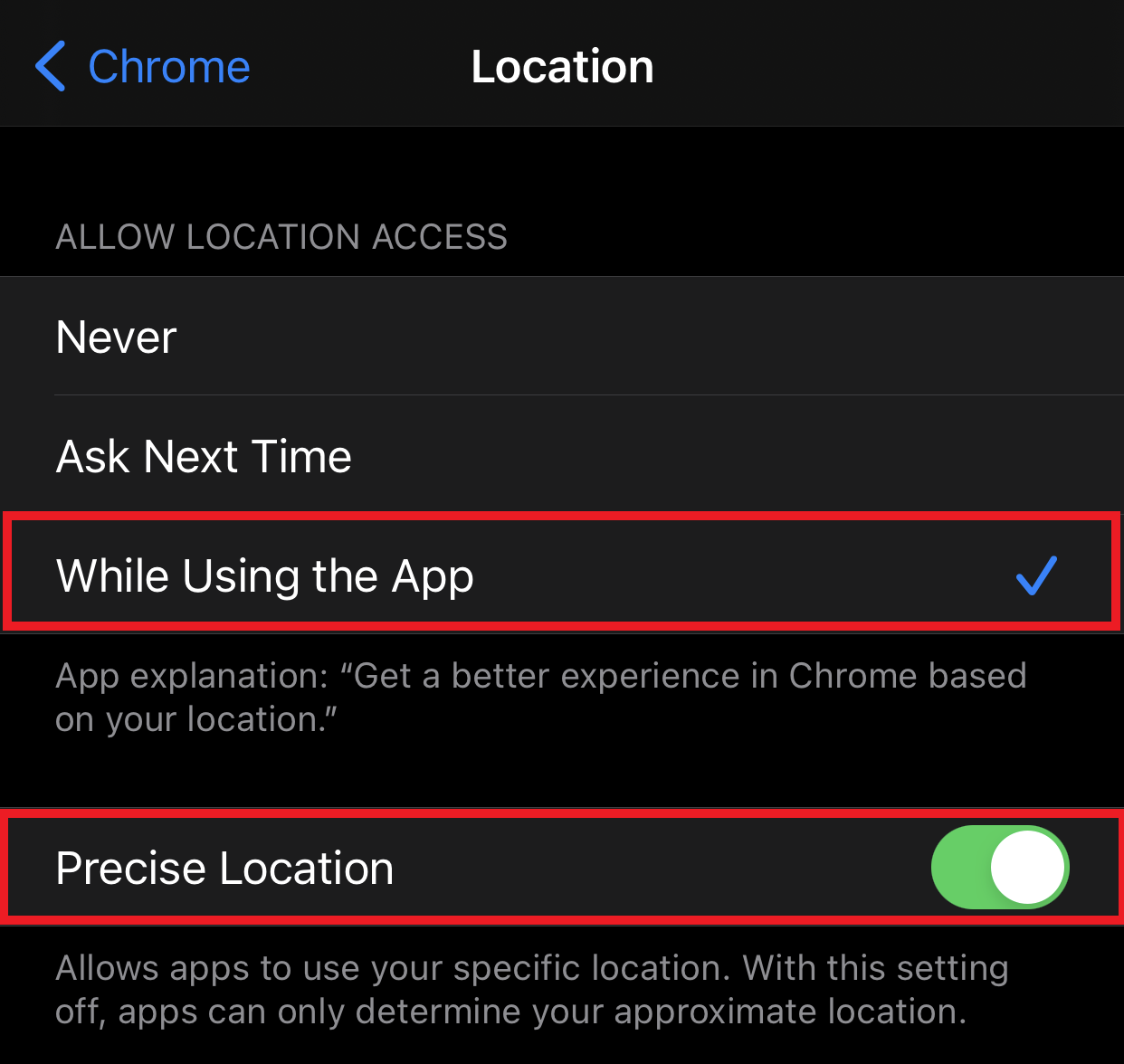
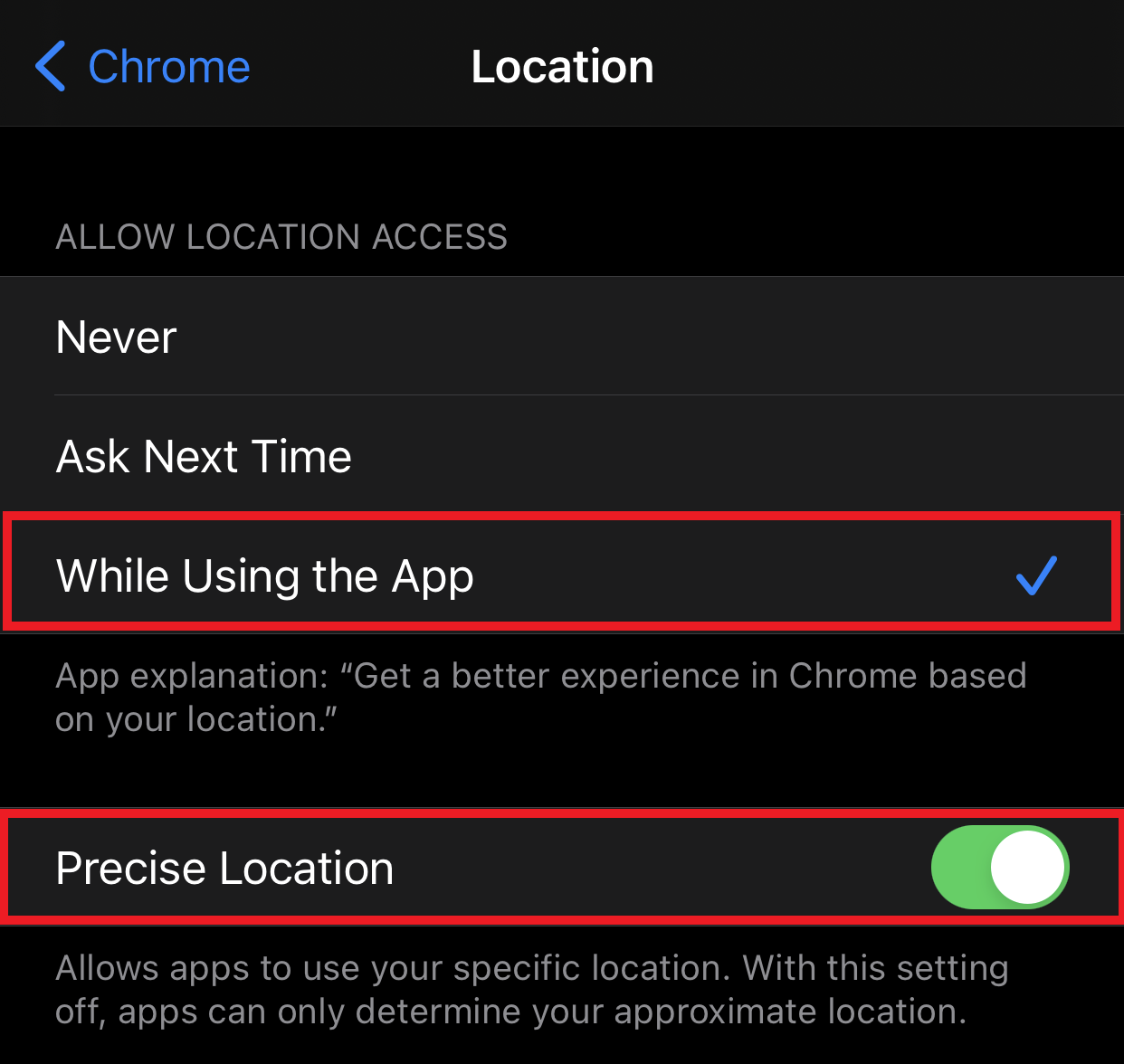
- From the Chrome specific Location settings, select While Using the App and Precise Location to allow Chrome to use your device location.