iOS
Google Chrome:
First, navigate to Settings
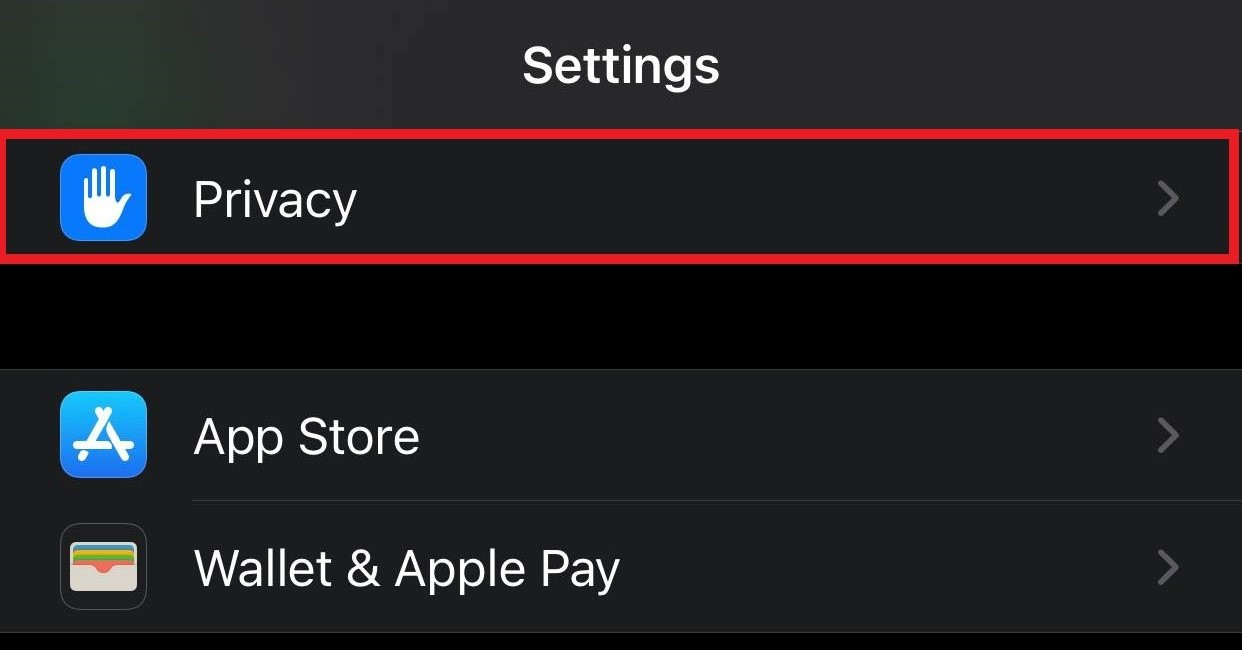
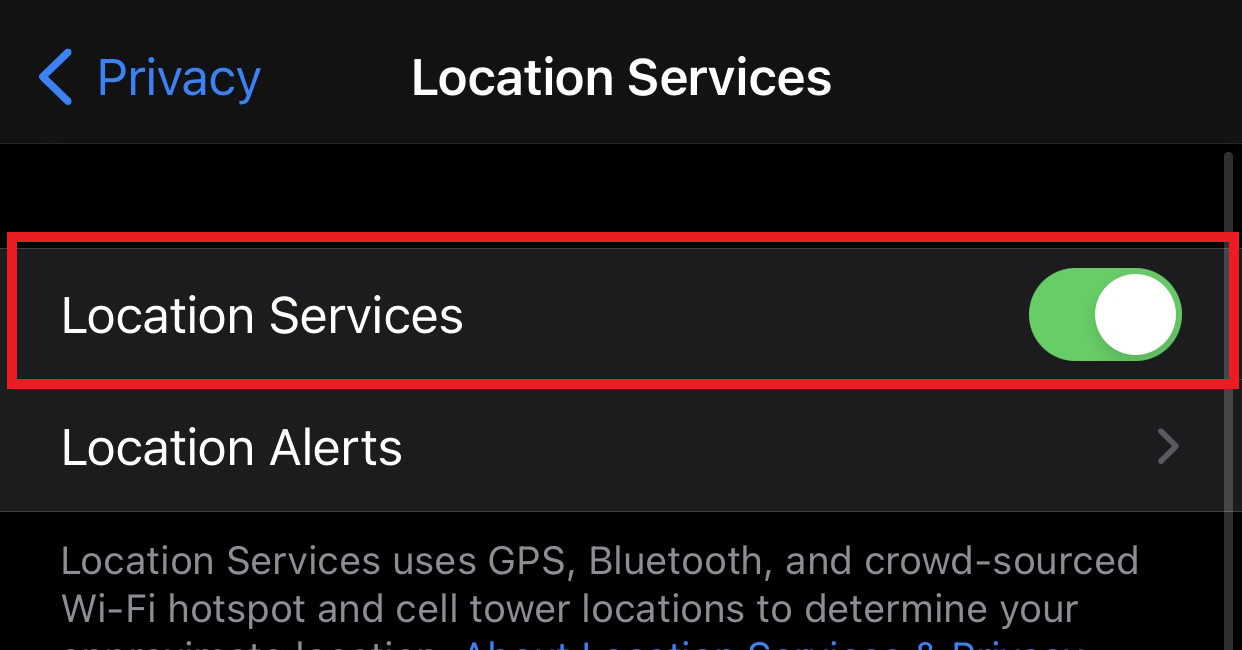
Scroll down to Privacy and select Location Services
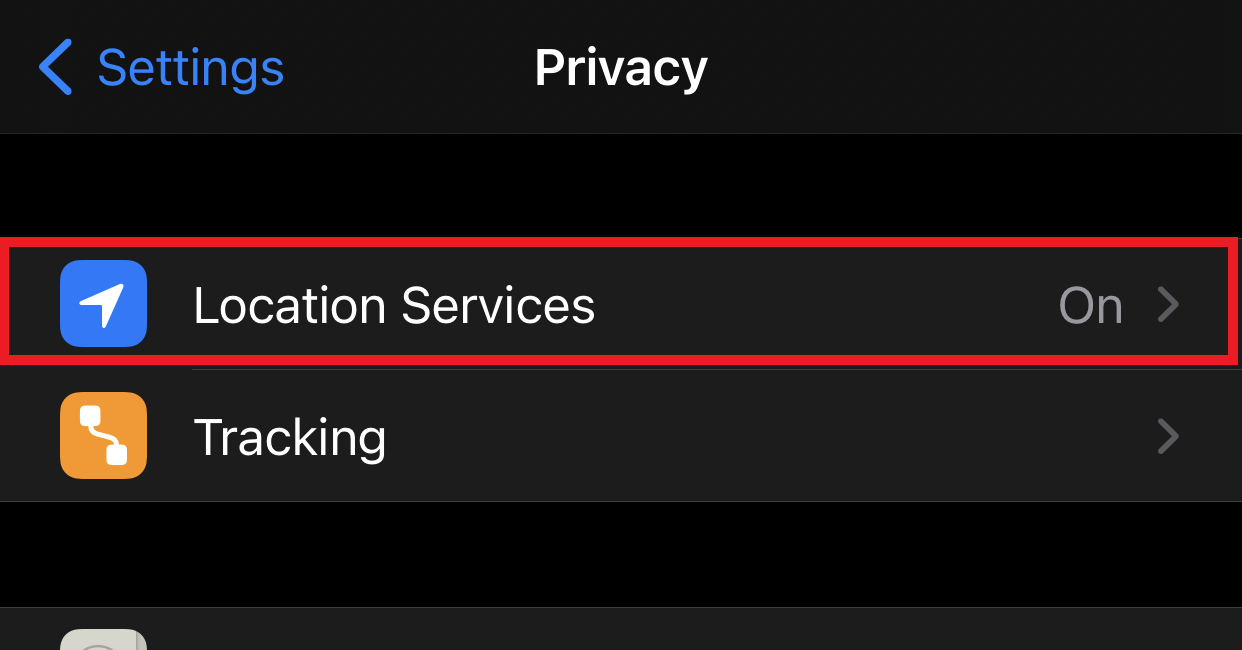
Select Location to turn on location services, then Scroll down and select Chrome from the list of installed applications
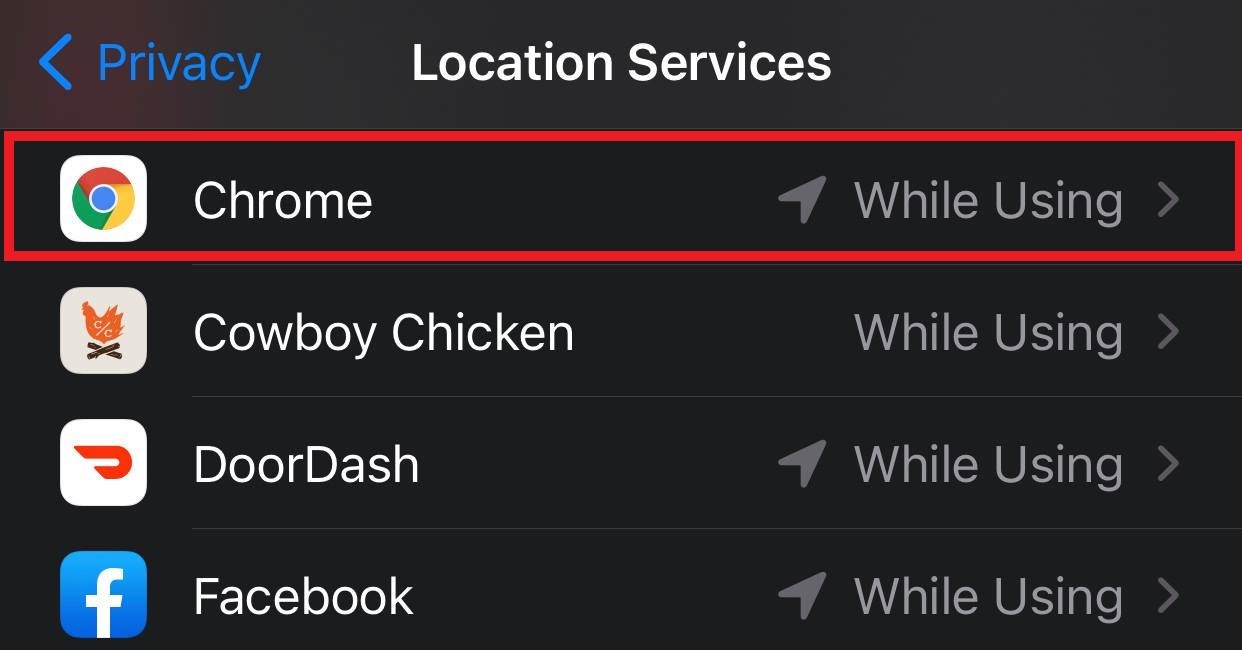
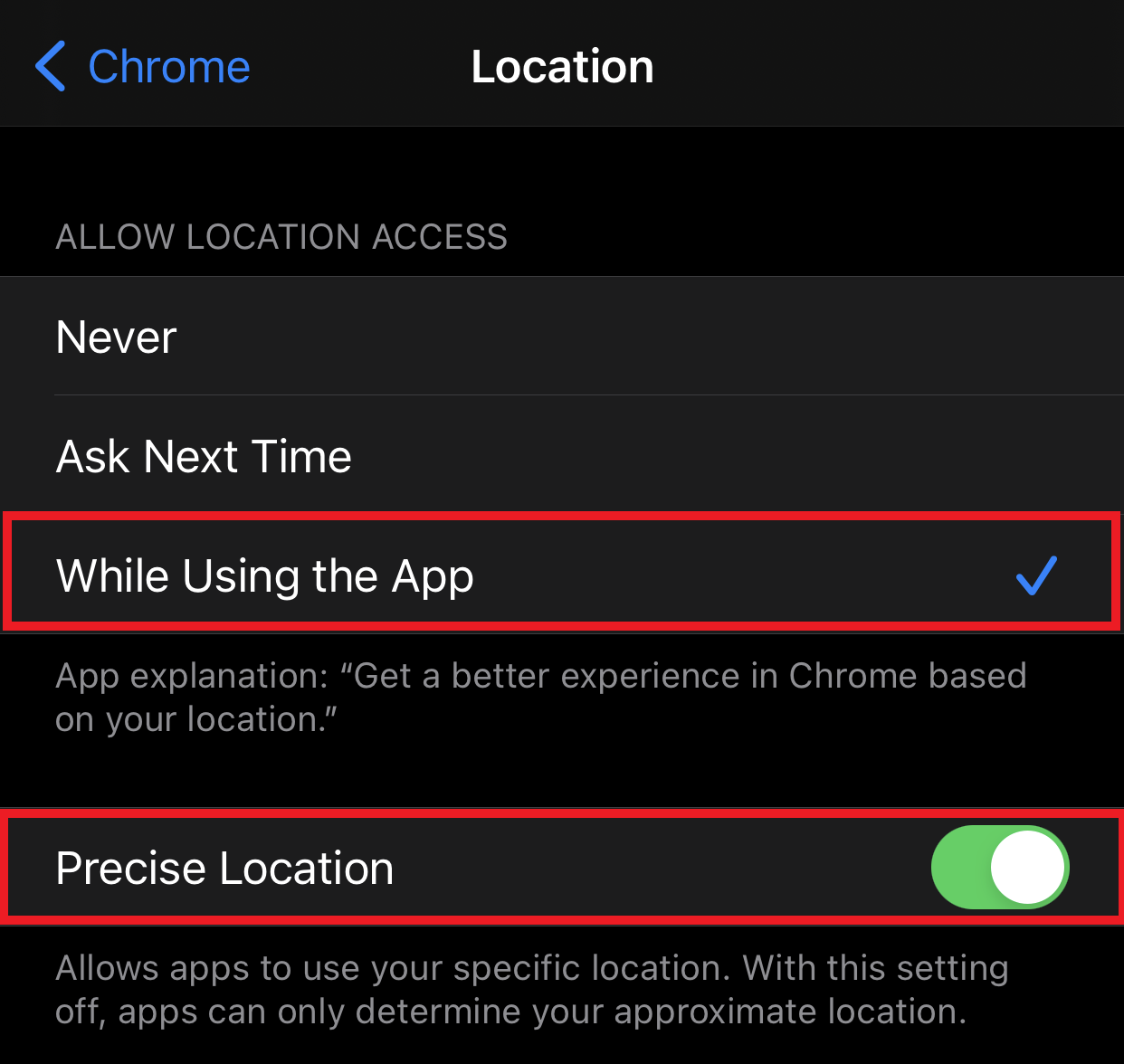
From the Chrome specific Location settings, select While Using the App and Precise Location to allow Chrome to use your device location.