Location Services Help
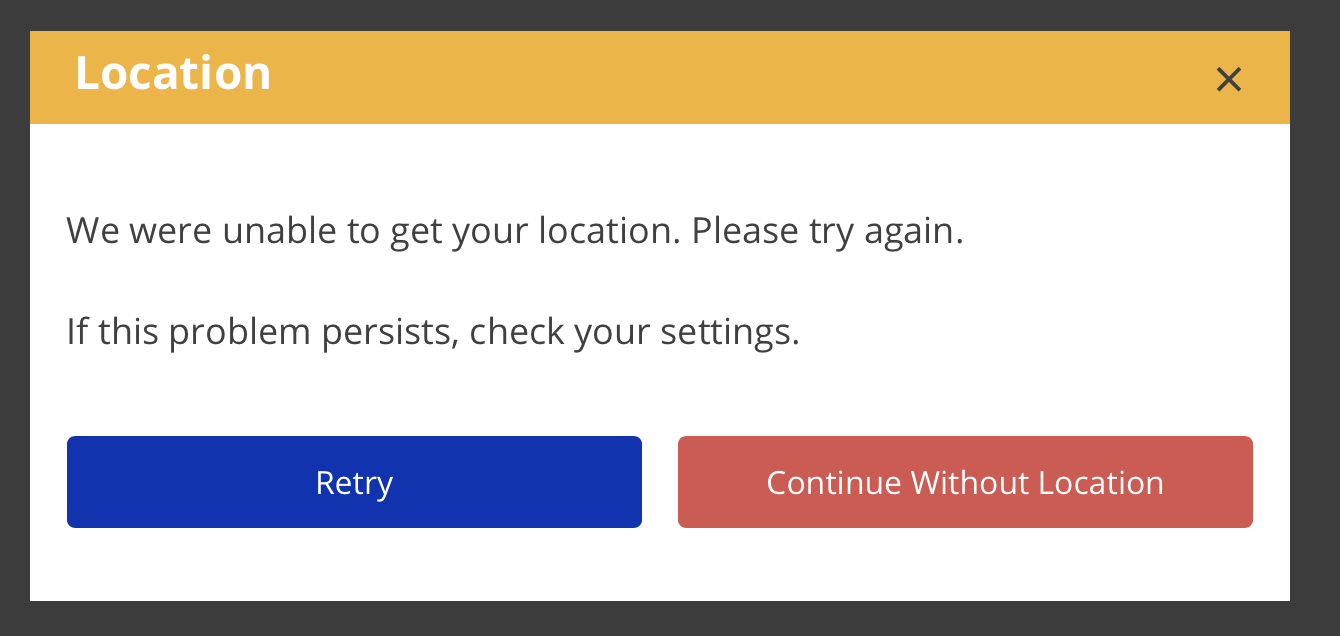
If eTime is unable to get your location when you start or end a shift, you will be presented with an error dialog.
- Adjust your device and/or browser settings to enable location services.
- Click Retry.
- If this still does not work, you can continue without a location.
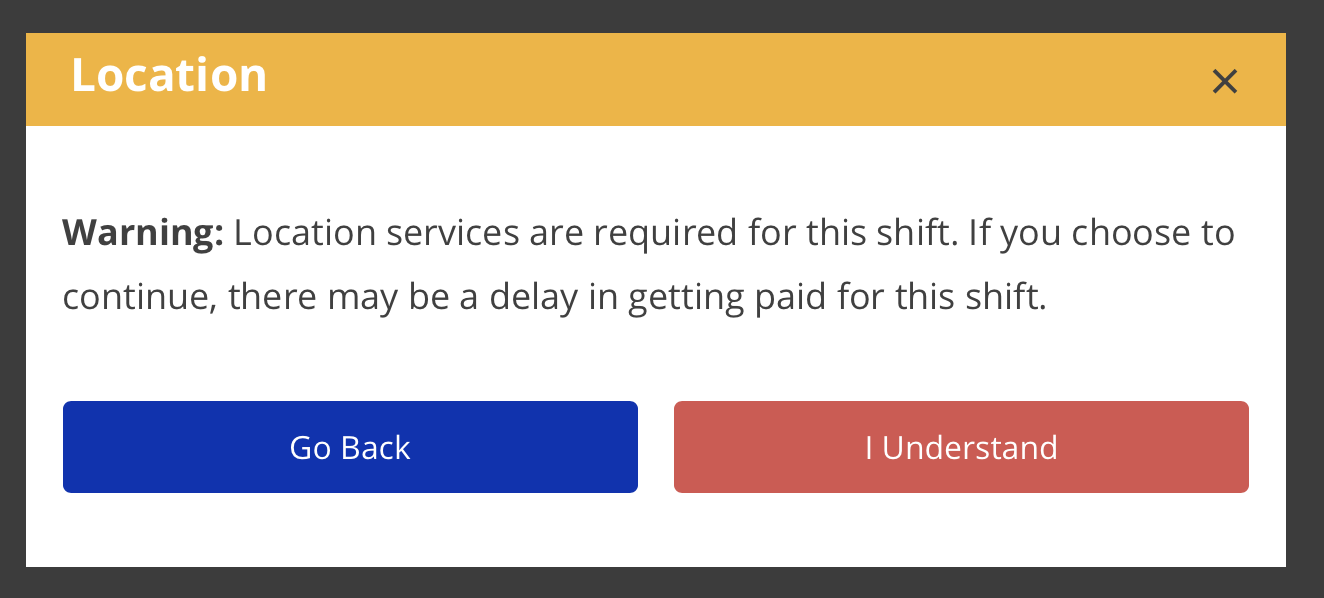
- Proceeding without a location is NOT recommended. Be aware that starting January 1, 2021, if you continue without location, there may be a delay in getting paid for the shift.
- If you know that the shift you are entering is not EVV Required, continuing without location will not have any adverse effects. Be aware, however, that if you end up needing to change the shift in a way that makes it EVV Required, there may be a delay in getting paid for the the shift. See the user story The Job Isn't EVV Required for more information.