
Location Services Help
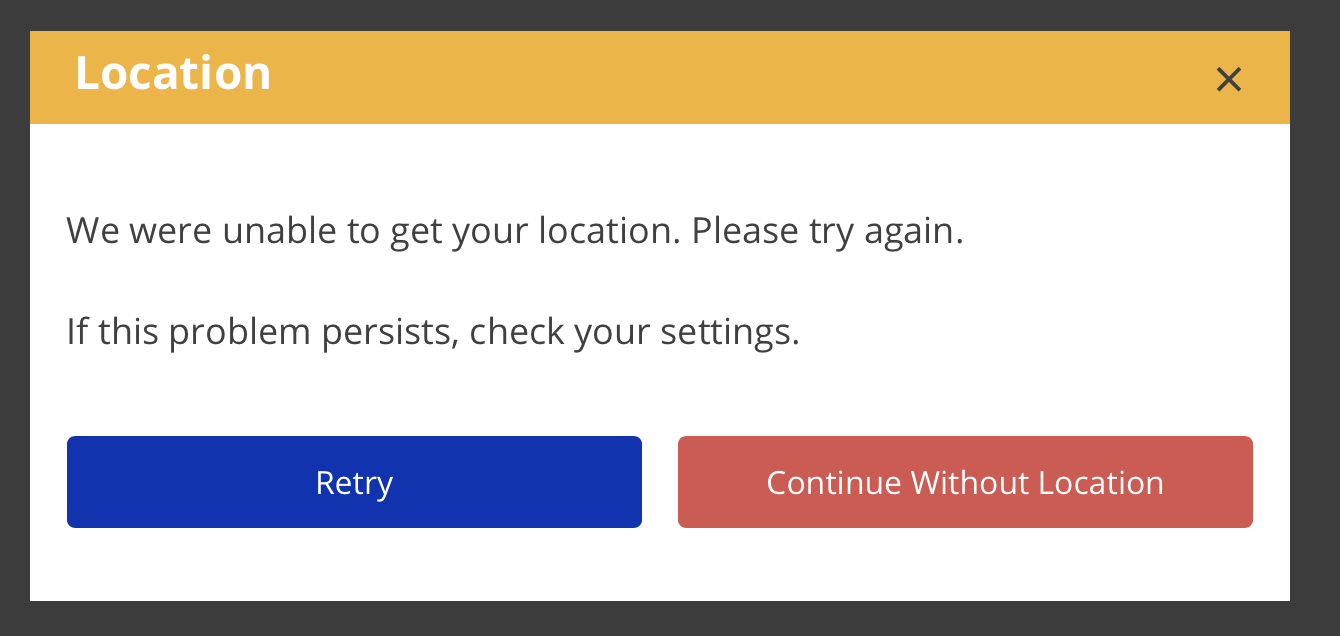
If eTime is unable to get your location when you start or end a shift, you will be presented with an error dialog.
- Adjust your device and/or browser settings to enable location services.
- Click Retry.
- If this still does not work, you can continue without a location.
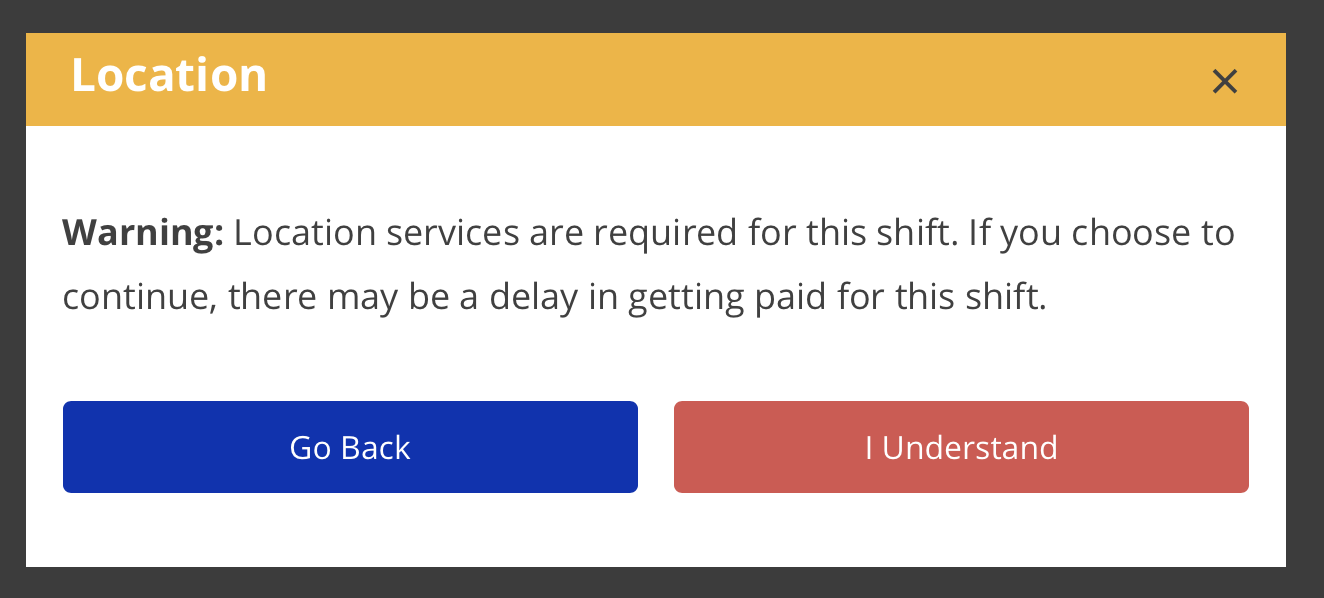
- Proceeding without a location is NOT recommended. Be aware that starting January 1, 2021, if you continue without location, there may be a delay in getting paid for the shift.
For more information about enabling location services, please visit the Enabling Location Services Help Guide section.