
Location Services Help
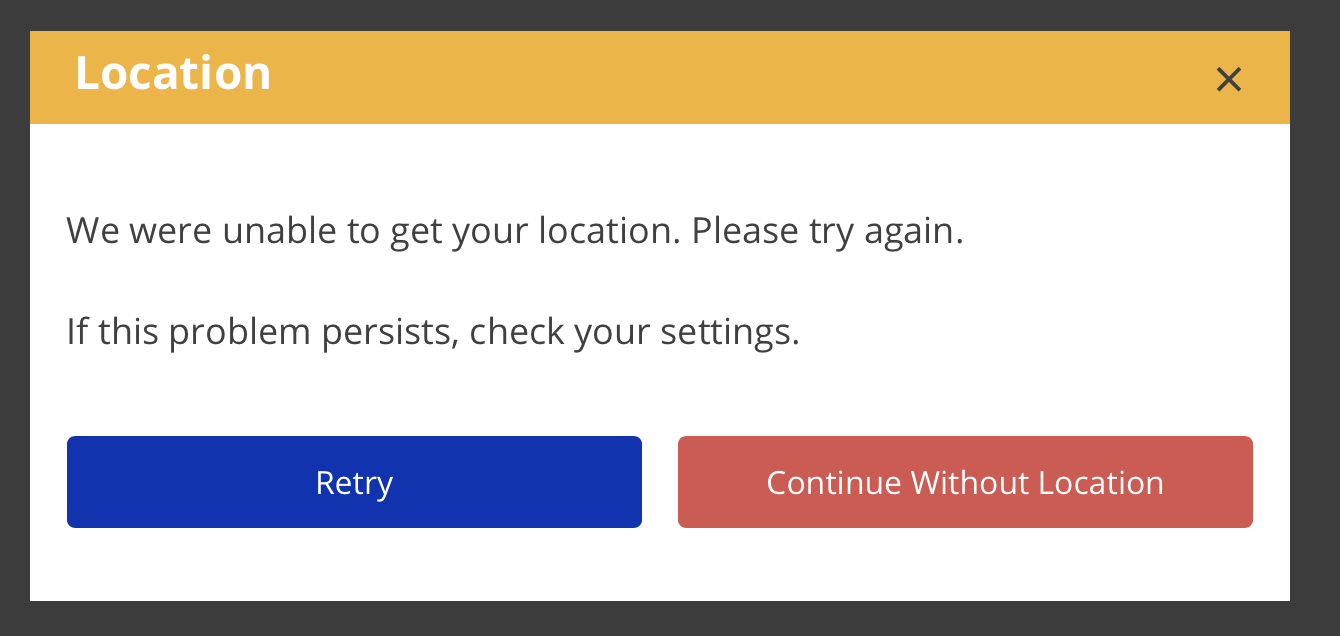
If eTime is unable to get your location when you start or end a shift, you will be presented with an error dialog.
- Adjust your device and/or browser settings to enable location services.
- Click Retry.
- If this still does not work, you can continue without a location.
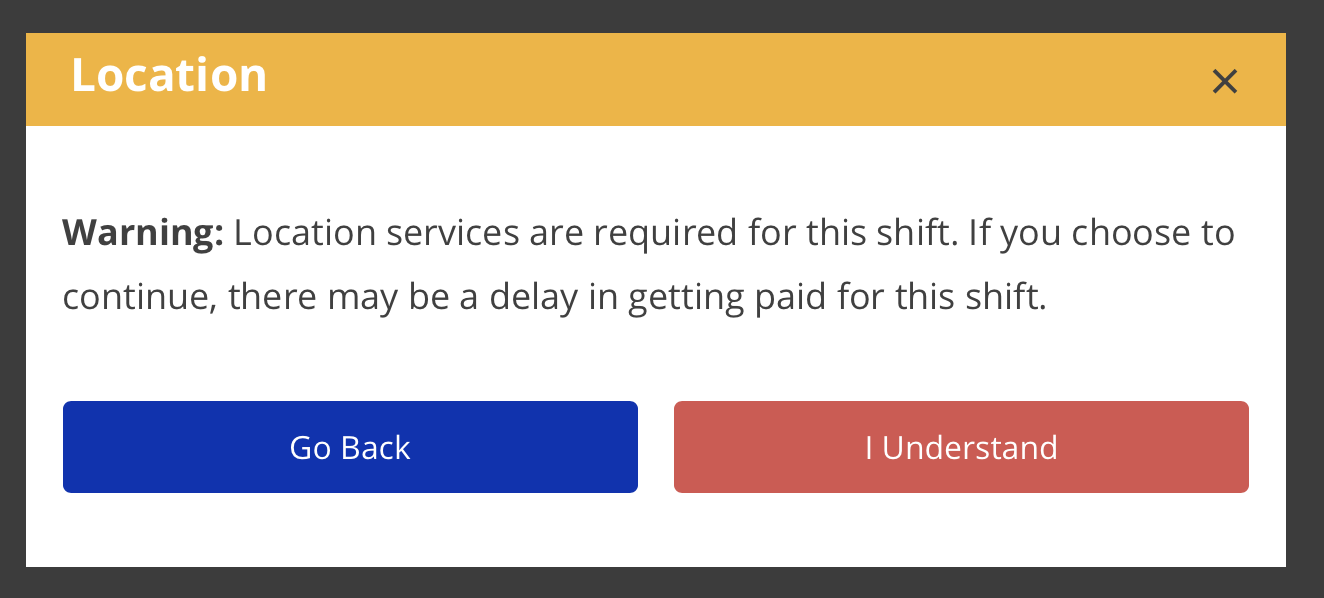
- Proceeding without a location is NOT recommended. Be aware that starting January 1, 2021, if you continue without location,
therethemayshift will be EVV Unverified. Continuous unverified shifts will be adelay in getting paidcause fortheISSshift.intervention, as ISS may not be able to bill for those shifts.
- Proceeding without a location is NOT recommended. Be aware that starting January 1, 2021, if you continue without location,
For more information about enabling location services, please visit the Enabling Location Services Help Guide section.