
Ask Kelly! Your Portal AI Assistant
 ISS' Portal AI Assistant Kelly went live in April 2026. Kelly is ISS' chat bot and she is available 24/7 to answer your questions on the Portal.
Who has access to Kelly?
All Portal users have access to Kelly once they are logged in.
How do you access Kelly?
Kelly is located on the bottom right of the Portal's footer. Kelly will show after you have logged in and is on all pages except those where she would block what you need to process on the screen such as the eTime shift screens and the expense upload form.
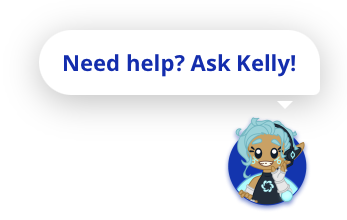 How does it work?
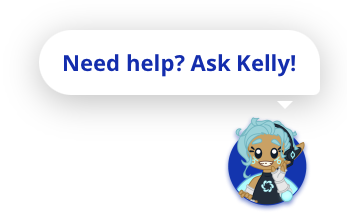
Just click on the Ask Kelly! button and the chat window will open.
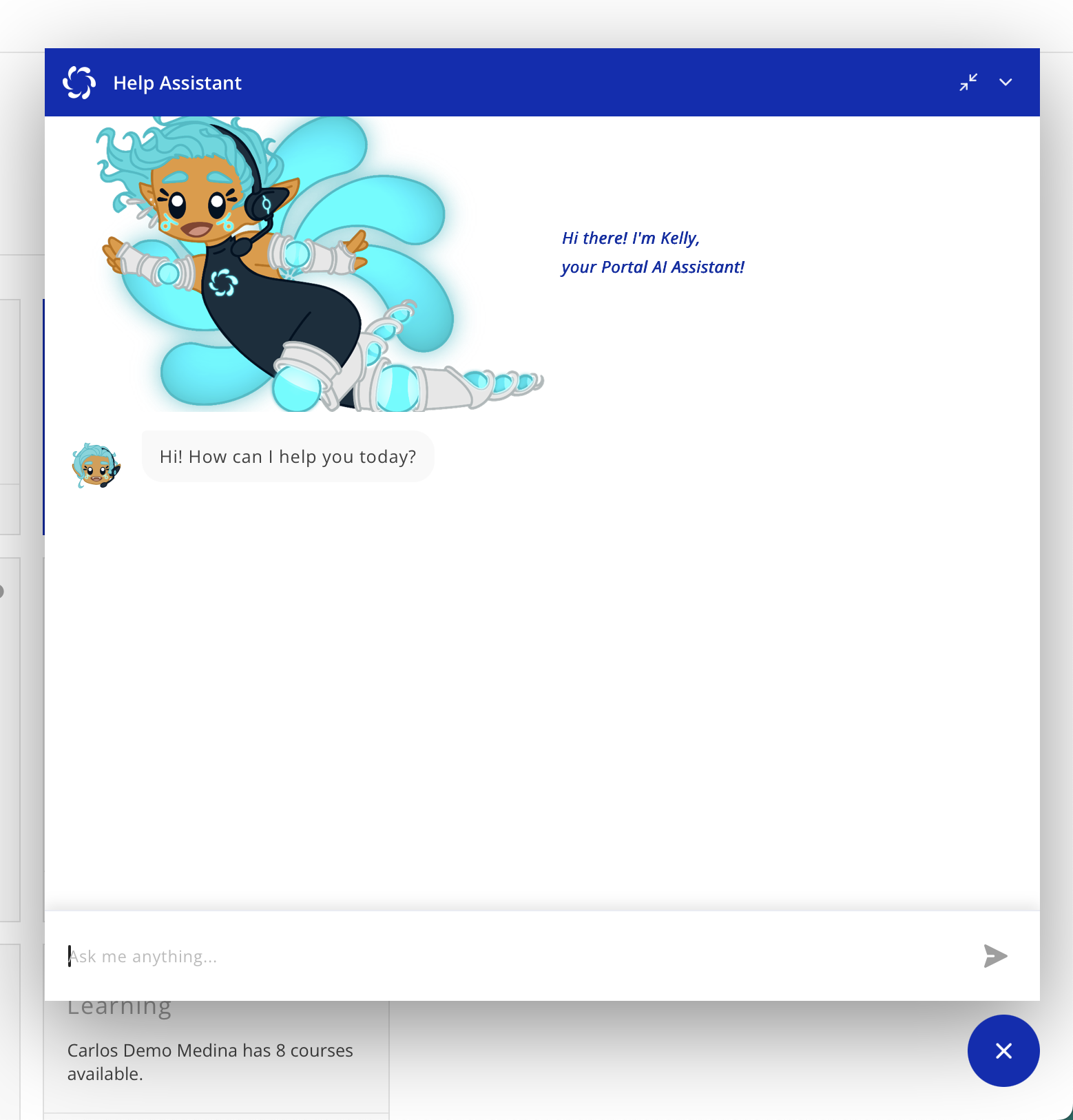
Do you have an example?
What are those buttons at the top of the chat window?
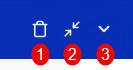
There are three buttons at the top right of the Help Assistant chat window. All three are not always visible.
(1) Clear chat
Kelly will remember the questions that you've asked and the answers that she has provided. This allows you to continue the conversation with her and ask follow-up questions. If you want her to forget any previously asked questions and start a new conversation, you can click the Clear chat button.
(2) Shrink / Expand
The Help Assistant chat window will automatically size based on the device you are using. This button will show as either Shrink or Expand depending on the current size of the window. If the window is large and you want to make it smaller, click Shrink. If the window is small and you want to make it larger, click Expand.
(3) Minimize
Clicking Minimize allows you to hide the Help Assistant chat window from view. You can minimize the window and open it up again on another page of the Portal to continue your conversation.
Do I have to rate the answers?
No, but it would be helpful if you did.
After each answer, you will get the option to "rate this answer" with a thumbs up for "this was helpful" or a thumbs down for "this wasn't helpful."

Rating the answers helps ISS know that Kelly is performing well and find things that aren't being answered correctly.
Where does Kelly get her answers?
Kelly answers only from the ISS Help Website located at https://help.issny.org/shelves/portal. We have done this to prevent Kelly from making up answers or answering questions that have nothing to do with ISS or Self-Direction.
Does Kelly know who I am?
No. Kelly does not have any knowledge of the user asking her questions or their role so she will not gear her answers to the specific user. You can, however, tell Kelly your role and that you need her to answer for that role. For example, "I am a participant, how do I submit expenses?"
We are working on a future version of Kelly that will be "role aware."
What do I do if Kelly doesn't answer my question?
While AI is pushing the boundaries of what we can do with technology and ISS continues to develop tools using AI, people remain at the center of what we do. You can always reach out to your assigned Self-Direction Coordinator. If you are staff, you can also contact the Staff Support Liaison at staffsupport@issny.org.
Created 04/22/26.